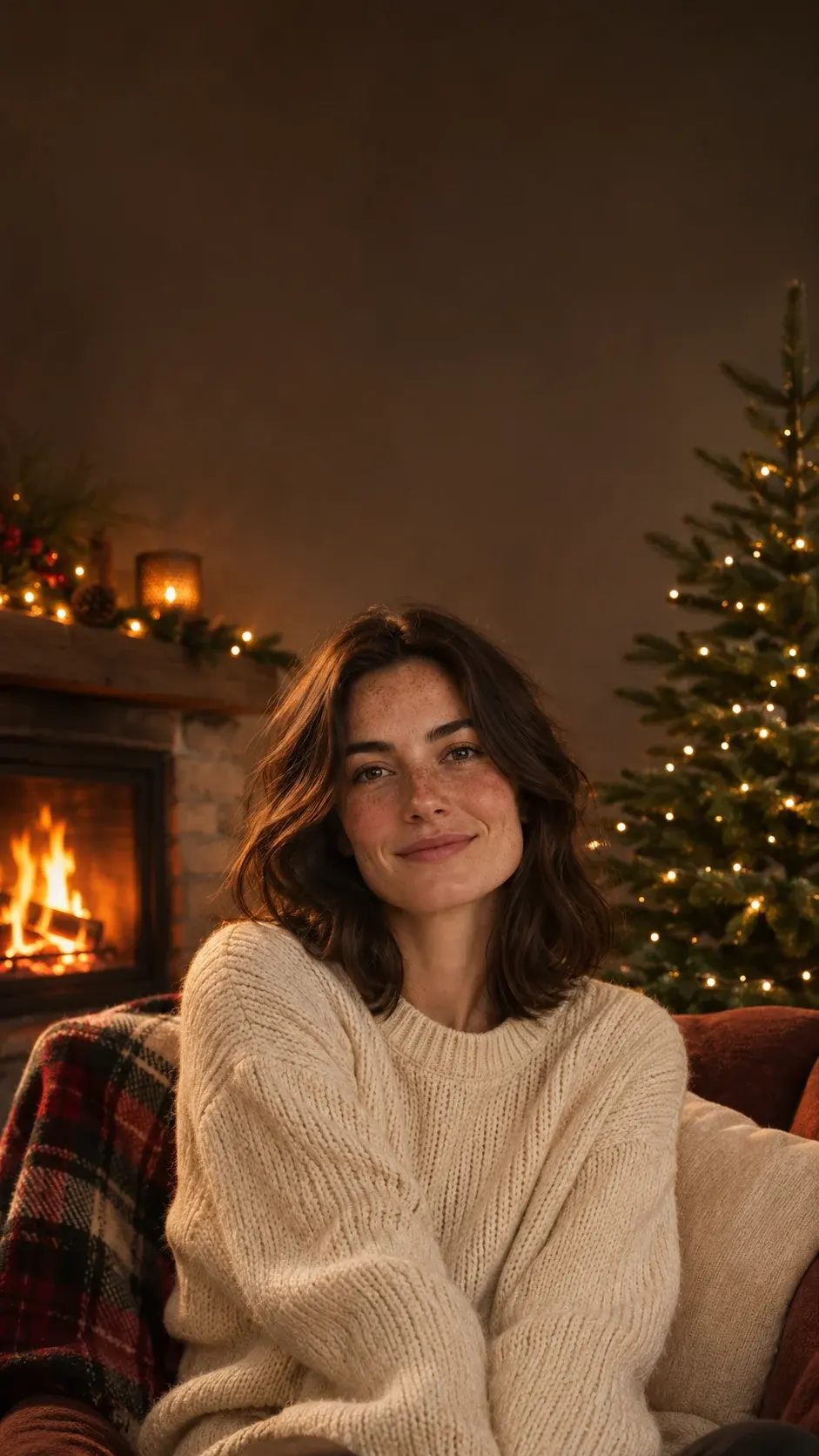
 Photo-friendly
Cozy fireplace
Golden light. A little closer to home.
Your screen, in the holiday spirit
Turn your photo into a festive wallpaper, or create a Christmas scene for your phone or desktop. Pick a look. Add your touch. Make room for a little magic.
Add your photo below, or leave it empty to create the scene. Clothing stays the same unless you choose otherwise.
Loading the editor…
Check the editor’s current quote before generating. Previewing and cropping use no generation credits.
A little holiday inspiration
Choose a look. Make it yours.
Photo-friendlyGolden light. A little closer to home.
 Photo-friendly
Blue-hour snow and golden windows.
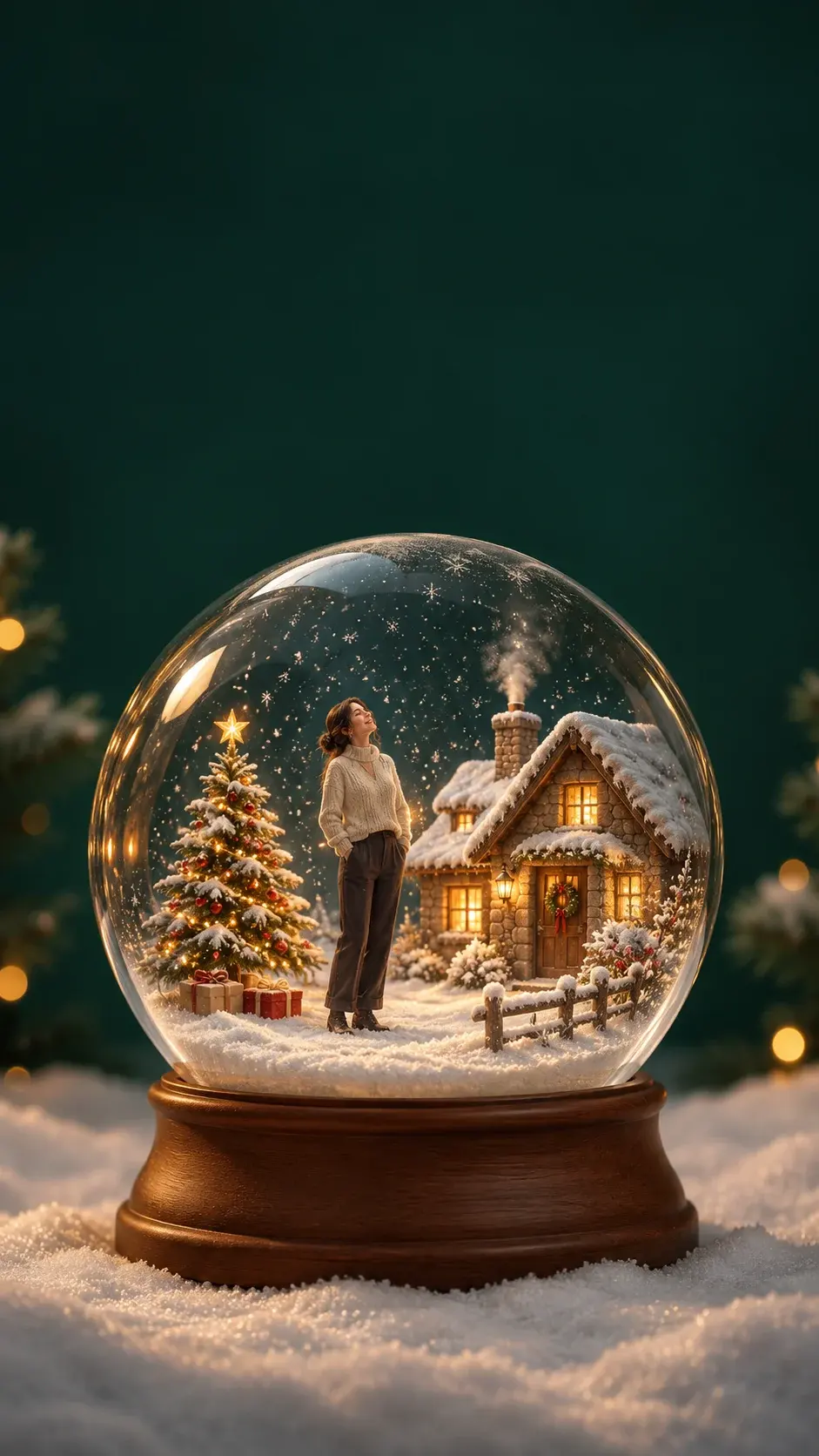 Photo-friendly
Your own tiny winter world.
 Photo-friendly
Their favorite spot, dressed for Christmas.
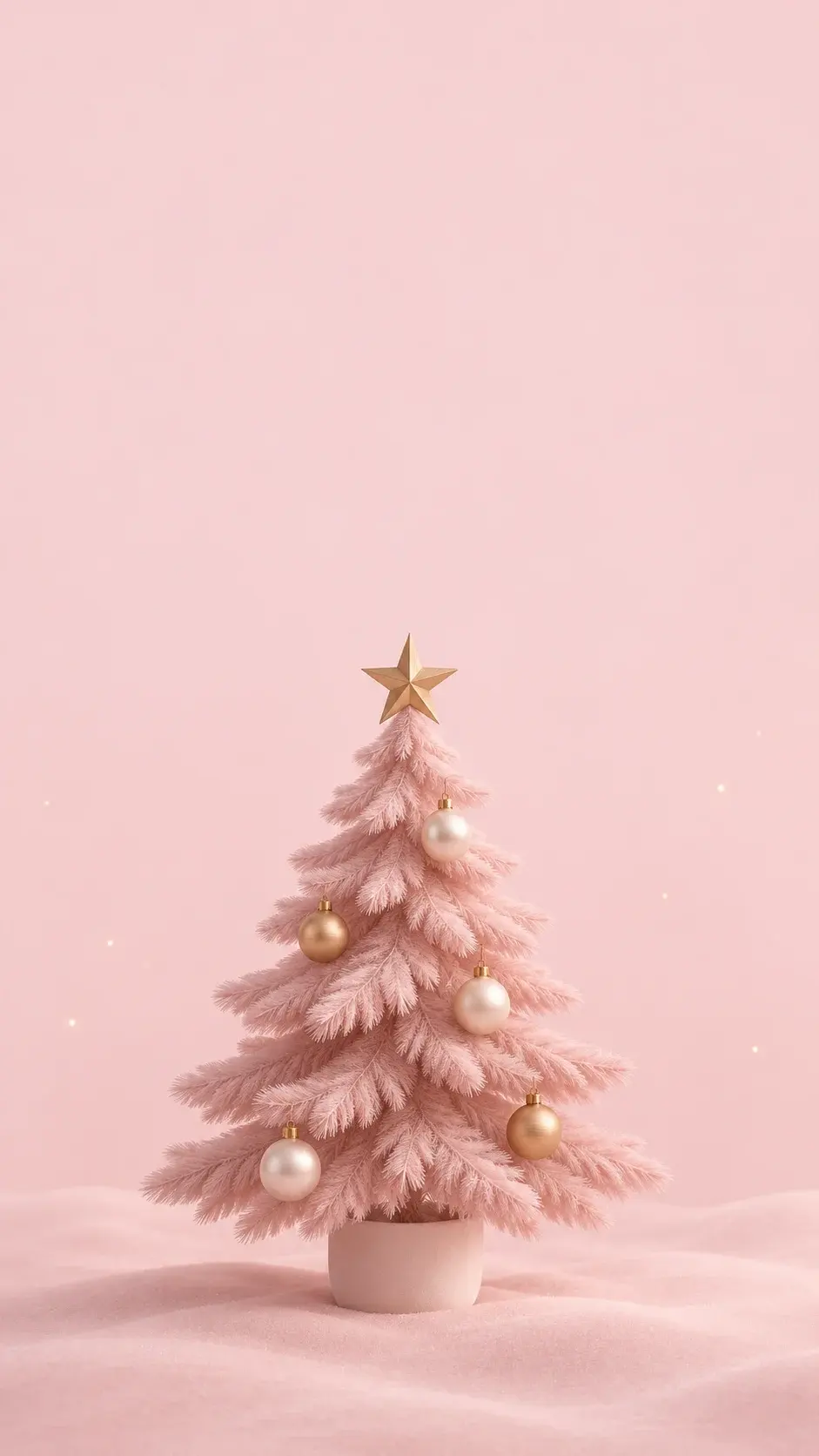 Scene
Soft pink. Pearls. A quieter kind of festive.
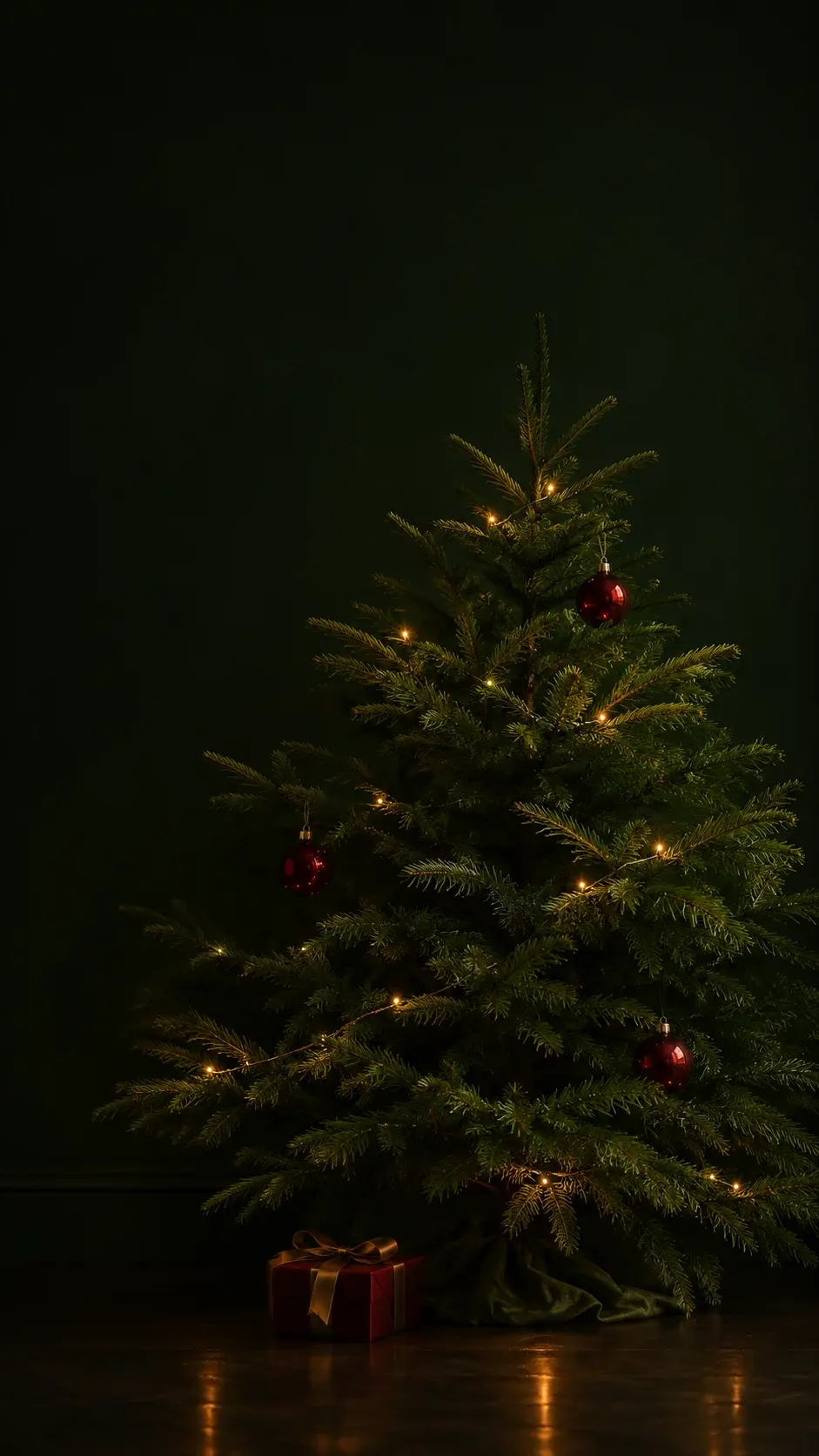 Scene
Evergreen shadows and little golden lights.
From an idea to your everyday screen
Pick a style and a phone or desktop layout. Upload your photo, or start with a scene.
Keep the prepared prompt or add a detail. Review your settings and the current quote before generating.
Preview the result, adjust its crop and download. Set it as your wallpaper in your device's settings.
Made for the way you use it
A Christmas phone wallpaper needs a different composition from a desktop background. Choose the screen before generating, then fine-tune the crop without another generation.
9:16 generation · standard and tall crops · lock-screen preview
16:9 generation · room for icons · desktop preview
Preview controls stay on screen. Your download is just the wallpaper.
Yes. Choose Use my photo, upload a clear photo and select a style. The instructions ask to preserve the subject's features and clothing while changing the scene. Check faces and small details in the finished image; identity preservation is not guaranteed.
Choose Create a scene. Pink Christmas and Dark Christmas Lights work especially well as simple backgrounds. You can edit the prepared prompt before generating.
Choose Phone to request a tall image with the subject lower in the frame and a quieter upper third. After generation, choose Preview & crop. Try a standard or tall phone crop and move the image until the clock leaves the face clear. Device previews are illustrative; your phone may crop differently.
Yes. Desktop requests a wide 16:9 scene with the main subject toward the right and space for icons on the left. The crop tool also offers a desktop preview. The downloaded PNG contains only the image.
No. Previewing, moving and cropping an image already available to you happens in your browser and does not start another generation. Creating or regenerating an image follows the quote and funding options shown in the editor.
The editor shows the available generation sizes. Preview & crop displays the exact pixel dimensions of your download. It crops or reduces the image without enlarging it, so a 1K result is not presented as a native 4K wallpaper.
Use a clear pet photo for Pet Under the Tree. An existing couple photo can be used as one reference, but check both faces carefully. This tool does not combine separate portraits. Sample artwork illustrates styles, not a guarantee for your particular photo.
Your uploads and generated results use EzImageAI's private media workflow. They are not automatically added to this page's style gallery. See the Privacy Policy for storage, processing and deletion details.