

Change a photo background
A complete prompt, upload steps and a checklist for edges, shadows and details to keep.
Turn a prompt or one reference image into a private video. Sign in and use the same credit balance as image generation.
Find your creative direction
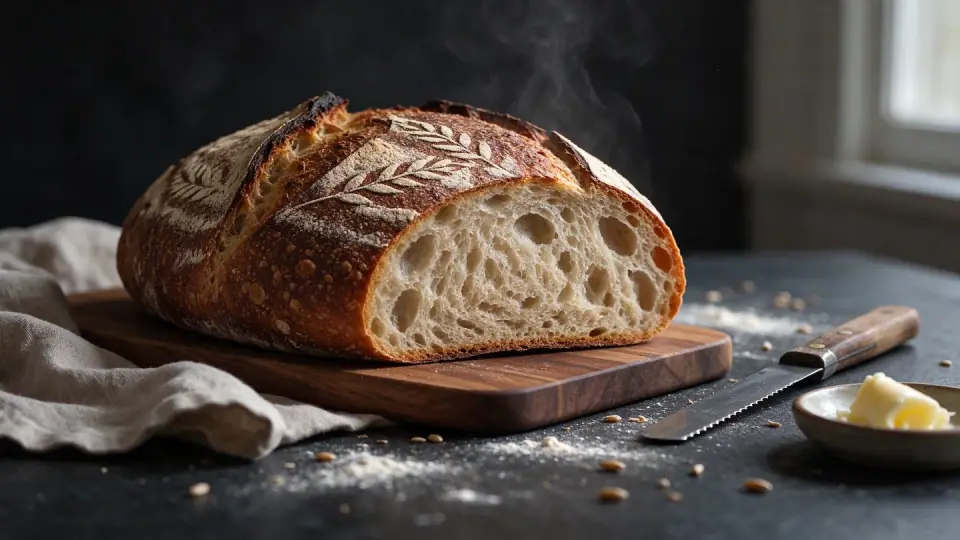
Photorealism & precise edits
Bring texture, light and detail into focus.
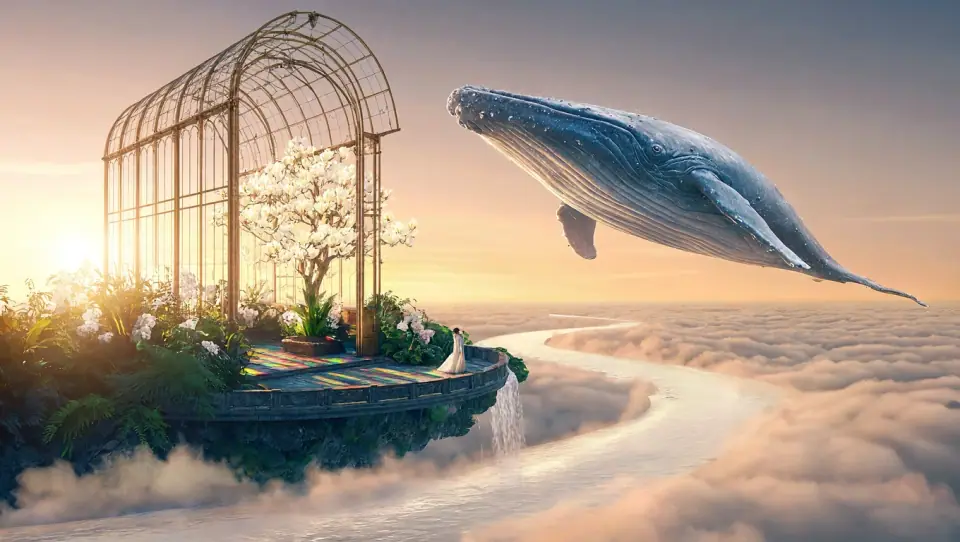
Imaginative scenes
Give your imagination room to grow.
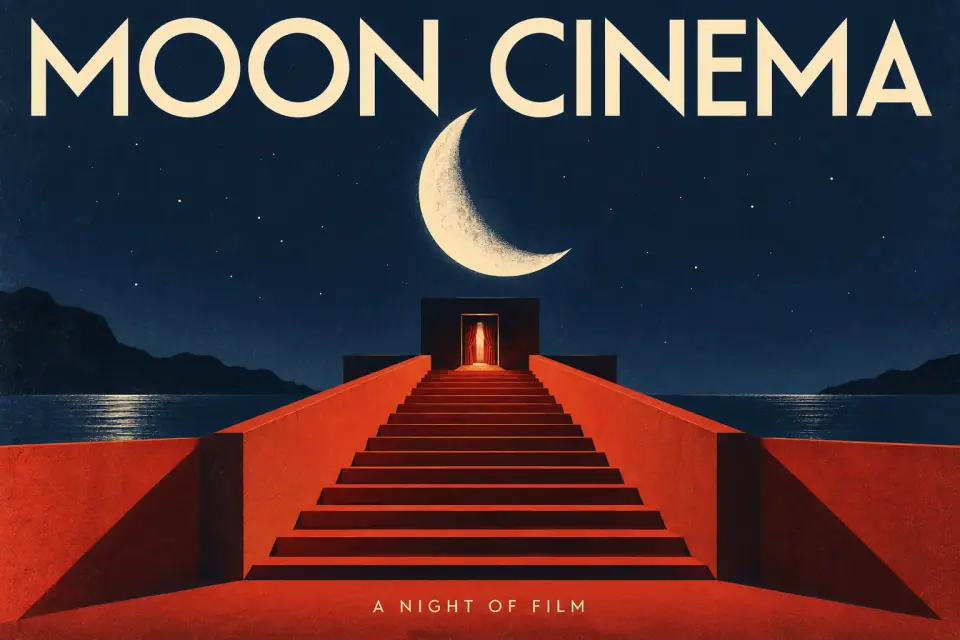
Typography
Let words become the image.

Product photography
Make the material part of the story.
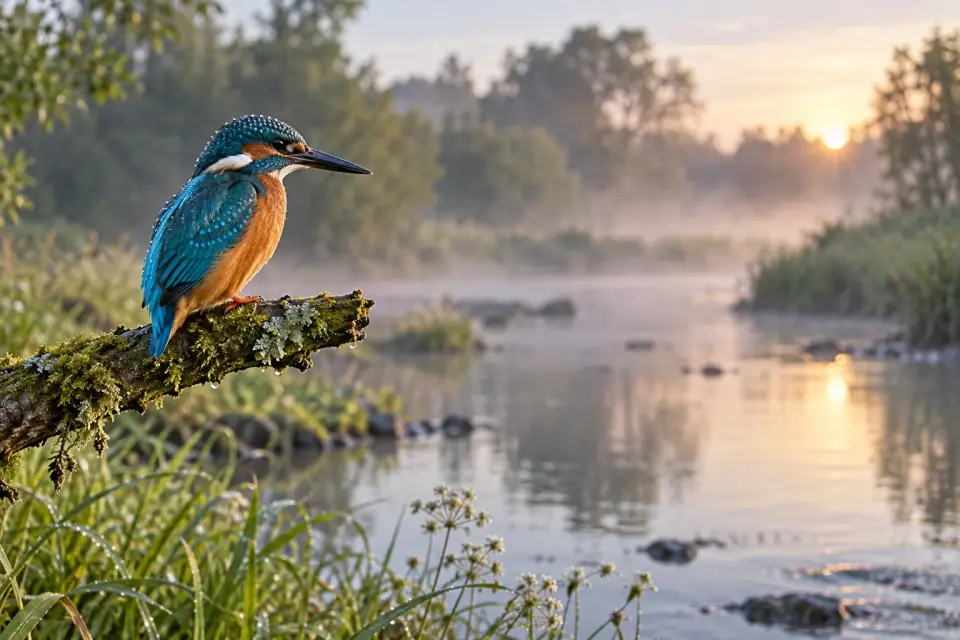
Wildlife photography
Let the natural world set the mood.
Prompt recipes
Start with an image editing prompt for backgrounds, objects, portraits, or lighting. Adapt each example to your source image and the change you want.
Choose a card to send its full prompt to the editor.
The birthday portrait was generated with EzImageAI. Other images illustrate prompt ideas.
One source, one clear change
Drag the divider to compare a vector illustration with a hand-authored edit direction.
This illustration demonstrates the interface; it is not a quality guarantee.
 OriginalEdit direction
A complete prompt, upload steps and a checklist for edges, shadows and details to keep.
Compare three actual outputs from one reference, then try the reviewed prompts.
Choose outlines and background settings, then download or print on A4 or US Letter.
How it works
Edit your photo in one workspace: add an image, describe the change, and review the result. You can also start from a text prompt when signed in.
Add a JPEG, PNG, or WebP. Name the subject to keep and the background, object, color, or style to change.
Sign in, select supported output settings, and see the credit cost on the generation button. Eligible reference edits can use the guest trial when available.
Start the edit in one click, compare the result with your source, and use it as a reference for the next prompt.
Eligible accounts receive 8 EzImageAI Credits once for two MiniMax H3 Image 1K generations at 5 credits each. There is no monthly refill. Active paid subscriptions unlock other image models and HD options. The USD 2.99 image pack also offers 3 successful images with the covered image models and sizes, without a subscription.
For individual creators turning regular image ideas into finished assets.
$9.50/month
Billed $114 yearly · save $114 (50%) vs 12 monthly payments
Editing capabilities
For growing workflows that need more edits and room to move.
$24.50/month
Billed $294 yearly · save $294 (50%) vs 12 monthly payments
Editing capabilities
For high-volume teams and demanding production runs.
$39.50/month
Billed $474 yearly · save $474 (50%) vs 12 monthly payments
Editing capabilities
$59one-time
Subscribers receive 1,800 credits
$109one-time
Subscribers receive 3,600 credits
$169one-time
Subscribers receive 6,000 credits
$259one-time
Subscribers receive 9,600 credits
Credits refresh monthly and unused credits do not roll over.
How prompt editing works, what stays private, and which safety and usage limits apply.
Use flexible prompt editing to describe what to preserve and what to change. Keep your images private and review credits before confirming. Content safety checks, legal requirements, model capabilities, and plan limits still apply.
Eligible guests can try one free image edit with MiniMax H3 1K or Nano Banana 2 Lite 1K when the sponsored queue is available. The result is private, watermarked, and available for up to 24 hours. Upload a reference image and describe your change. This is a one-time trial in this browser, subject to regional eligibility. Text-to-image generation requires sign-in.
Eligible registered accounts receive 8 credits once for two MiniMax H3 Image 1K generations, with no monthly refill. Premium image models and higher resolutions require an active paid subscription when using credits. The USD 2.99 image pack includes 3 successful images with the covered image models and sizes, without a subscription. Eligible guests can try one free image edit with MiniMax H3 1K or Nano Banana 2 Lite 1K when the sponsored queue is available. The result is private, watermarked, and available for up to 24 hours. Content safety, legal, model, and usage limits apply.
Explore GPT Image, Nano Banana, and Seedream models. Each model page includes creative directions and prompts. The workspace shows current availability, output settings, and credits before you confirm a generation. Each confirmed generation produces one image.
For account edits, credits are reserved when you confirm the job. The immutable credit ledger charges or returns them when the job reaches its final state; if service acceptance is uncertain, the reservation stays in place until recovery settles the same attempt.
Technical failures with no usable result release reserved credits. Sensitive-content rejections by the generation provider after submission and generated images blocked by our safety check use the full quoted credits, including the first rejection. Prompts or uploads stopped before submission cost no generation credits. Uncertain outcomes keep credits reserved until recovery resolves them.
No. Guest and account inputs and outputs are private, not posted to a public gallery. The configured retention target for account inputs and outputs is 30 days. EzImageAI may send only the minimum content needed to configured infrastructure and image-processing services.
No. Sign in to generate from a text prompt with no reference. If you want to edit or guide an existing image, upload a JPEG, PNG, or WebP. Guest reference uploads are limited to 10 MB; account upload limits are shown on the pricing page.
No. Results can contain defects or resemble other images. EzImageAI does not guarantee uniqueness, fitness for a particular purpose, or freedom from third-party rights.
Each image model has its own legal output-setting matrix and EzImageAI Credit amount. EzImageAI shows the product name, supported settings, and exact charge; private service routing and operating costs stay on the server.
New annual Pro/Ultimate/Max: $114/$294/$474 each year—50% off 12 monthly payments. Monthly credits: 700/1,800/3,000, with no rollover. Existing subscriptions keep their terms.
Open Billing to manage cancellation. When access changes depends on the actual status and end date reported for your subscription.
Refund eligibility depends on the payment terms, transaction status, and applicable law. Contact support for review; EzImageAI does not promise a refund where one does not apply.
Before commercial use, you must have the rights to every input and independently check the applicable terms, law, and third-party rights. Guest results are temporary and watermarked; EzImageAI does not claim that any output is automatically cleared for commercial use.
Start with your image
Add a reference, describe your next edit, and choose a model. Check the credit cost on the button, then start your private edit in one click.