
Upload an image and write your prompt
Add a JPEG, PNG, or WebP. Name the subject to keep and the background, object, color, or style to change.
Google Analytics and Microsoft Clarity run automatically. Choose whether to allow optional PostHog product analytics and records of registration sources and pages that trigger purchases. Essential storage remains available.
Describe an image, or add a reference to make it your own.
Find your creative direction
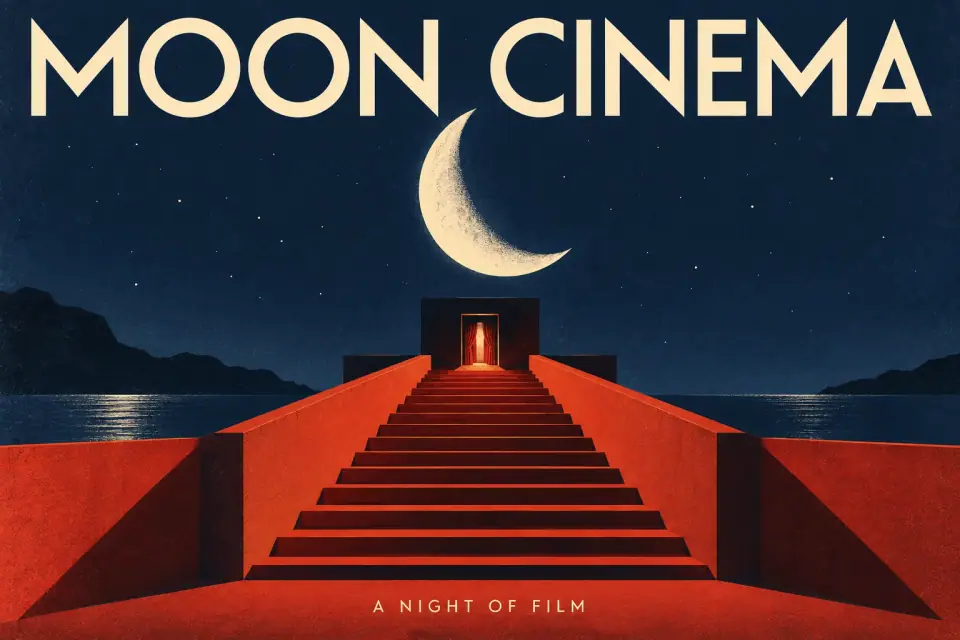
Typography
Let words become the image.
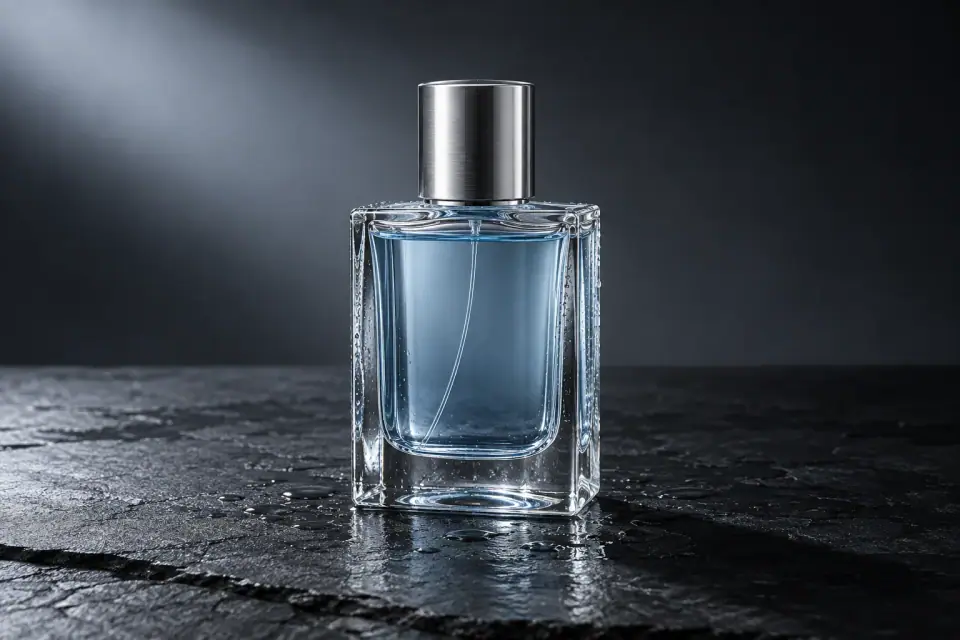
Product photography
Make the material part of the story.
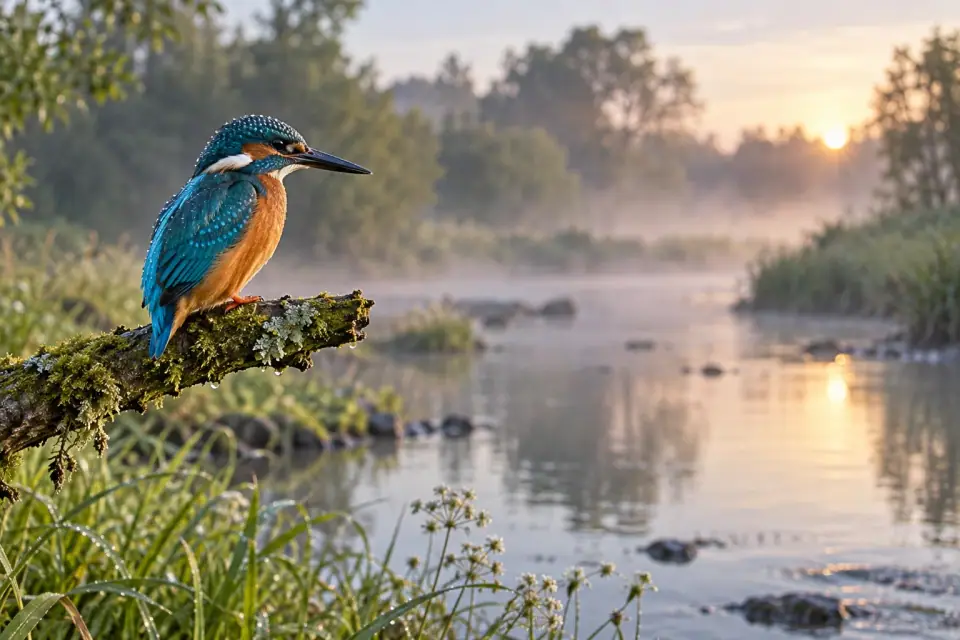
Wildlife photography
Let the natural world set the mood.
Original EzImageAI concept artwork for inspiration. These images are not verified outputs from the named models.
Prompt recipes
Start with an image editing prompt for backgrounds, objects, portraits, or lighting. Adapt each example to your source image and the change you want.
Choose a card to send its full prompt to the editor.
Original images created separately for visual inspiration. They are not presented as EzImageAI outputs; actual results depend on your source image and prompt.
One source, one clear change
Drag the divider to compare a vector illustration with a hand-authored edit direction.
This illustration demonstrates the interface; it is not a quality guarantee.
 OriginalEdit direction
Illustrative creator stories
Six composite creator profiles illustrate how to edit product photos, portraits, interiors, and more with prompts.
Swipe to explore all six editing briefs.
These composite profiles illustrate possible EzImageAI workflows. They are not customer testimonials, published case studies, or promised results.
How it works
Edit your photo in one workspace: add an image, describe the change, and review the result. You can also start from a text prompt when signed in.
Add a JPEG, PNG, or WebP. Name the subject to keep and the background, object, color, or style to change.
Sign in, select supported output settings, and see the credit cost on the generation button. Eligible reference edits can use the guest trial when available.
Start the edit in one click, compare the result with your source, and use it as a reference for the next prompt.
Start with 25 monthly EzImageAI Credits on a Free account. Nano Banana 2 Lite 1K uses 5 credits per edit—up to five edits a month. Paid plans offer more credits and additional image models.
For individual creators turning regular image ideas into finished assets.
$15.83/month
Billed $190 yearly · save $38 (17%) vs 12 monthly payments
Editing capabilities
For growing workflows that need more edits and room to move.
$40.83/month
Billed $490 yearly · save $98 (17%) vs 12 monthly payments
Editing capabilities
For high-volume teams and demanding production runs.
$65.83/month
Billed $790 yearly · save $158 (17%) vs 12 monthly payments
Editing capabilities
$59one-time
Subscribers receive 1,800 credits
$109one-time
Subscribers receive 3,600 credits
$169one-time
Subscribers receive 6,000 credits
$259one-time
Subscribers receive 9,600 credits
Credits refresh monthly and unused credits do not roll over.
How prompt editing works, what stays private, and which safety and usage limits apply.
It means flexible prompt editing instead of a fixed template list. Describe what to preserve and what to change, keep your images private, and review credits before confirming. Content safety checks, legal requirements, model capabilities, and plan limits still apply; it does not mean uncensored or unlimited free generation.
When the sponsored guest queue is available, eligible visitors can make two Nano Banana 2 Lite 1K image edits per day without signing up. Upload a reference image and describe your change. Each result is private, watermarked, and available for up to 24 hours. The allowance resets at 00:00 UTC; unused edits do not roll over. Text-to-image generation requires sign-in.
Yes. A registered Free account receives 25 EzImageAI Credits each month for eligible edits. Separately, guests can make two sponsored edits per day when the queue is available. “No Restrictions” means flexible prompt editing beyond fixed templates; content safety, legal, model, and usage limits still apply.
Explore GPT Image, Nano Banana, and Seedream models. Each model page includes creative directions and prompts. The workspace shows current availability, output settings, and credits before you confirm a generation. Each confirmed generation produces one image.
For account edits, credits are reserved when you confirm the job. The immutable credit ledger charges or returns them when the job reaches its final state; if service acceptance is uncertain, the reservation stays in place until recovery settles the same attempt.
Technical failures with no usable result release the reserved credits. If a generated image is blocked by content safety, each account or team gets one lifetime waiver; later blocked results are charged at the quoted amount. Rejected prompts or uploads do not use this waiver. Uncertain outcomes keep credits reserved until recovery resolves them.
No. Guest and account inputs and outputs are private, not posted to a public gallery. The configured retention target for account inputs and outputs is 30 days. EzImageAI may send only the minimum content needed to configured infrastructure and image-processing services.
No. Sign in to generate from a text prompt with no reference. If you want to edit or guide an existing image, upload a JPEG, PNG, or WebP. Guest reference uploads are limited to 10 MB; account upload limits are shown on the pricing page.
No. Results can contain defects or resemble other images. EzImageAI does not guarantee uniqueness, fitness for a particular purpose, or freedom from third-party rights.
Each image model has its own legal output-setting matrix and EzImageAI Credit amount. EzImageAI shows the product name, supported settings, and exact charge; private service routing and operating costs stay on the server.
Pro is $190 per year, Ultimate is $490, and Max is $790. EzImageAI Credits are still issued monthly—700 for Pro, 1,800 for Ultimate, and 3,000 for Max—and unused credits do not roll over.
Open Billing to manage cancellation. When access changes depends on the actual status and end date reported for your subscription.
Refund eligibility depends on the payment terms, transaction status, and applicable law. Contact support for review; EzImageAI does not promise a refund where one does not apply.
Before commercial use, you must have the rights to every input and independently check the applicable terms, law, and third-party rights. Guest results are temporary and watermarked; EzImageAI does not claim that any output is automatically cleared for commercial use.
Start with your image
Add a reference, describe your next edit, and choose a model. Check the credit cost on the button, then start your private edit in one click.