Google Analytics and Microsoft Clarity run automatically. Choose whether to allow optional PostHog product analytics and records of registration sources and pages that trigger purchases. Essential storage remains available.
Use these starting prompts with your own reference image. Change the details to fit your subject and review each result.
Drag to compare
OriginalEdited example
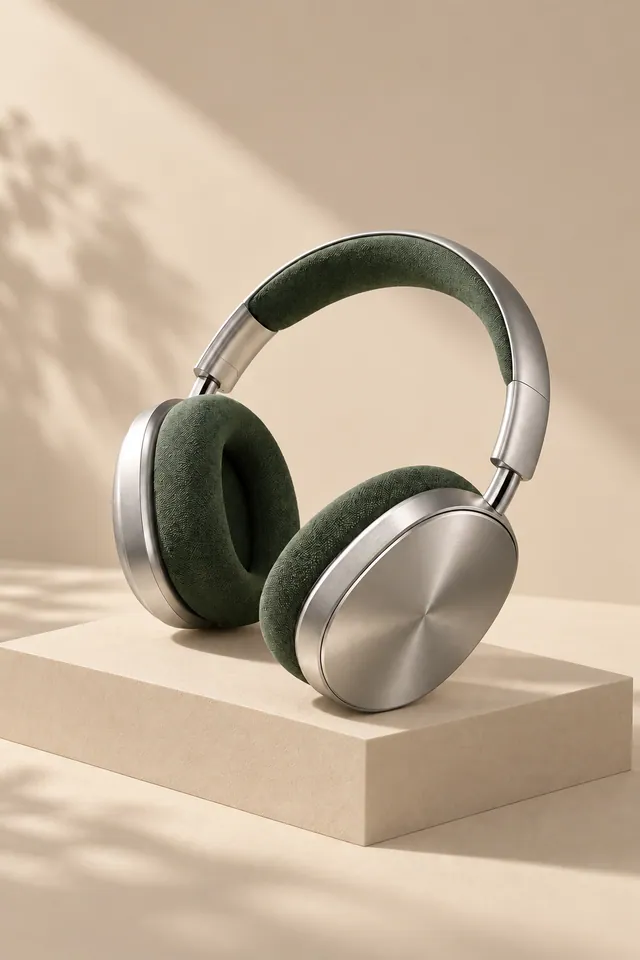
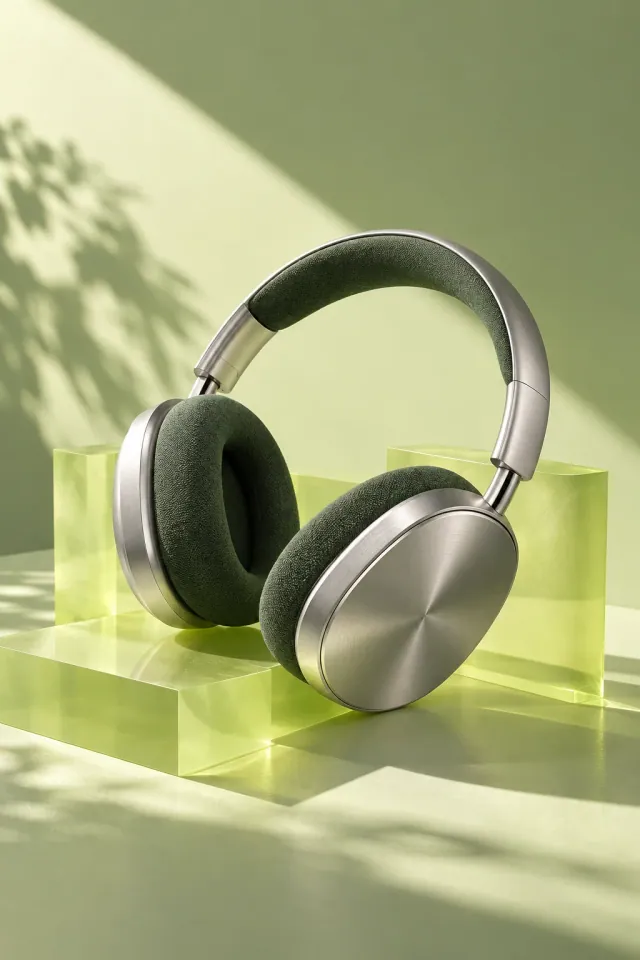
Product background
Give a product a new background
Explore a different setting while asking to preserve the product's shape, color, and label.
Example prompt
Keep the product, its shape, color, and label. Replace the background with a warm beige studio backdrop and add a soft natural shadow.
Add your own reference image, then generate when you’re ready.
Drag to compare
OriginalEdited example
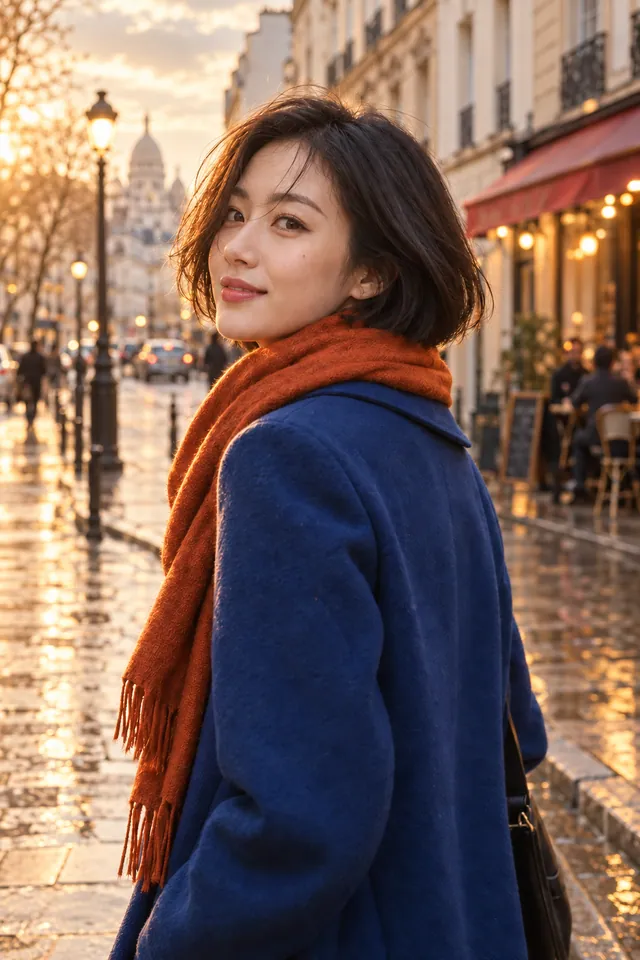
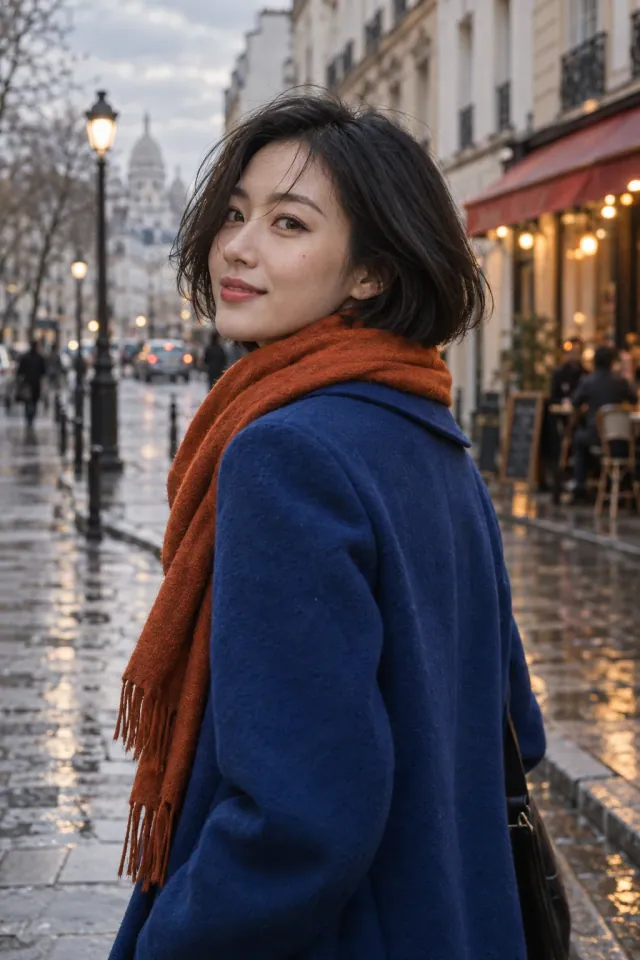
Portrait lighting
Change the light in a portrait
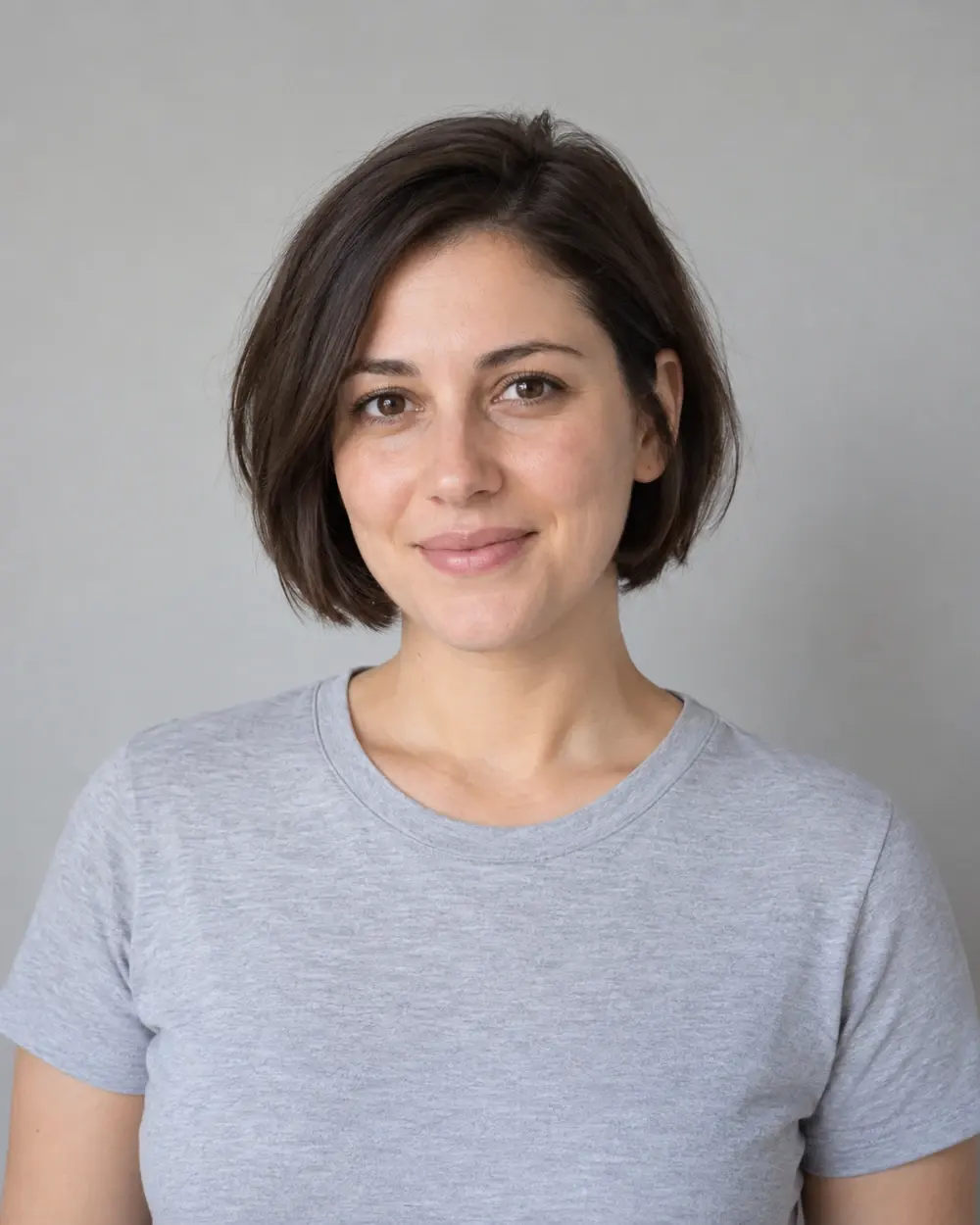
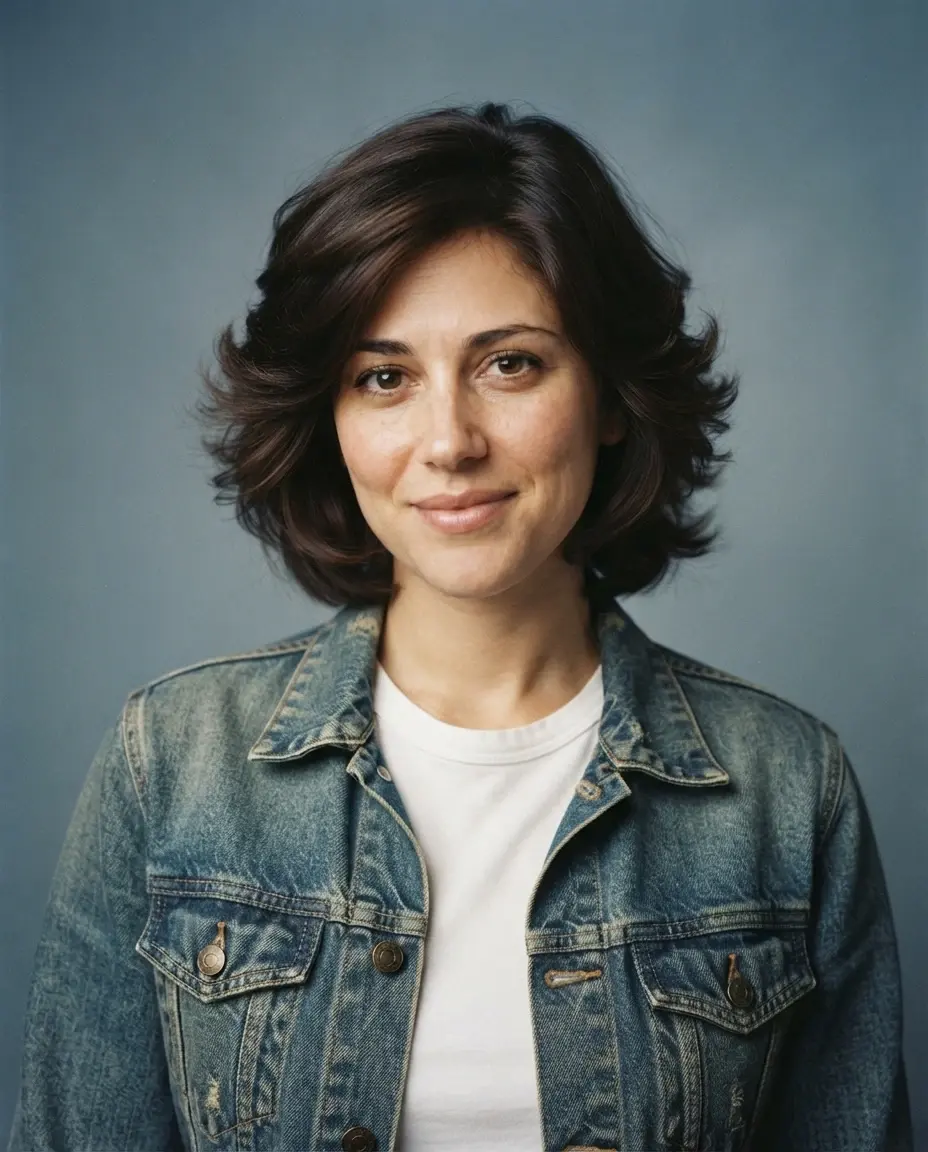
Describe the lighting and mood you want, along with the facial details and framing to retain.
Example prompt
Keep the person's facial features, hairstyle, clothing, and framing. Change the lighting to soft golden-hour light with gentle shadows.
Add your own reference image, then generate when you’re ready.
Drag to compare
OriginalEdited example
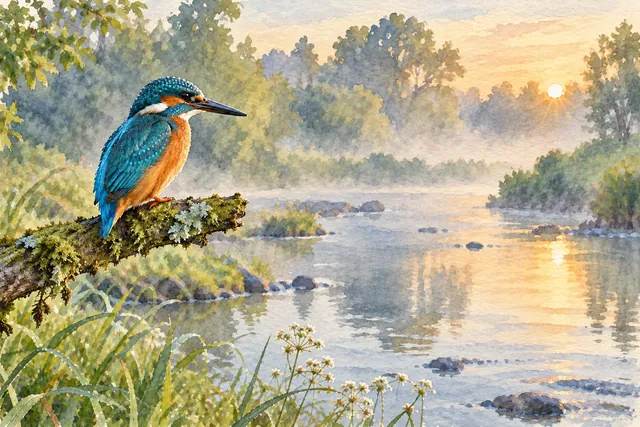
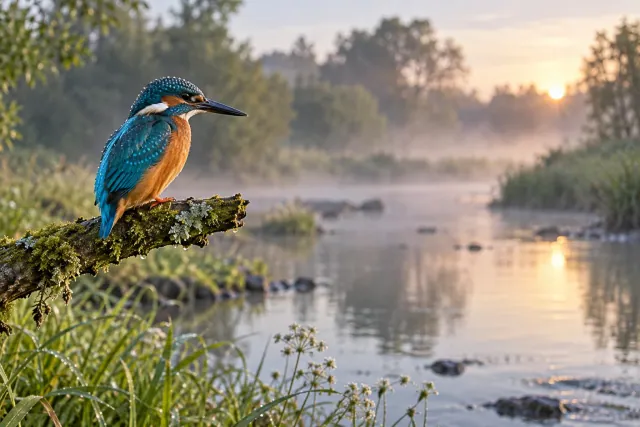
Watercolor style
Explore another visual style
Try a watercolor, illustration, or other style through your prompt, using the same source as your starting point.
Example prompt
Reinterpret this image as a soft watercolor illustration. Keep the main subject, composition, and color palette, and add subtle paper texture.
Add your own reference image, then generate when you’re ready.
AI-generated illustrations of editing ideas, not verified EzImageAI outputs. Your results will vary with your image, prompt, and settings.
How to generate an image from another image
Start with a photo, sketch, or illustration. Your reference supplies the starting point; your prompt describes the changes.
01
Upload your reference
Add a JPEG, PNG, or WebP that you have permission to use. Choose a clear image so important details are easy to see.
02
Describe what stays and what changes
Name the subject to keep, then describe the new background, lighting, colors, or style. Select the available model and output settings.
03
Generate, compare, and refine
Check the credits or guest allowance shown before generating. Compare the result with your reference and adjust your prompt for another edit.
A good reference and a specific prompt work together
Start with one clear change. Describe important details to preserve, avoid conflicting instructions, and check small text, faces, and edges in the result. You can also leave the reference empty and create from a text prompt on this page after sign-in.
Three ways to give a portrait an 80s-inspired look: a studio portrait, a warm family-album snapshot, or a late-afternoon street photo. Compare the originals, copy a complete prompt, or try a style with your own photo here.
3 min read
Image to image AI: questions answered
What is an image to image AI generator?
It creates a new image using an existing image and a written instruction. You can ask for changes to a background, lighting, objects, or visual style. The reference guides the result, while the selected model and settings affect how the instruction is interpreted.
Can I use image to image AI for free?
Eligible visitors can try reference editing when the sponsored guest queue is available. Guest results are watermarked and kept for up to 24 hours. A registered Free account has a separate monthly credit allowance. Check the current allowance and model access in the workspace or pricing page; free access is limited.
Exact preservation is not guaranteed. State which details matter, keep the requested change specific, and compare the result with your original. Faces, lettering, logos, and fine edges may need another edit or manual review.
Are my uploaded images and results public?
Your reference images and results stay private rather than appearing in a public gallery. Guest media is temporary. Account media follows the retention and deletion rules described in the privacy policy.
Can I change the style without a fixed template?
Yes. Describe the style in your prompt instead of selecting from a fixed template list. Content safety, legal requirements, model capabilities, upload limits, and usage allowances still apply.