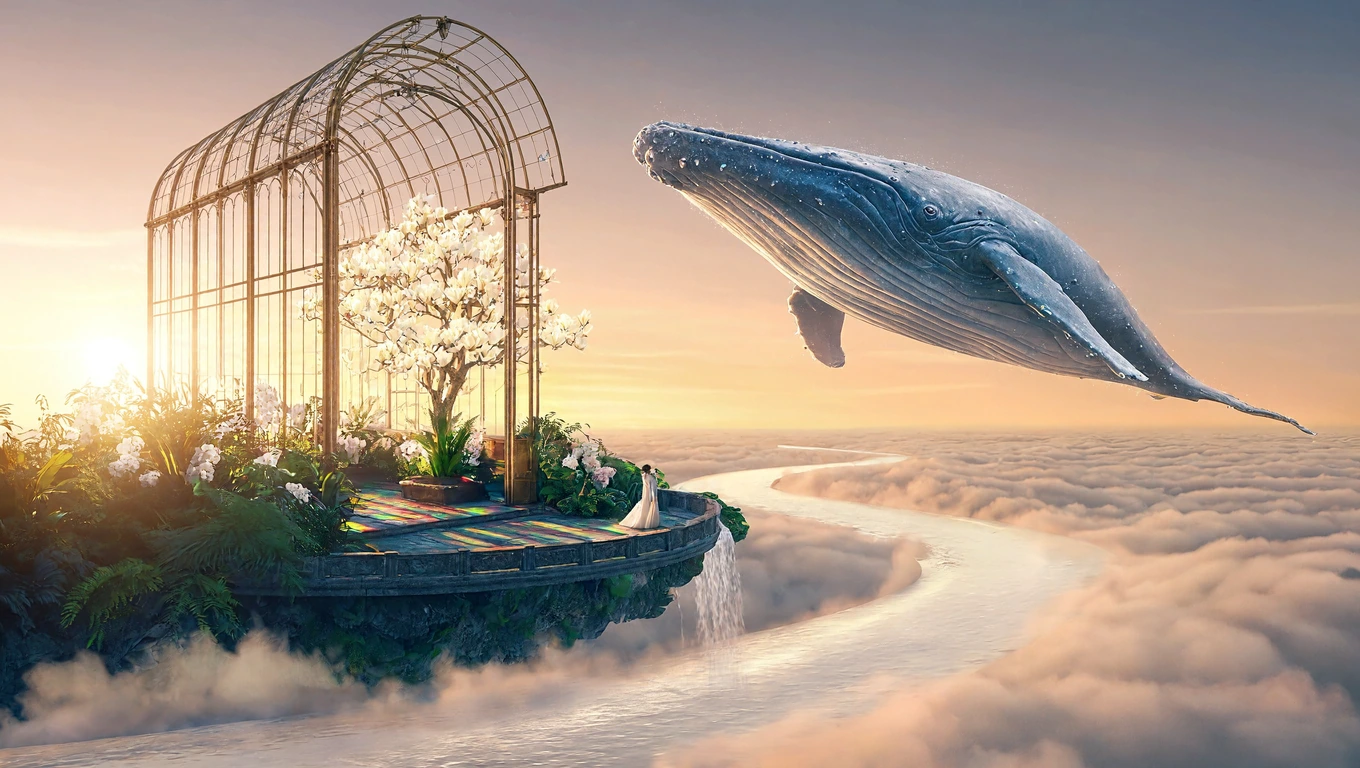
 MiniMax H3 · 1K
An original vision
Somewhere beyond the clouds
A glass sanctuary. An ocean of clouds. A moment beyond the ordinary.
Your ideas, rendered in detail
Make every texture
tell a story.
Turn a prompt into a detailed image, or give a photo a new look. Create product shots, posters and illustrated guides in one workspace.
1K: 5 credits · 2K: 10 credits · 4K: 20 credits. Download as PNG or JPEG.
The possibilities
Made with MiniMax H3 on EzImageAI.
More prompt inspiration from Kie. Find a direction. Make it your own.
MiniMax H3 · 1KAn original vision
A glass sanctuary. An ocean of clouds. A moment beyond the ordinary.
 1K
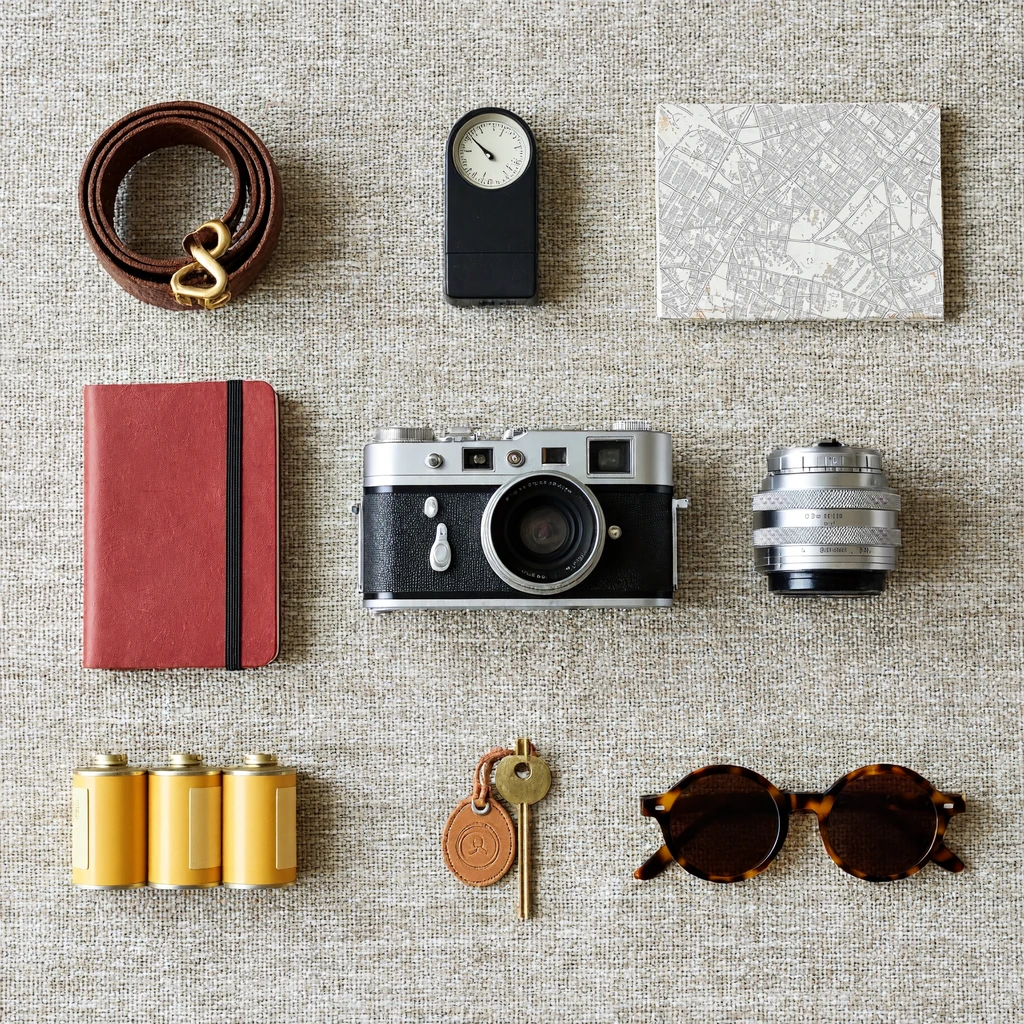
Texture & detail
 1K
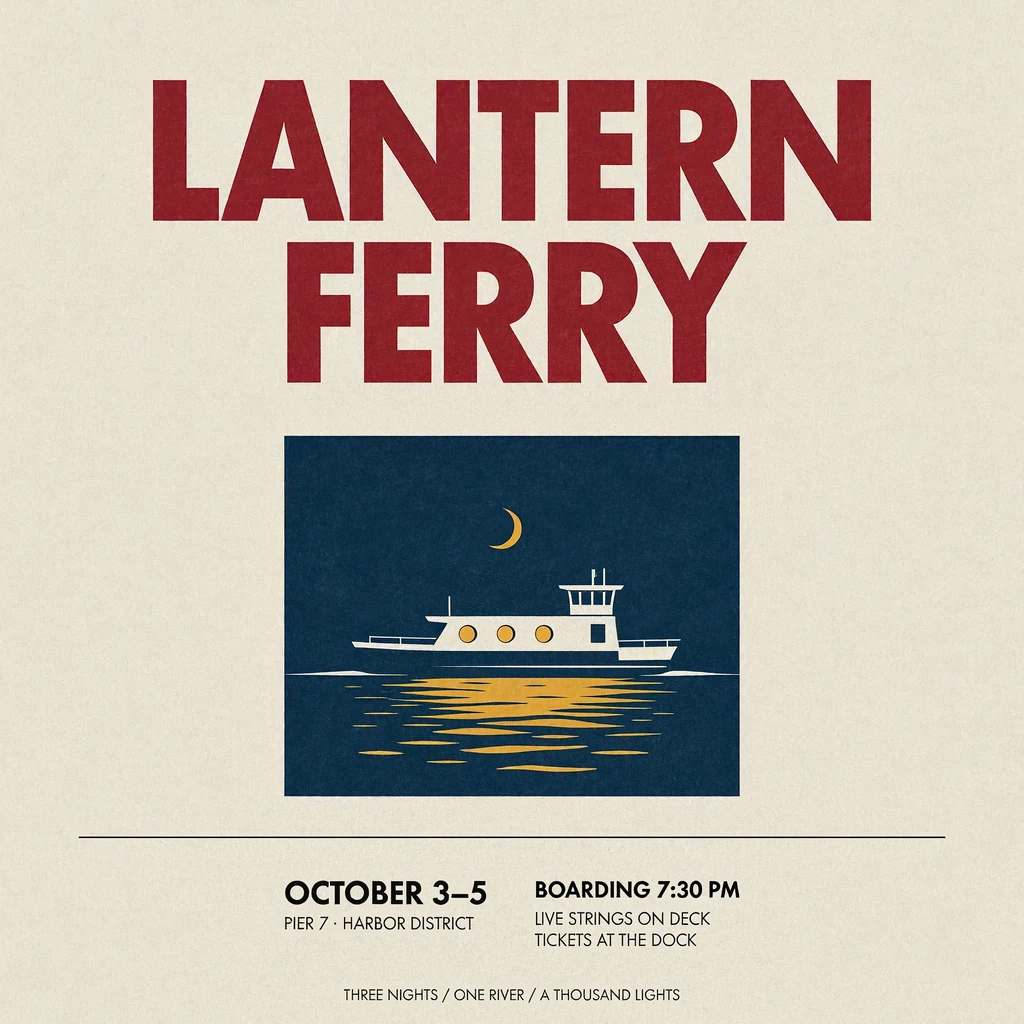
Typography & design
 1K
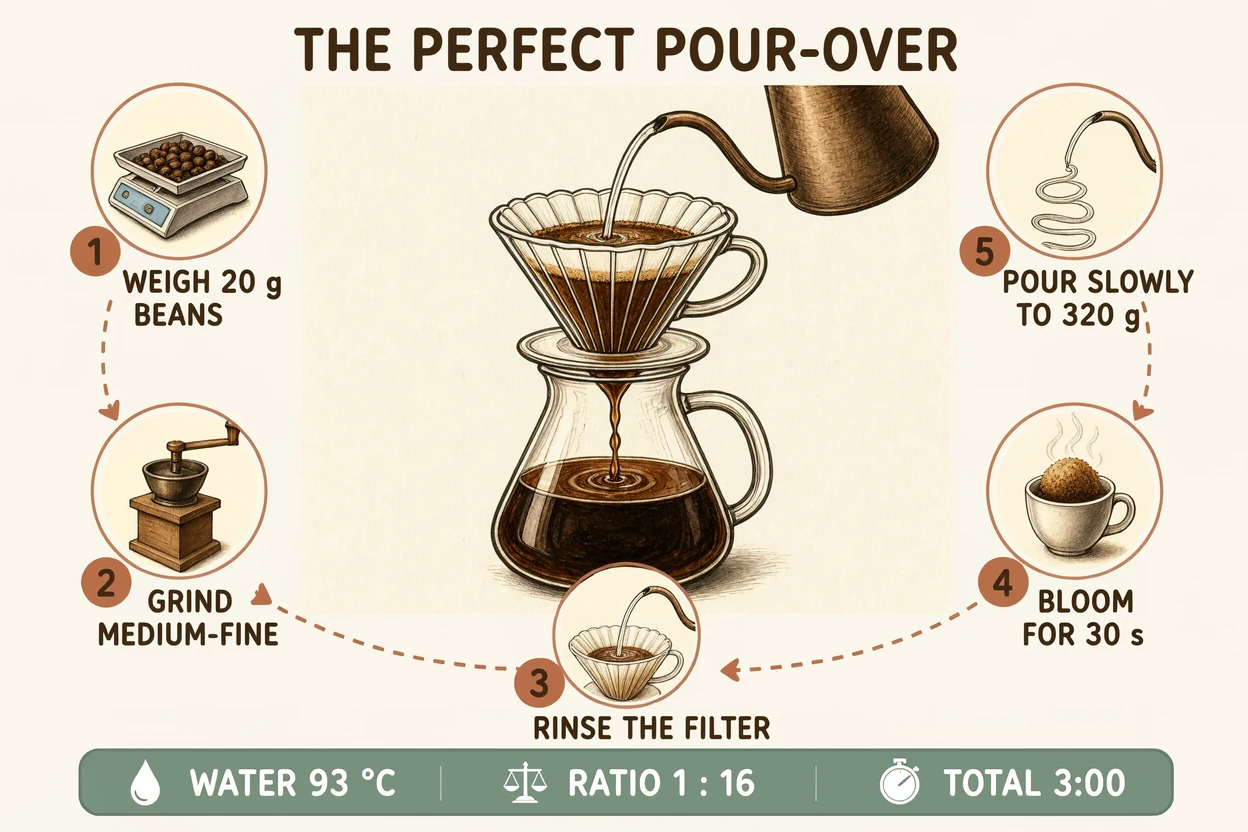
Illustration & ideas
One photo. A new atmosphere.
Turn an afternoon café into a rainy evening. Keep the scene, change the mood.
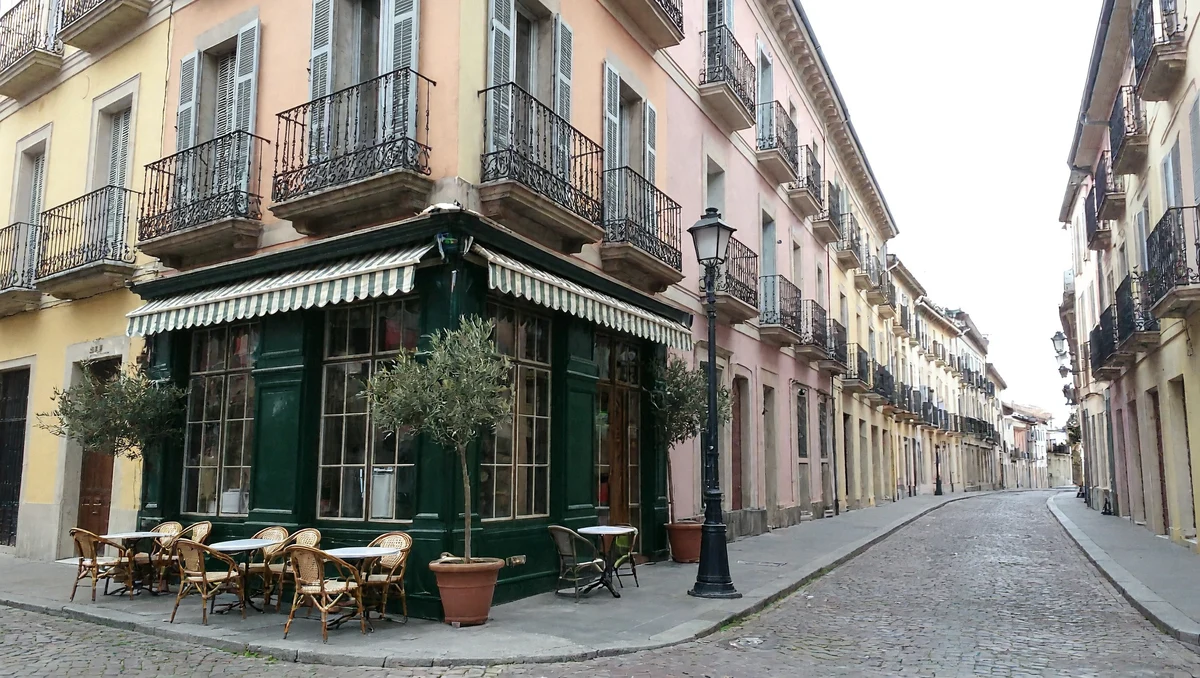
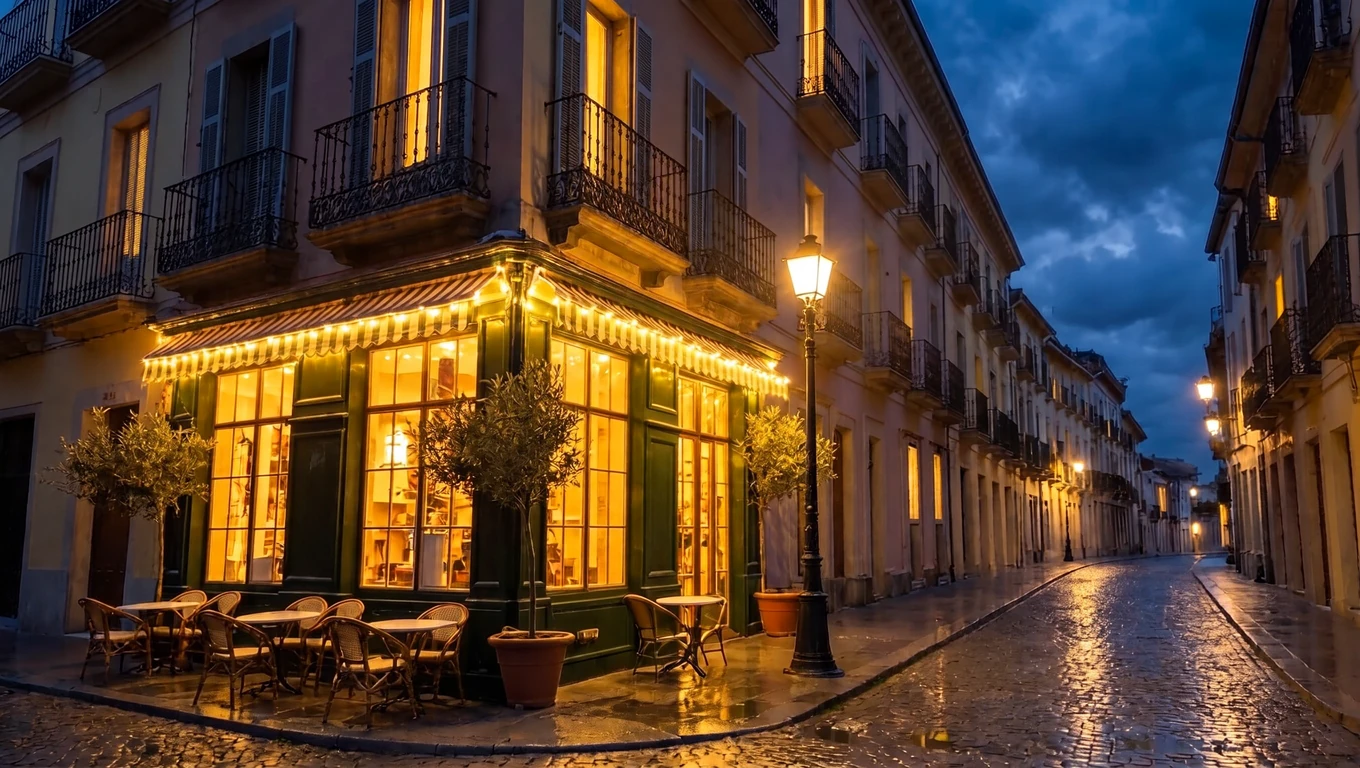
Slide to explore the edit
Write a prompt, or use one of the examples above as your starting point.
Add an optional reference photo, then choose 1K, 2K or 4K and PNG or JPEG.
Check the credit cost, generate your image and download it from your workspace.
Describe the materials, lighting and arrangement for product photography, still life or a scene of your own. Choose 4K when you want a larger image with room for fine detail.
Combine illustration, a clear layout and exact lettering in one prompt. Make a festival poster, an editorial graphic or a step-by-step visual guide.
Add a reference photo and describe your edit. Turn afternoon into evening, change an outfit or explore a new setting while specifying the details you want to keep.
Create images from text or edit a reference photo. MiniMax H3 Image works with product shots, posters, illustrations, infographics and realistic scenes, with 1K, 2K and 4K output options.
Eligible registered accounts receive 10 one-time credits, enough for two MiniMax H3 Image 1K generations at 5 credits each. MiniMax H3 Image 1K is the default model for the free plan. There is no monthly refill; 2K and 4K require a paid subscription.
A 1K image uses 5 credits, 2K uses 10 and 4K uses 20. These prices apply to text-to-image generation and an edit with one reference photo.
Upload one reference image and describe what you want to change. You can use PNG, JPEG or WebP. Keep the file within the upload limit shown in your workspace, up to 20 MB for this model.
Choose PNG or JPEG before generating. Each request produces one image, available in your private workspace and history.