 2K
Typography
An image studio for your imagination
Refine the details.
Keep the feeling.
Create lifelike scenes, expressive typography and transparent design assets. Or take a photo in a new direction.
1K: 8 credits · 1.5K: 12 credits · 2K: 20 credits. PNG or JPEG, with one optional reference photo.
Picture the possibilities
See an edit in motion. Choose a direction and make it your own.
Explore changes to eyewear, clothing, colors and details in this short demo.
Examples from Kie
2KTypography
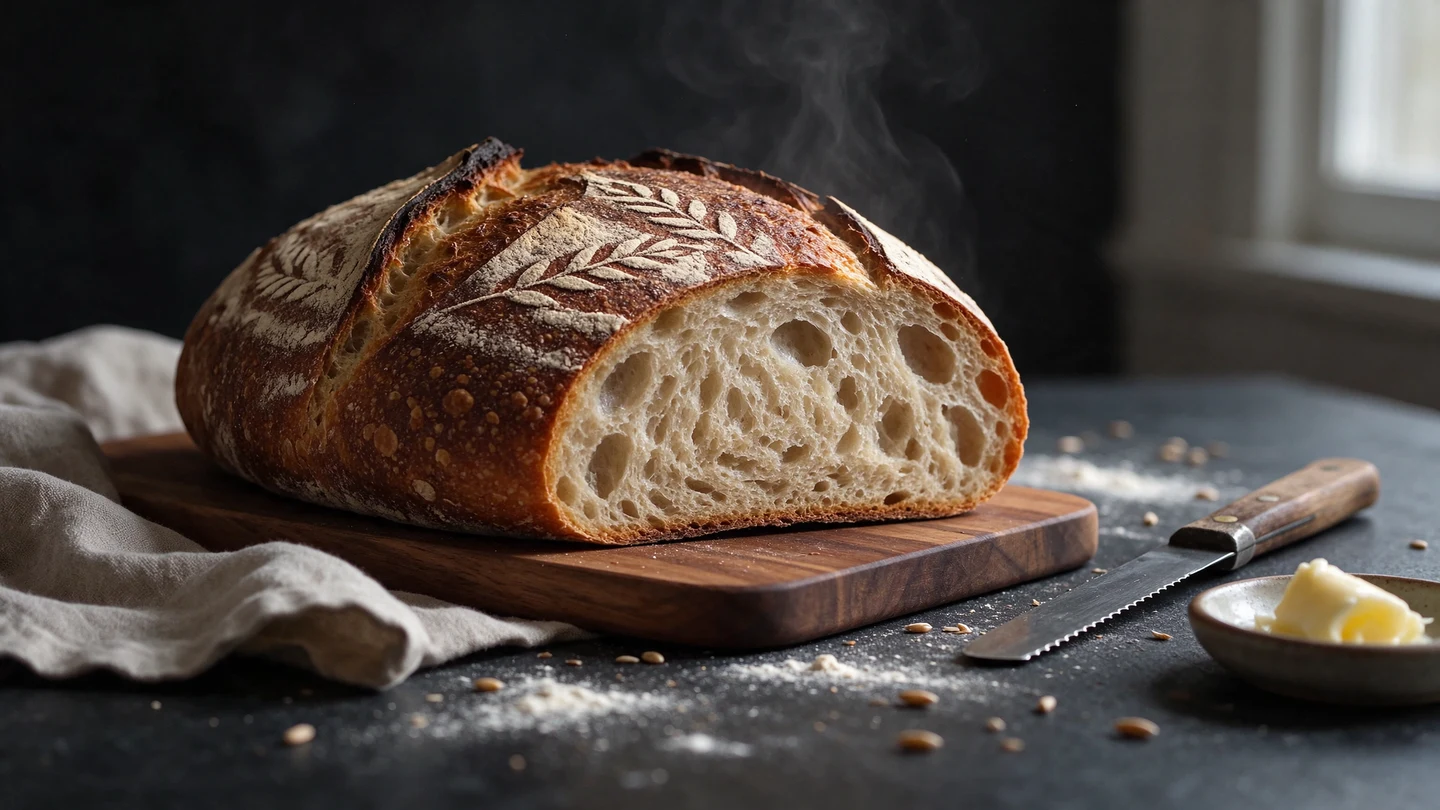 1.5K
Photorealism
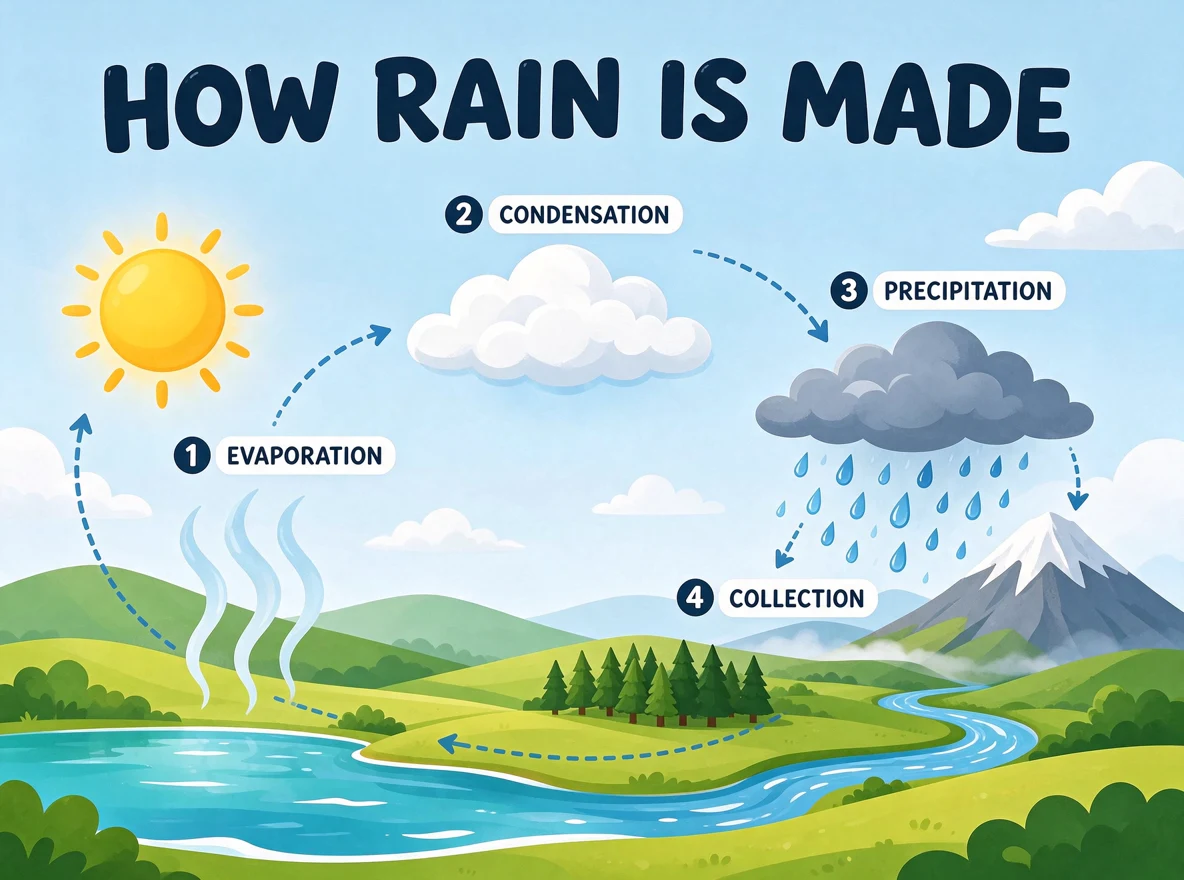 1K
Infographics
Precise photo editing
A familiar chair. A new winter setting. Shape the atmosphere while keeping the perspective and the details that matter.
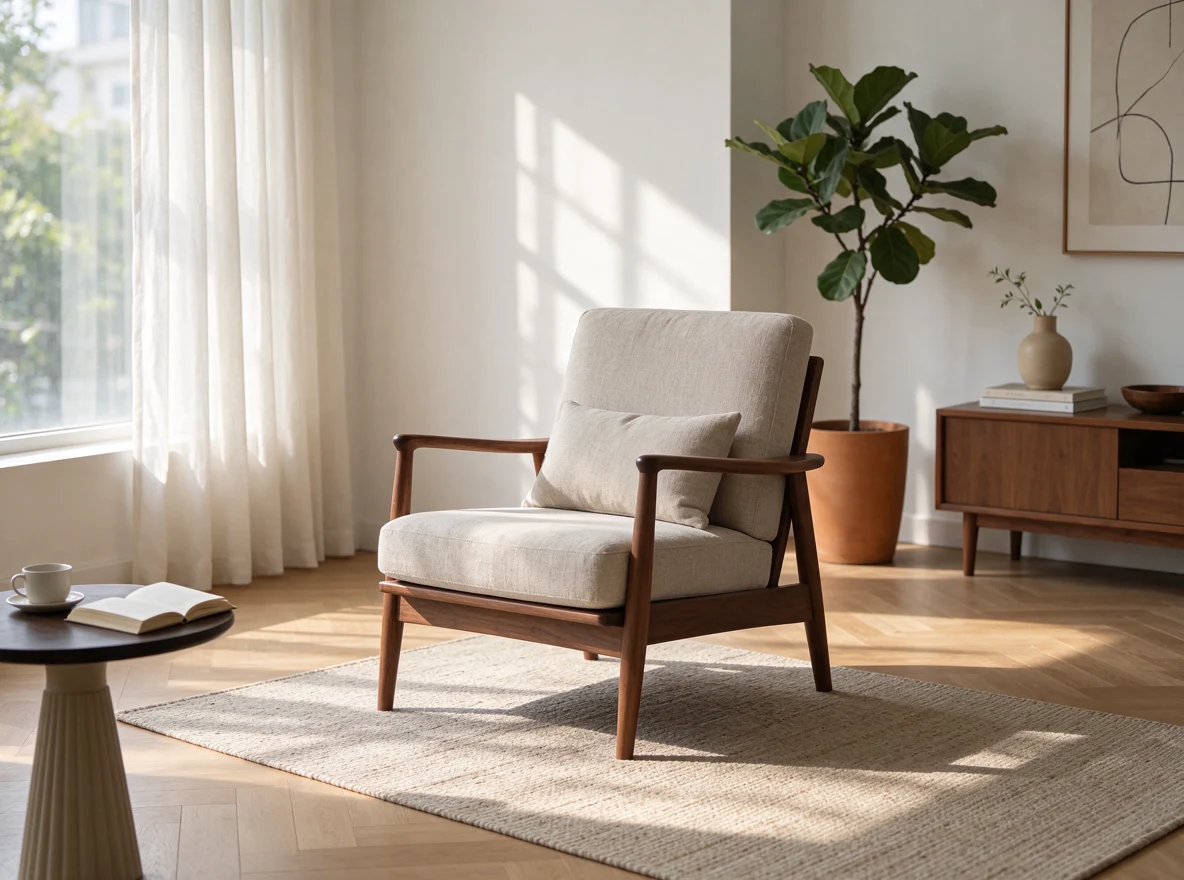
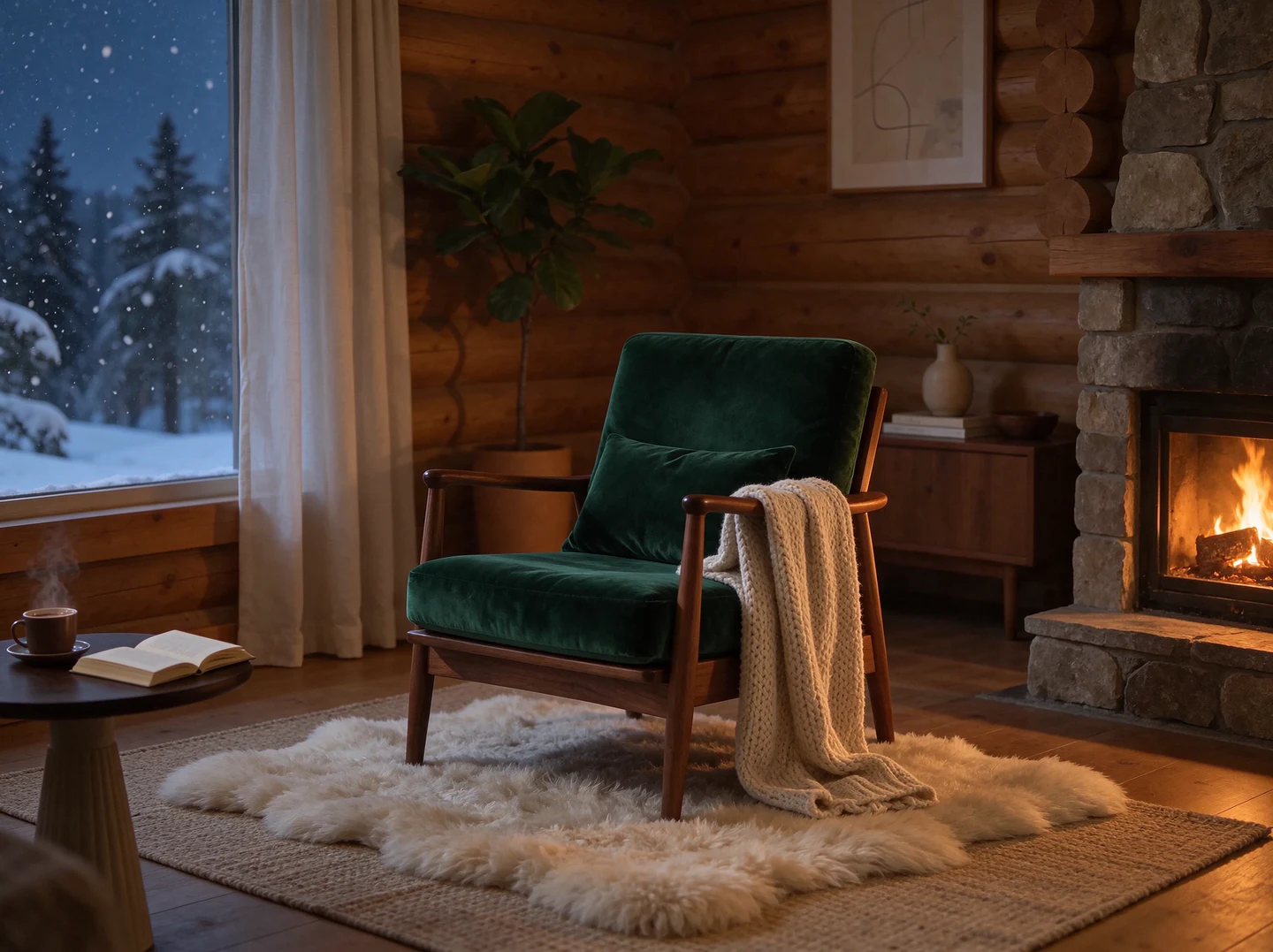
Slide to explore the edit
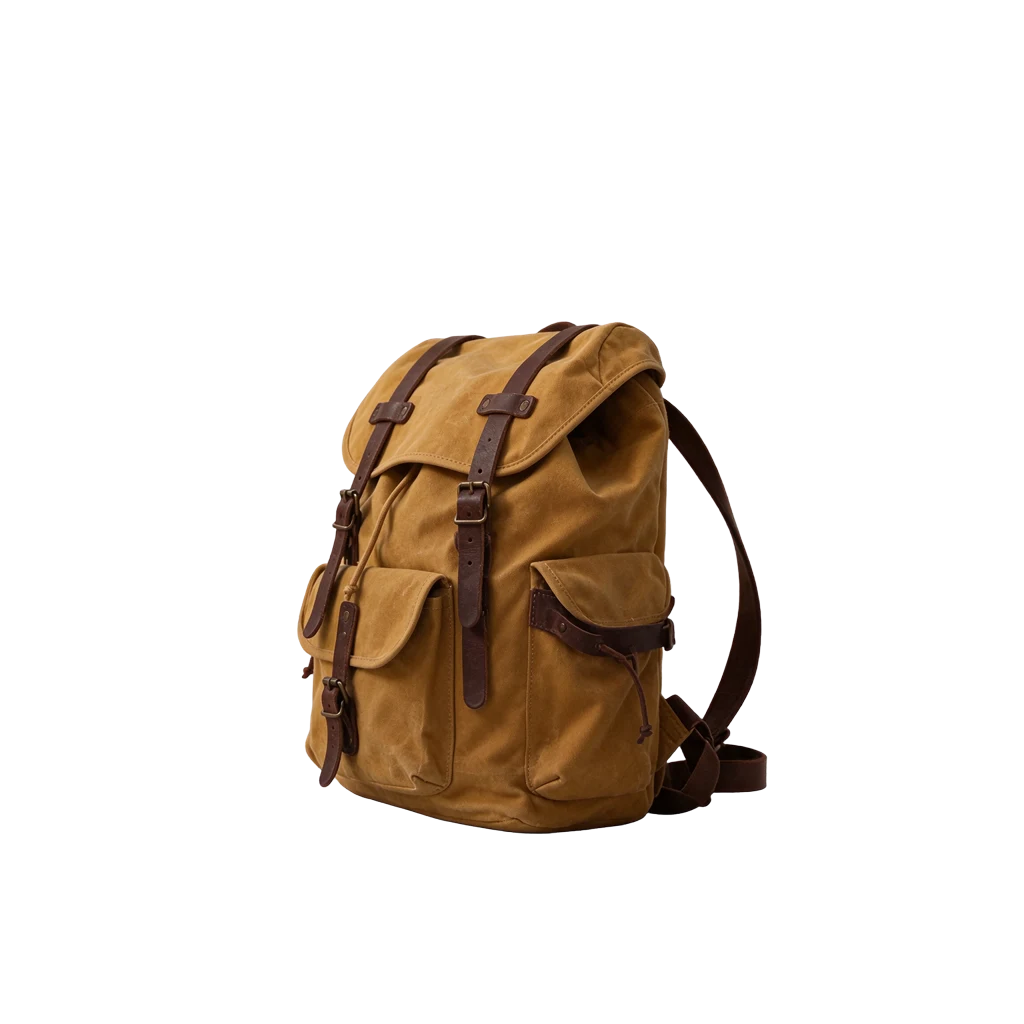 Transparent PNG · 1K
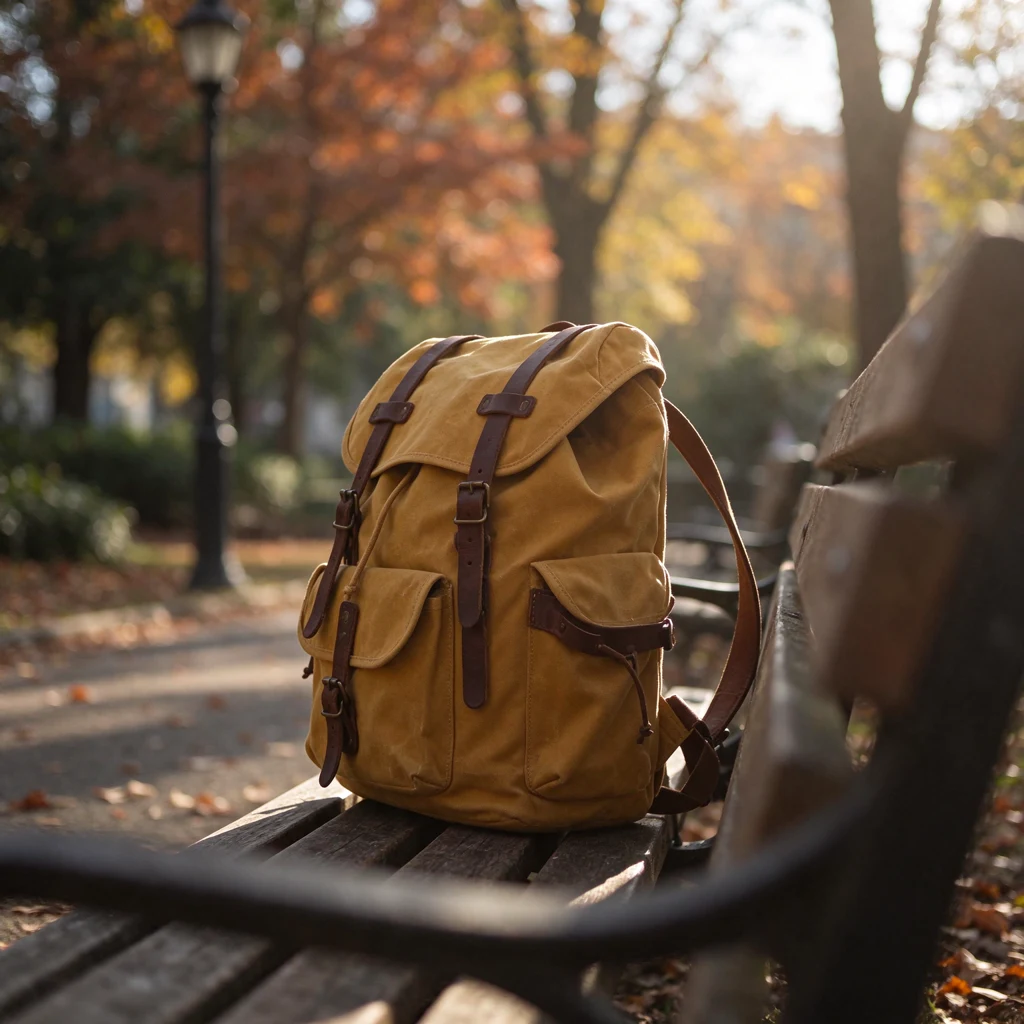
Native transparency
Lift a product out of its setting. Create a transparent asset for a shop, campaign or a composition of your own.
Write a prompt or choose an example. Add a reference photo when you want to edit an existing image.
Select 1K, 1.5K or 2K. Use PNG for transparency, or JPEG for a photograph with a solid background.
Generate your image, continue editing from the result, and download the version you like.
Change the setting, adjust a small detail or try a different material. Seedream 5.5 is designed to keep the surrounding image consistent across edits. Continue with your result to build on the last version.
Choose Transparent to create a PNG with an alpha channel. Make cutout products, stickers, characters and lettering that can sit naturally in your next layout.
Describe the light, surface and composition for a believable scene. For posters and infographics, include the exact words and a clear hierarchy to guide the layout.
Seedream 5.5 focuses on more consistent edits, native transparent backgrounds, realistic lighting and materials, and clearer written text. Use it for photography, product images, posters, infographics and reusable design assets.
Yes. Upload a reference photo and describe what to change. You can then continue editing from your result, keeping each version in your workspace.
Choose Transparent in the background settings. PNG is selected automatically so the downloaded image can retain its transparency.
1K uses 8 credits, 1.5K uses 12, and 2K uses 20. The same prices cover text-to-image generation and editing with one reference photo. Seedream 5.5 uses account credits with an active paid subscription.
Upload one PNG, JPEG or WebP image up to 10 MB. Each generation produces one image, downloadable as PNG or JPEG from your private workspace.