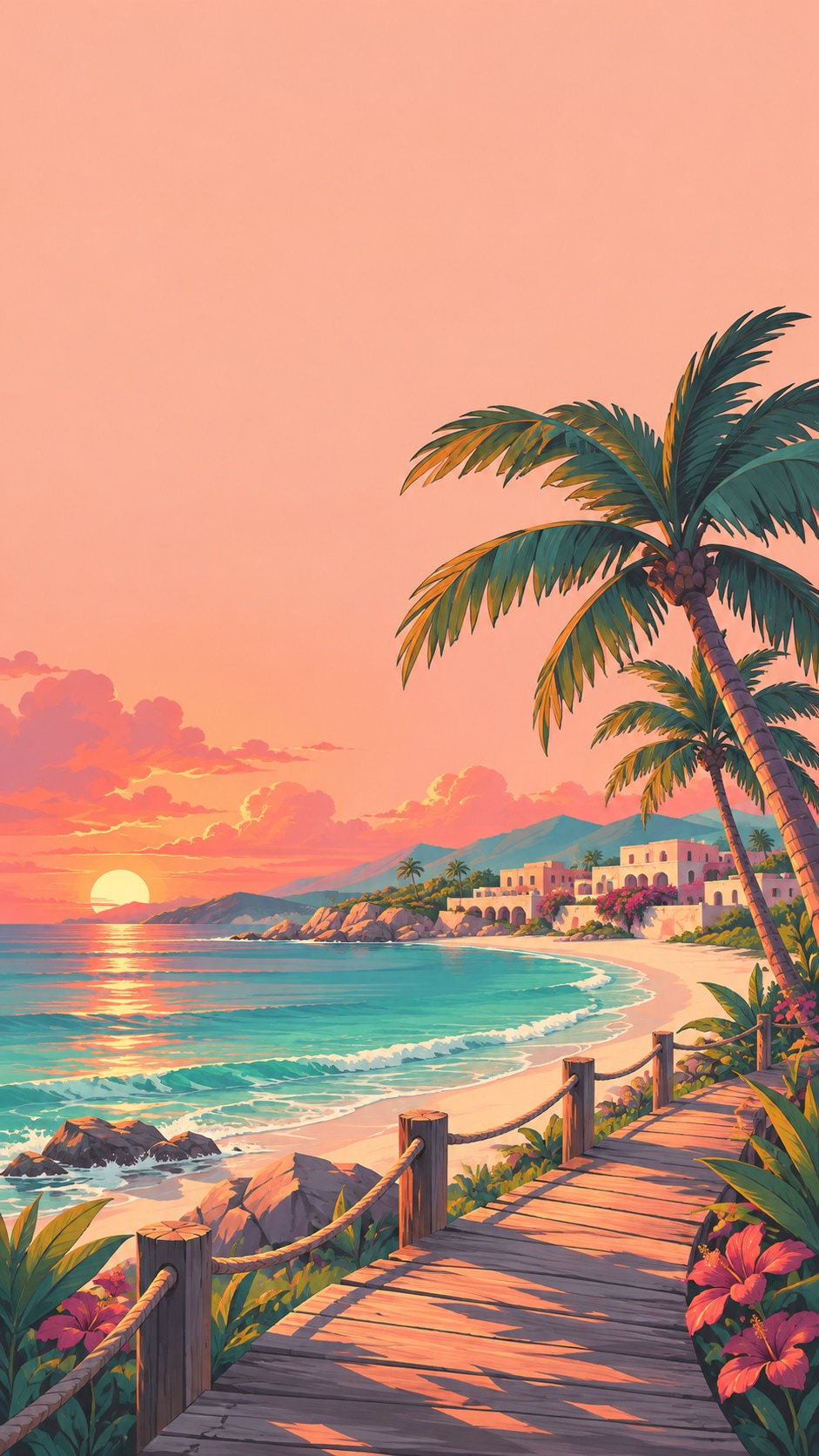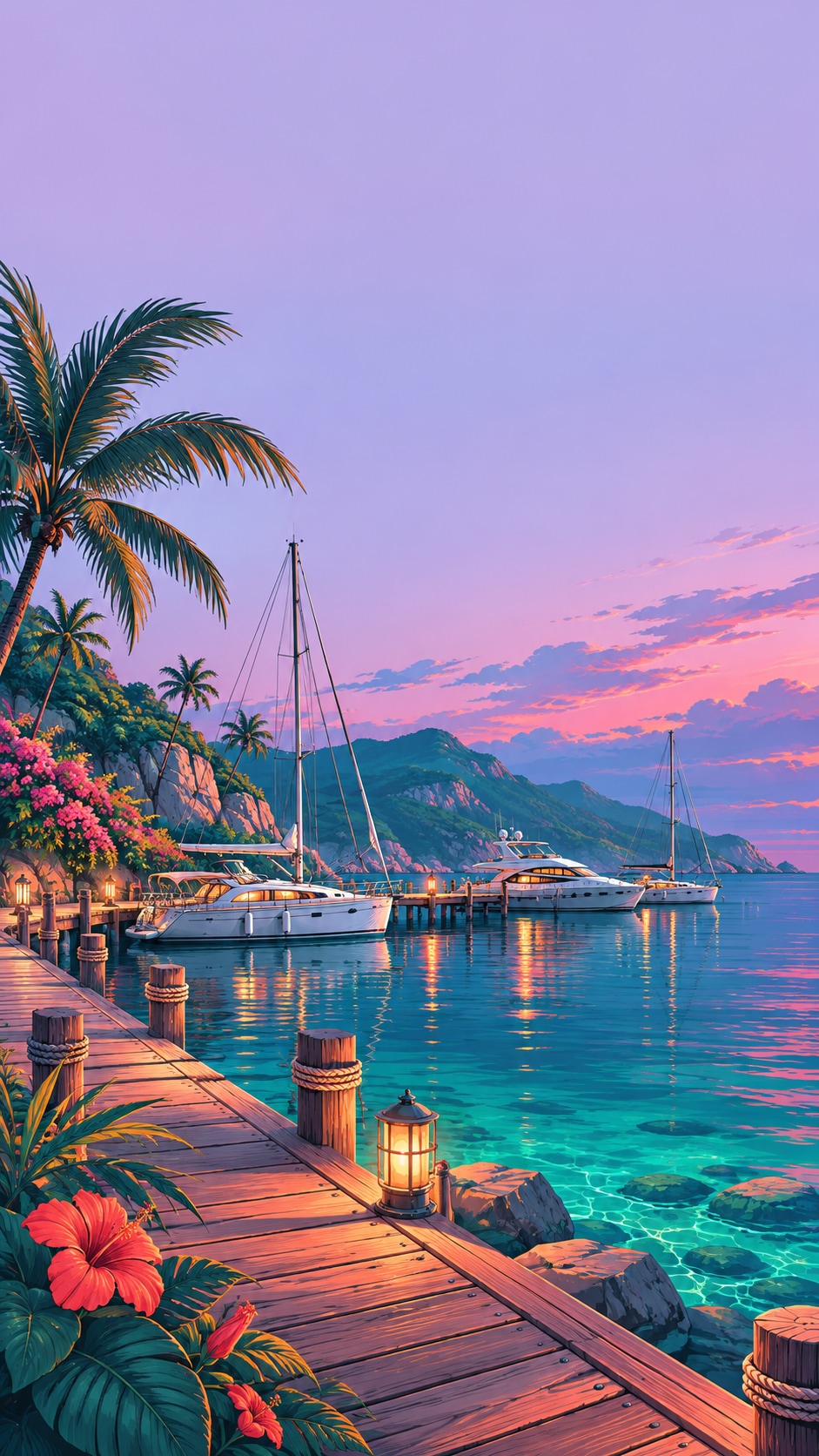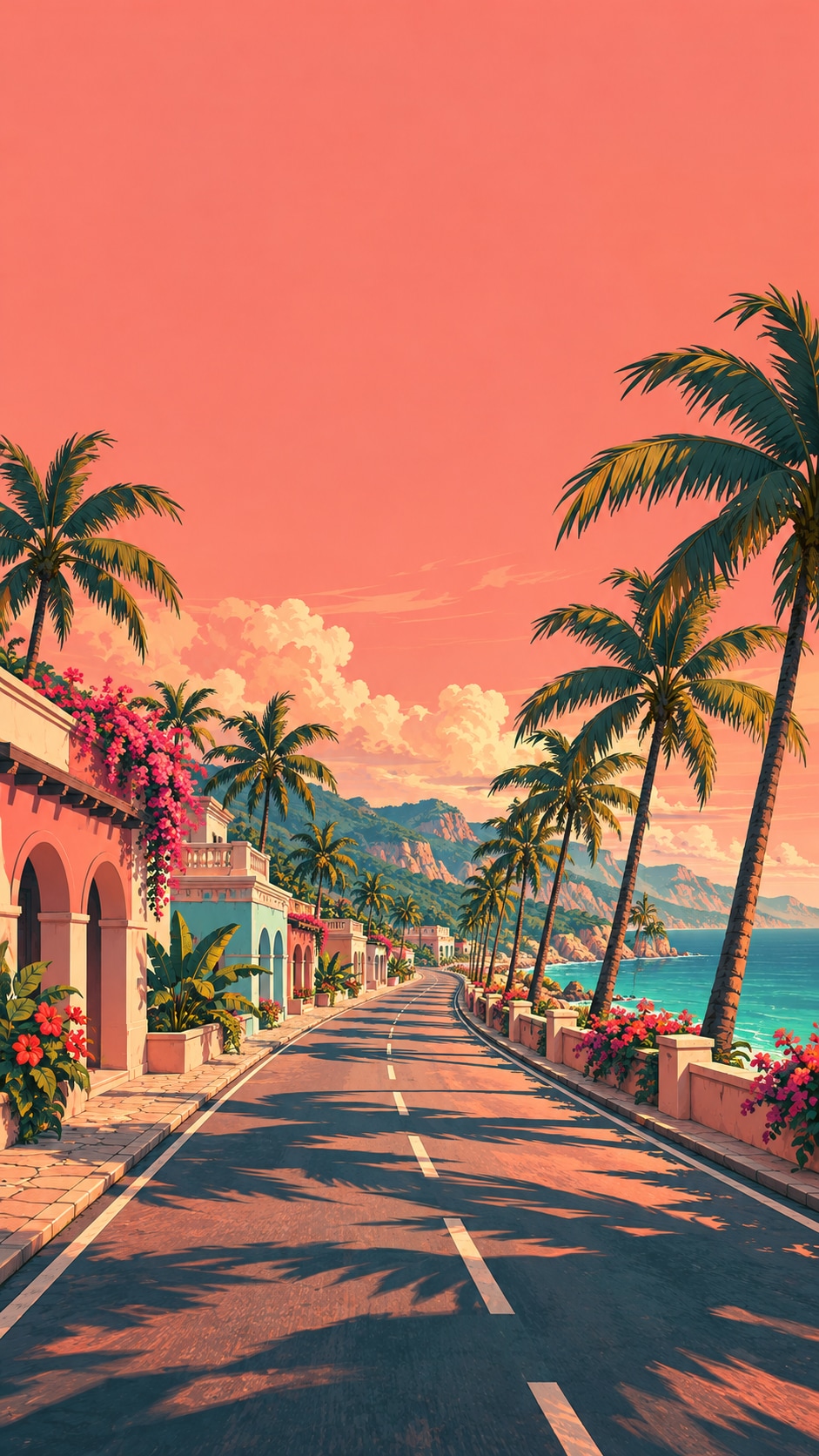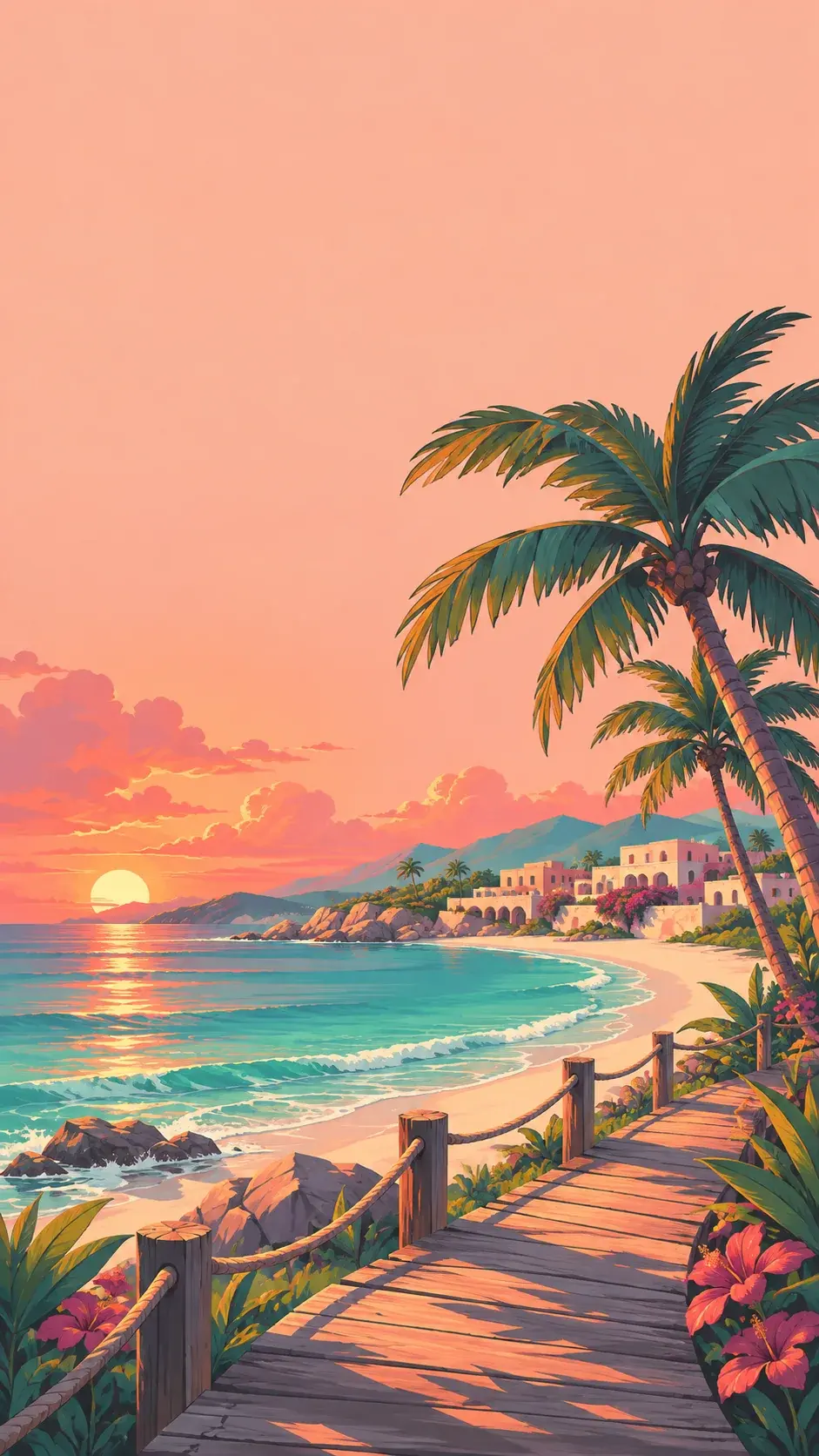
Beach Sunset
941 × 1672 px
Download sample wallpaperOriginal AI artwork · GTA-inspired
Your photo. A coastal world. Make a wallpaper for your phone or desktop, or download an original scene from the gallery.
Loading the image editor…
Generate with subscription credits, a credit pack, or an Image Pass.
Adult / NSFW content is prohibited — Read our content policy in a new tabOriginal AI artwork · GTA-inspired
941 × 1672 px
Download sample wallpaper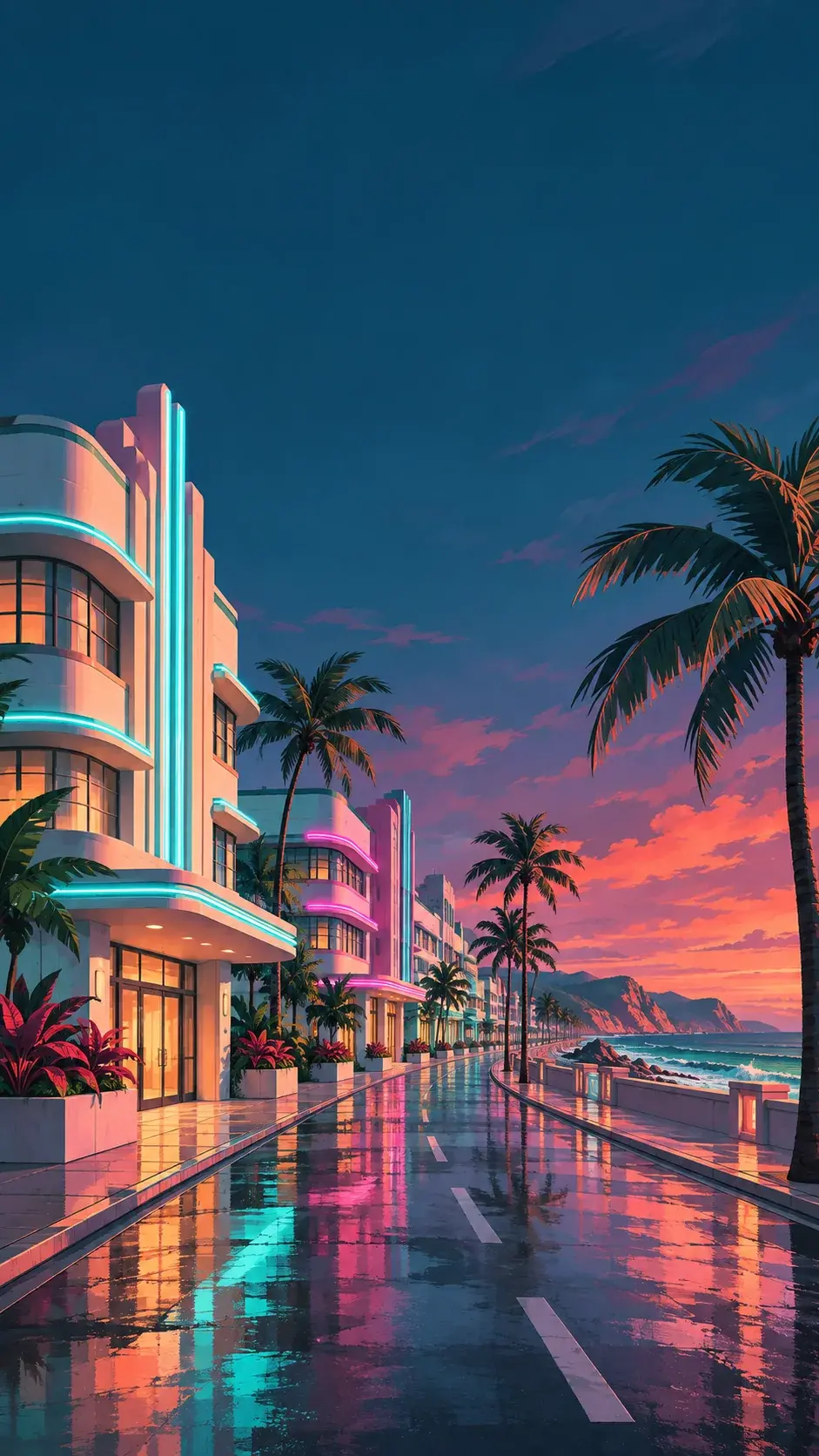
941 × 1672 px
Download sample wallpaper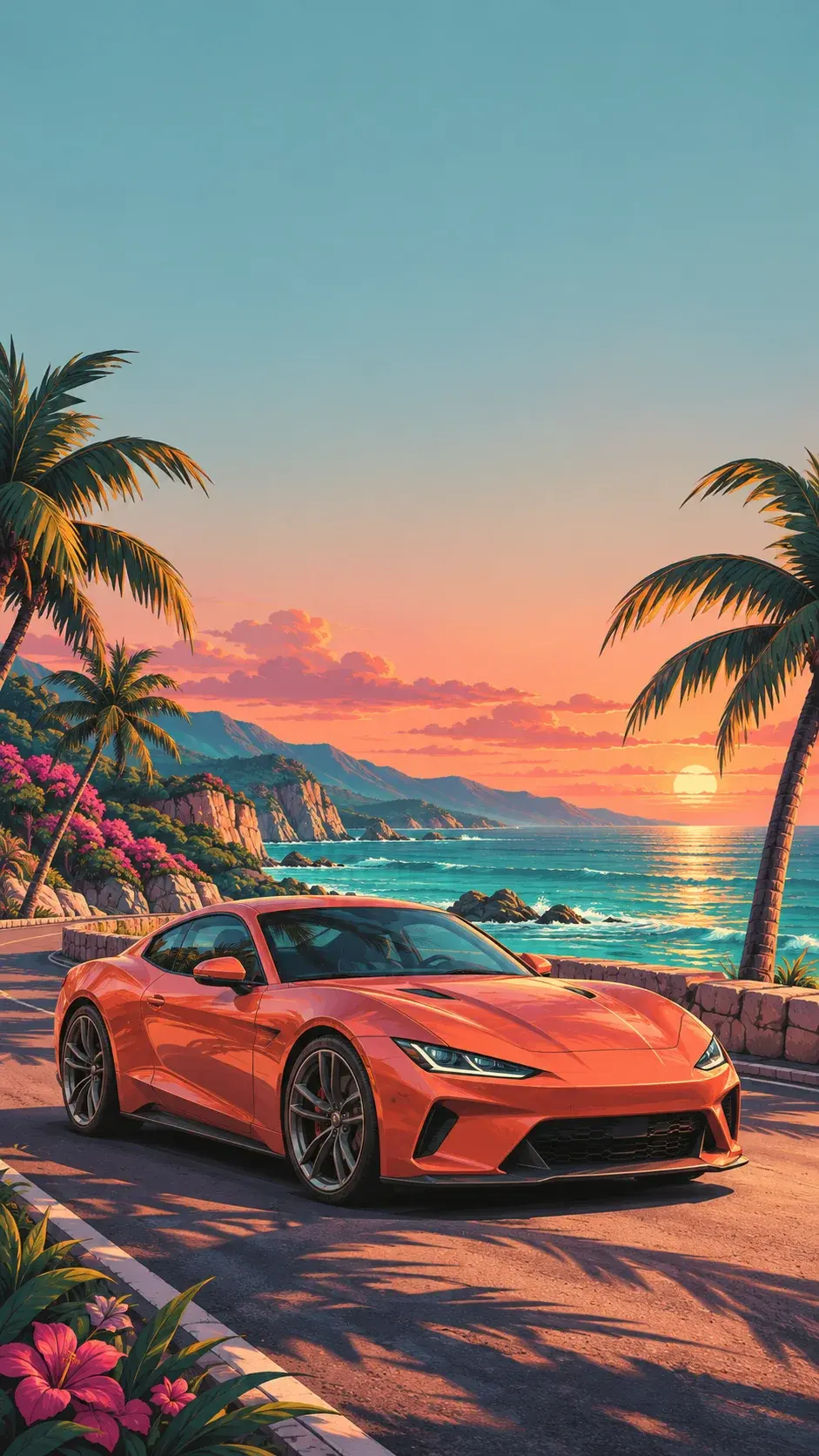
941 × 1672 px
Download sample wallpaper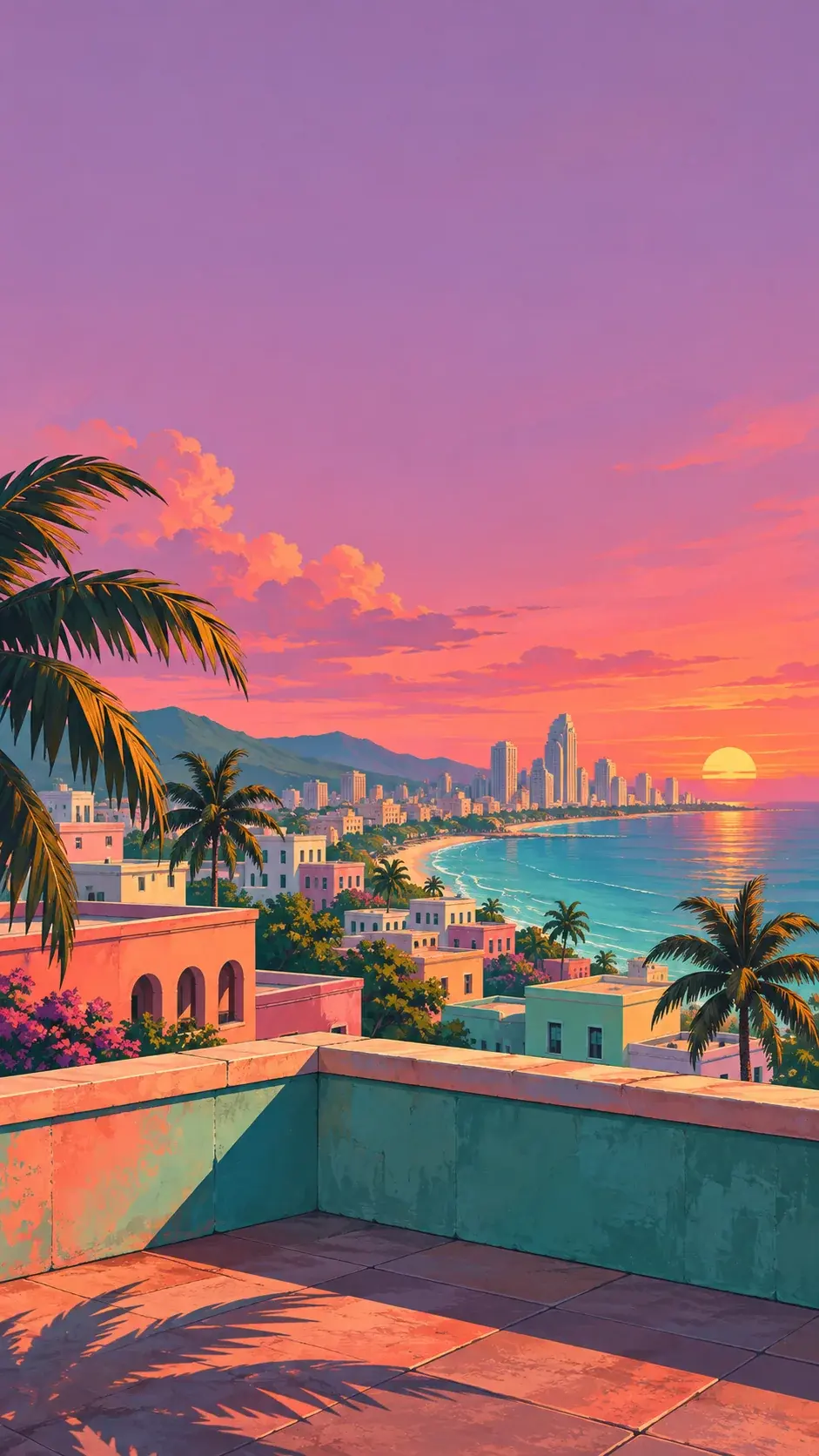
941 × 1672 px
Download sample wallpaper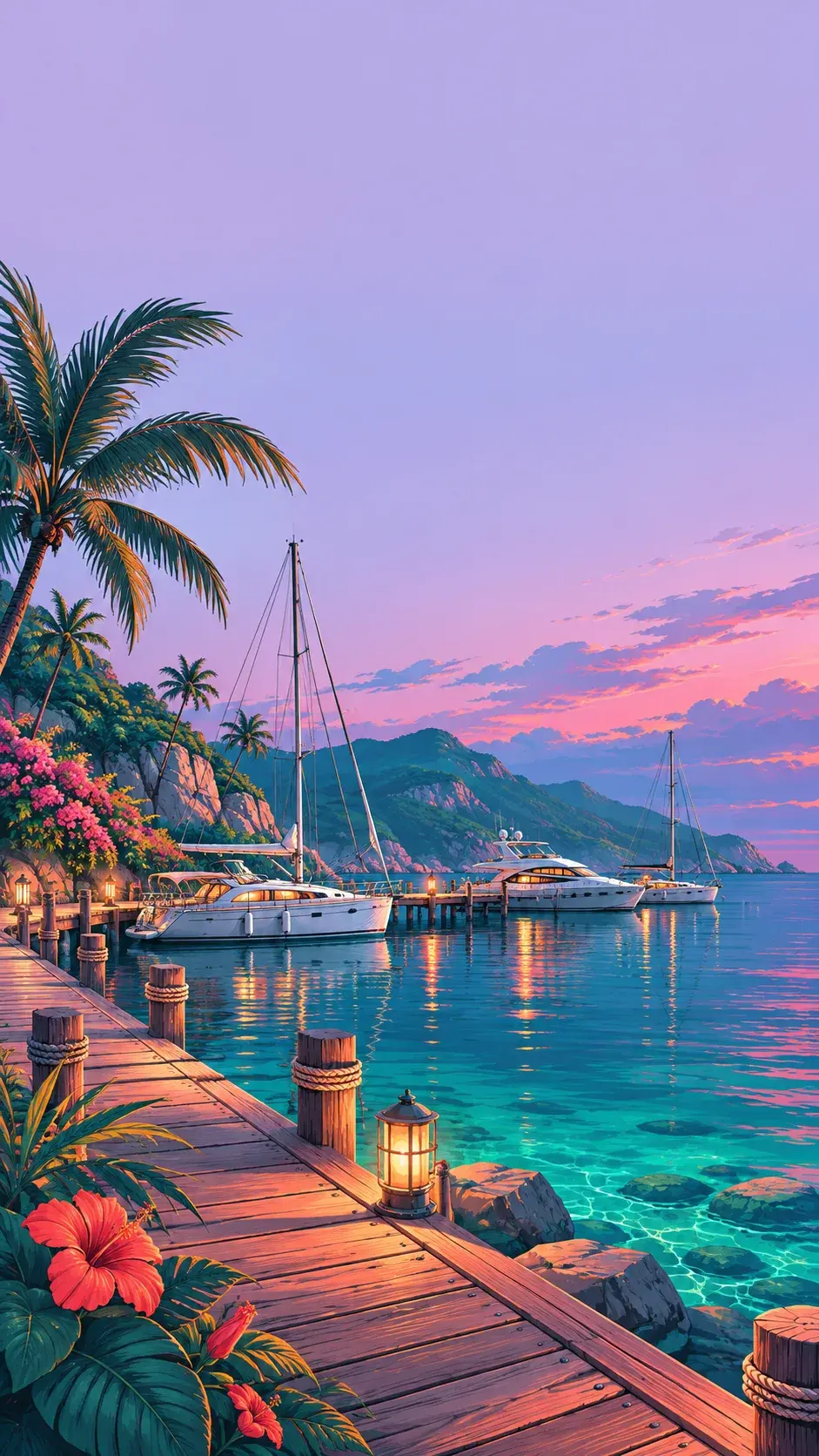
941 × 1672 px
Download sample wallpaper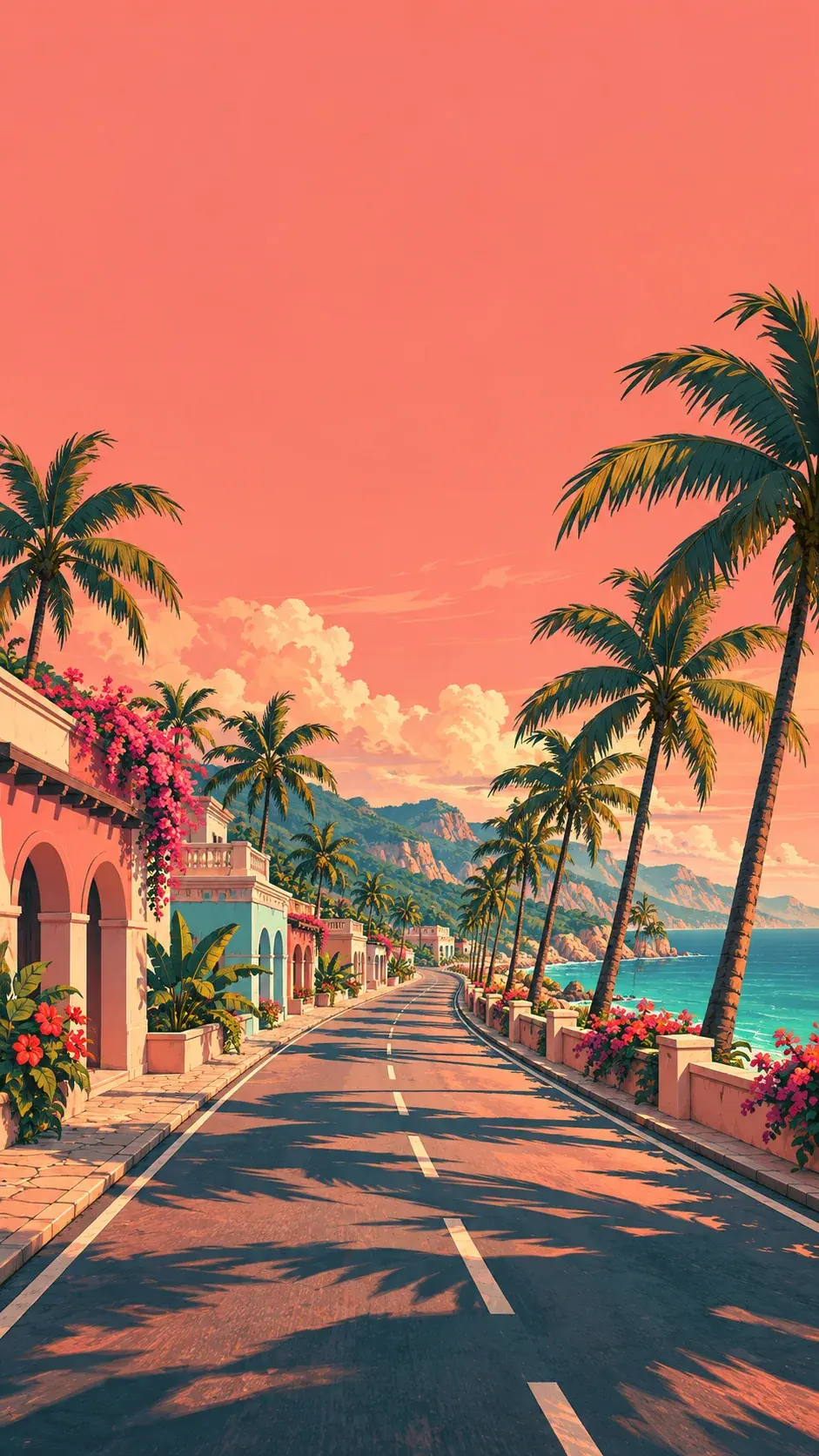
941 × 1672 px
Download sample wallpaperPhoto to coastal key art
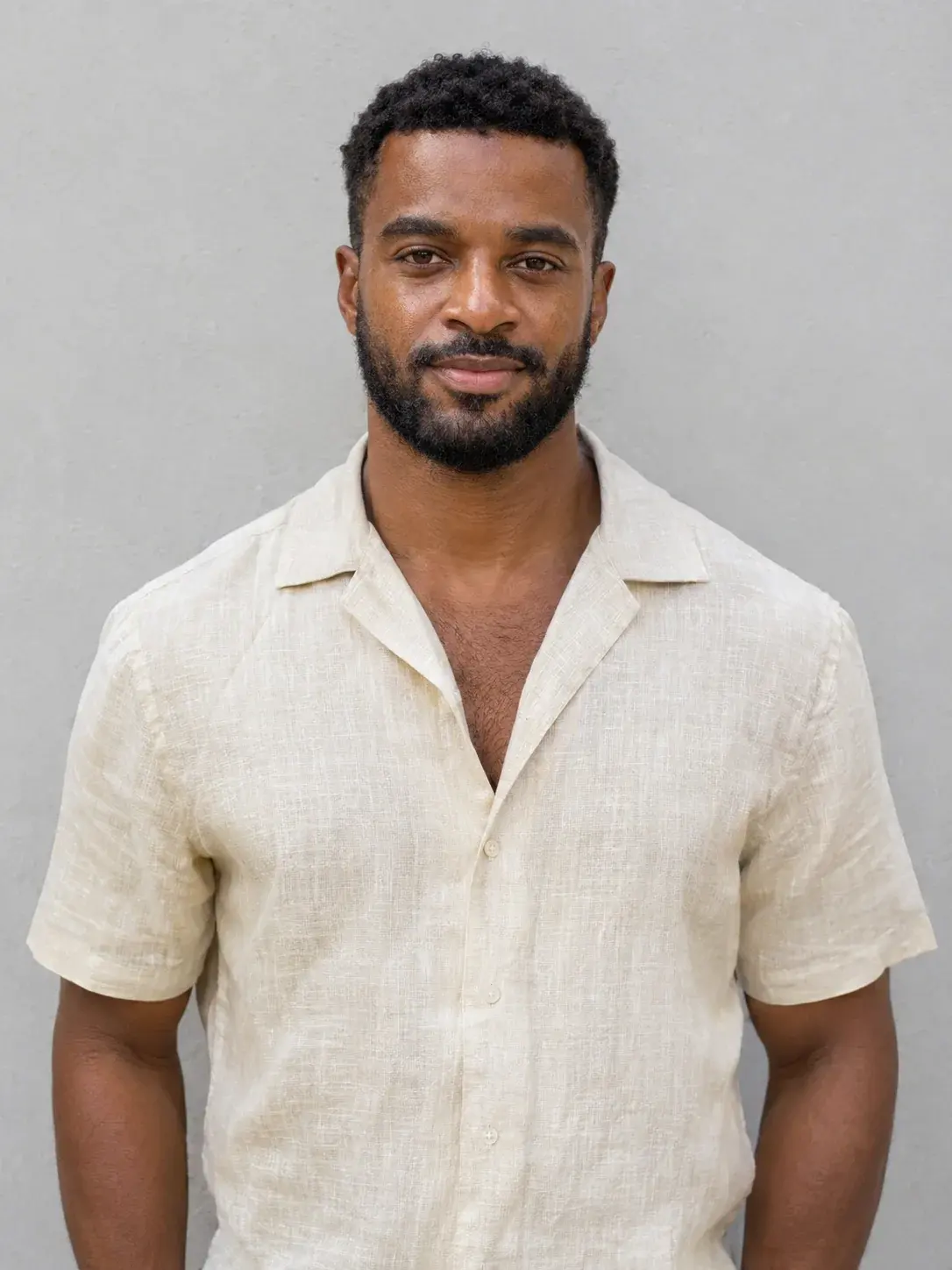
Start with a well-lit single-person photo. Keep your face clear and let the setting do the rest.

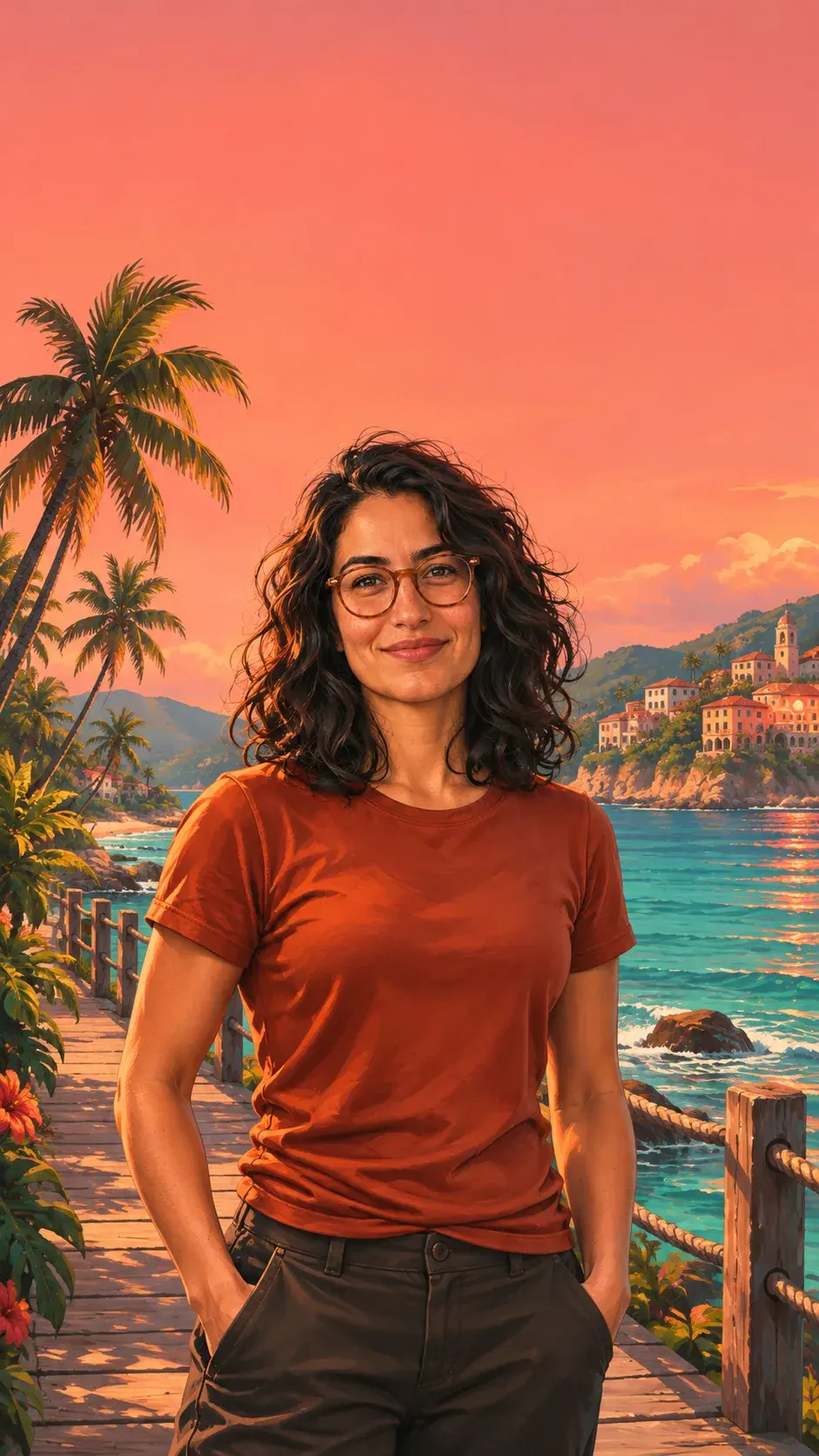
Beach Sunset

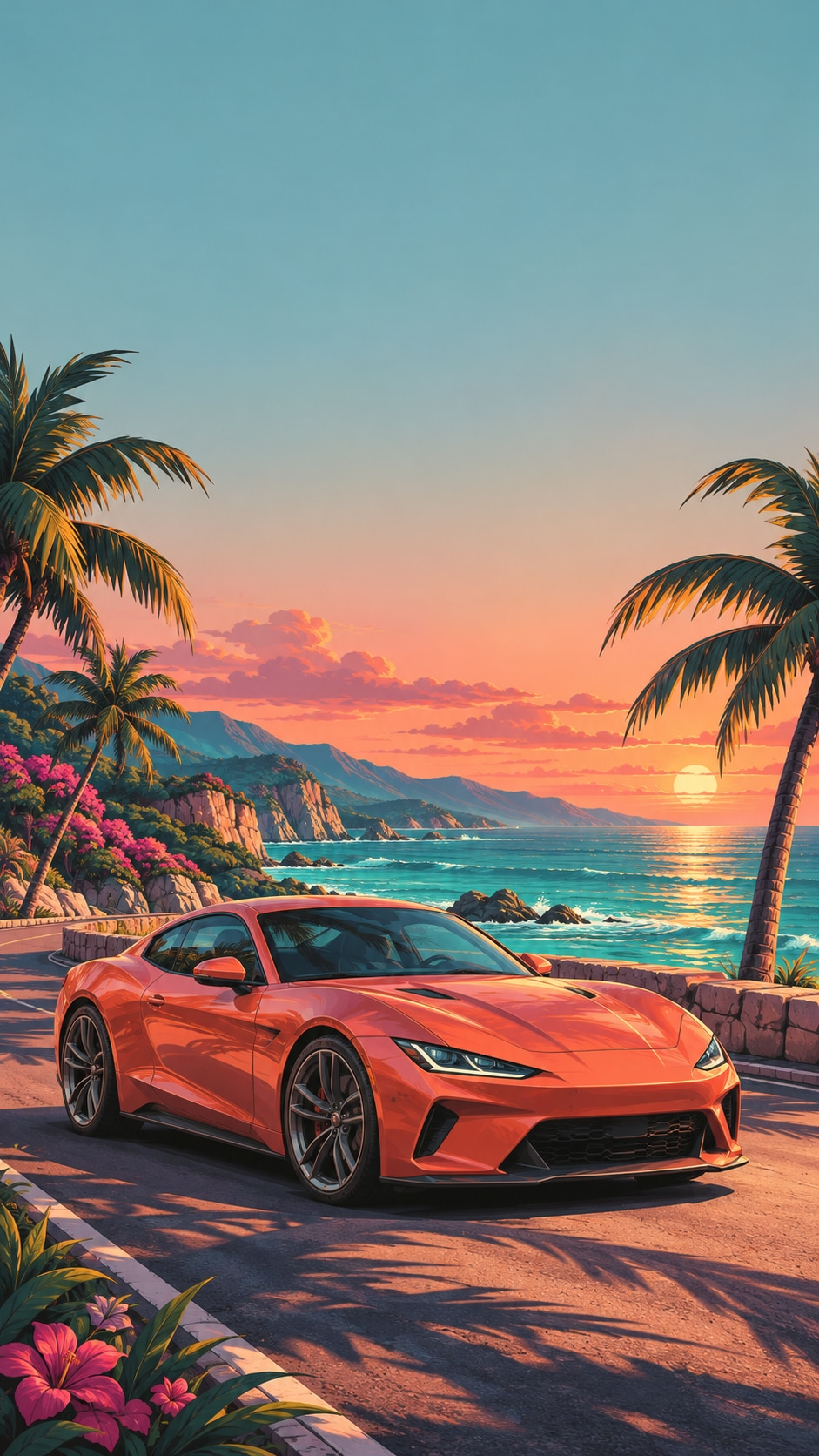
Sports Car
Find your screen's fit
A phone wallpaper needs a quieter sky. A desktop scene needs room to breathe. Choose your composition before generating, then adjust the local crop around the details you want to keep.
Upload a clear single-person photo or choose Create a scene. Pick one of the six coastal settings.
Choose Phone or Desktop and an available model and size. Review the generation option and cost shown in the editor before starting.
Check the result on the screen preview, adjust its crop and download at the displayed pixel dimensions.
Choose Use my photo and upload one clear portrait. The prompt asks to preserve the person's recognizable face, hairstyle and visible clothing while reimagining the setting as coastal action-game key art. Faces and fine details can change, so review your result before downloading.
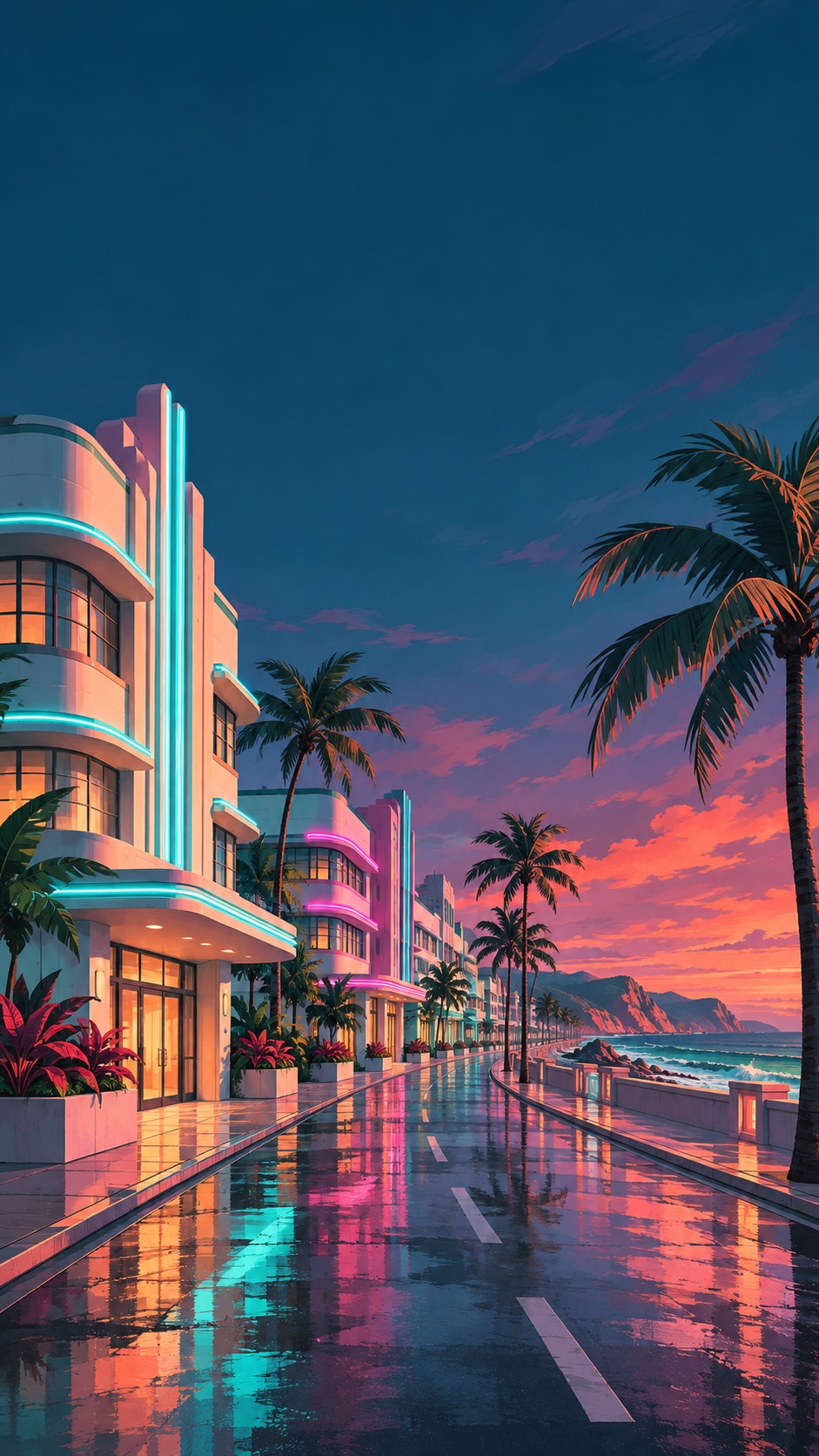
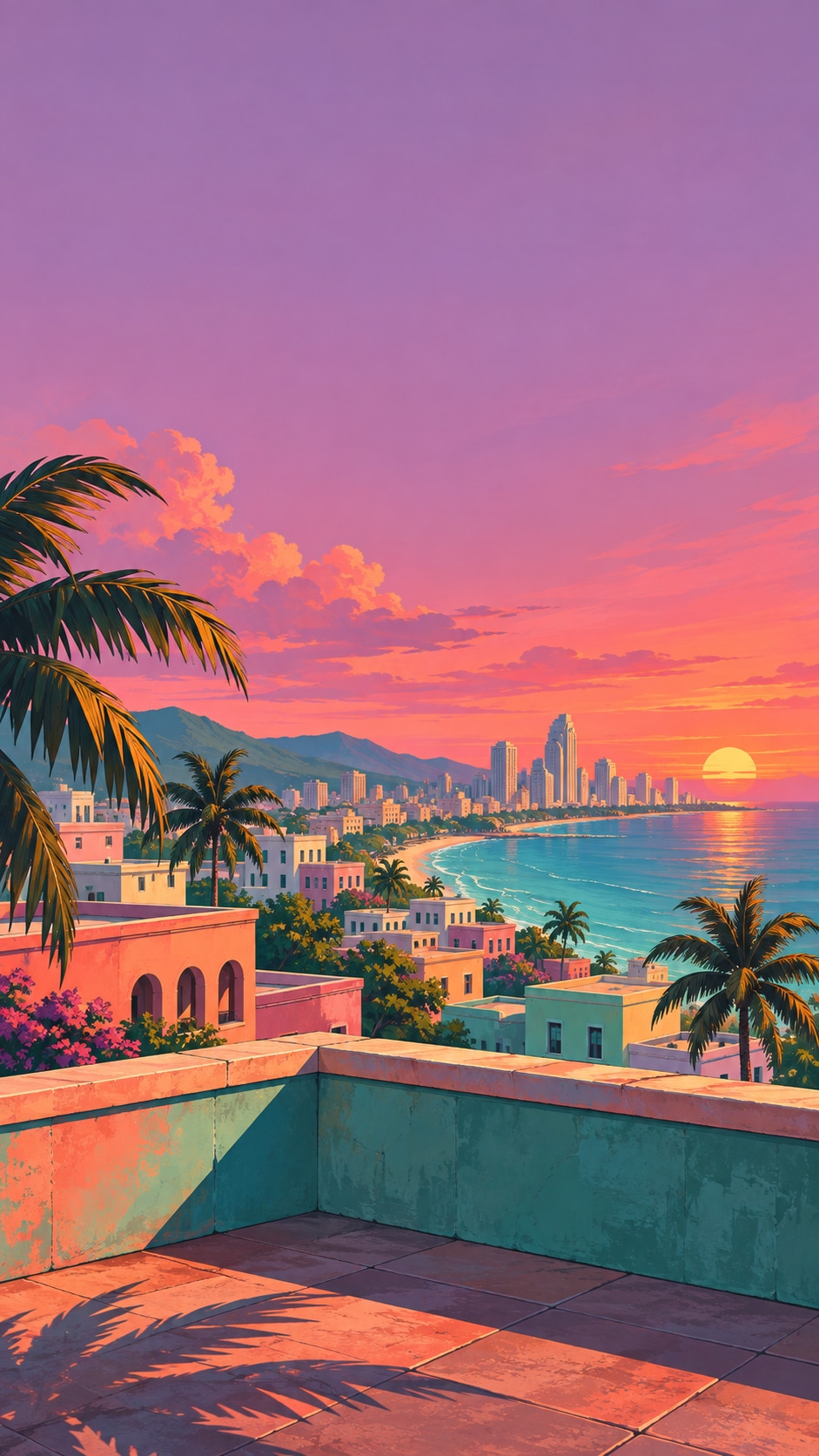
The original sample wallpapers below download directly. To make a new environment, choose Create a scene and select one of the six settings. Scene mode creates a landscape without a main human character.
Phone requests a 9:16 composition with a quieter upper area for your lock-screen clock. Preview & crop offers standard and tall phone crops, position and zoom. Choose the framing that keeps the face clear. Your device's wallpaper settings may apply an additional crop.
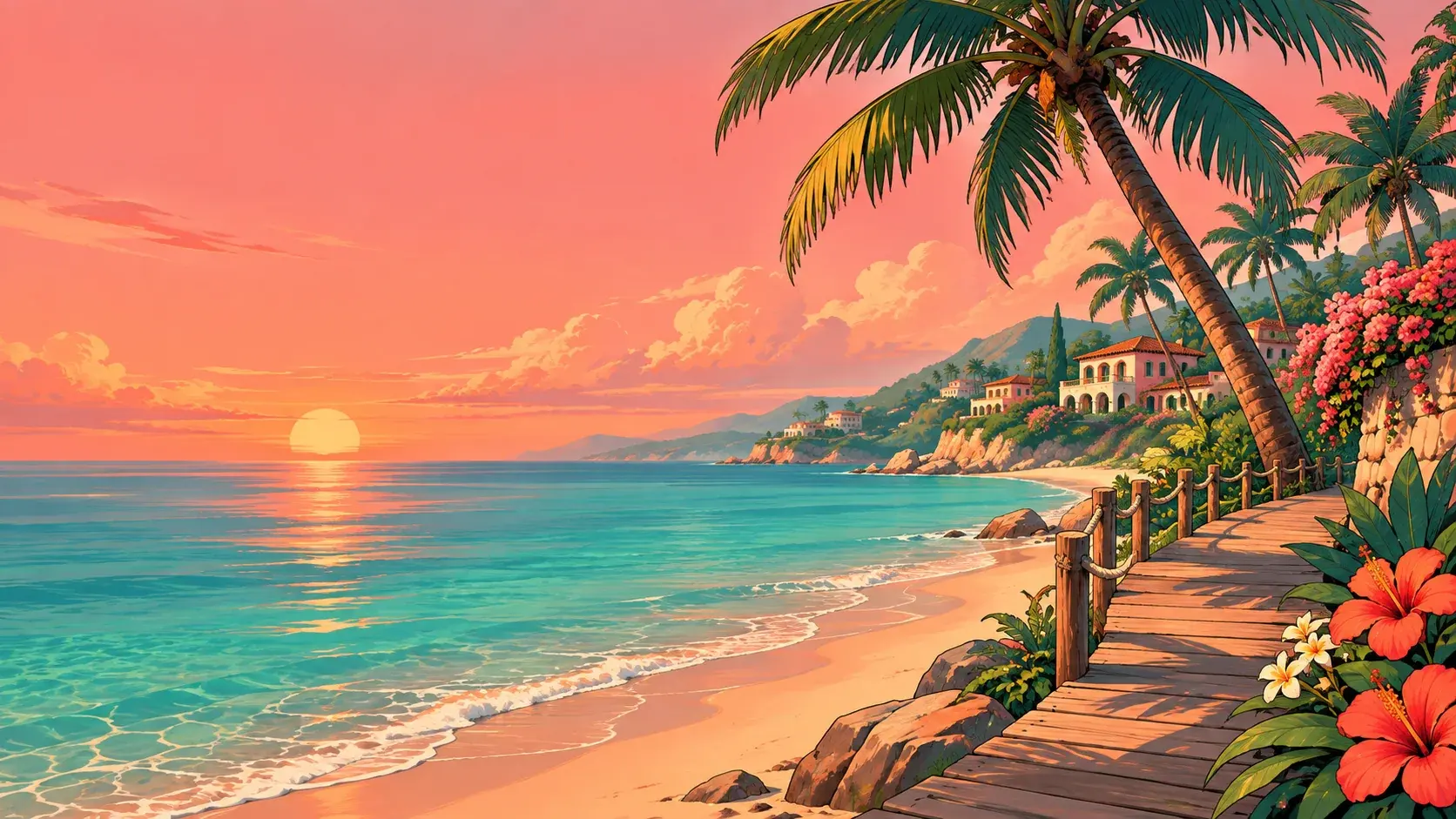
Choose Desktop for a wide 16:9 composition with the main subject toward the right and calmer space on the left for icons. You can preview the image on a desktop screen and download a crop at its displayed pixel dimensions.
The editor shows the sizes supported by your selected model. The crop tool shows the source dimensions and the exact exported pixels. Crops use the detail available in the source image and preserve its maximum resolution.
Preview, crop and repeat downloads of an image available to you run locally in your browser. Before starting a new generation, review the trial, payment or credit options shown in the editor.
These are original AI artworks inspired by fictional coastal action-game illustration. EzImageAI is an independent creative tool and is unaffiliated with Rockstar Games. GTA and Grand Theft Auto are trademarks of their respective owners.
Original AI artwork inspired by coastal action-game illustration. GTA and Grand Theft Auto are trademarks of their respective owners.