 1536 × 1024 PNG
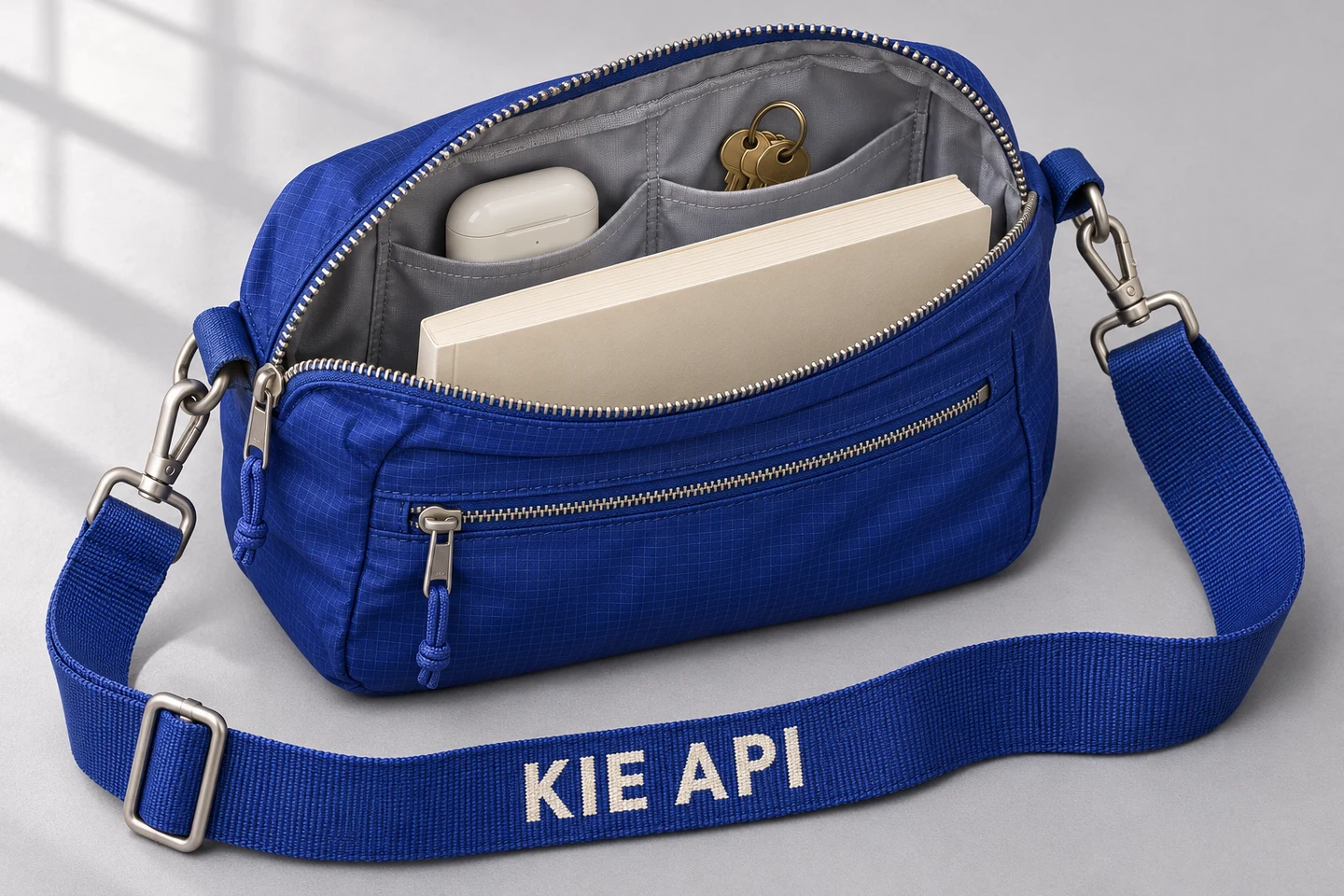
Product photography
Every pocket has a place
A cobalt crossbody bag with visible fabric, hardware and carefully arranged contents.
Flare · Your next creative direction
Explore the idea.
Bring it into focus.
Explore product photos, visual layouts and animated ideas with Flare. Start with a prompt or a reference image, then make the result your own.
PNG or JPEG at 1K, 2K or 4K. Static SVG and 2–16-frame GIFs use the 1K selection, with GIF frames at 512 × 512 pixels.
3 successful results for $2.99: use new or remaining $2.99 pack passes for Flare, Sunburst, SVG or GIF. One successful result uses one pass, with no subscription required.
Made with Flare
Choose an example and make it your own.
1536 × 1024 PNGProduct photography
A cobalt crossbody bag with visible fabric, hardware and carefully arranged contents.
 1536 × 1024 PNG
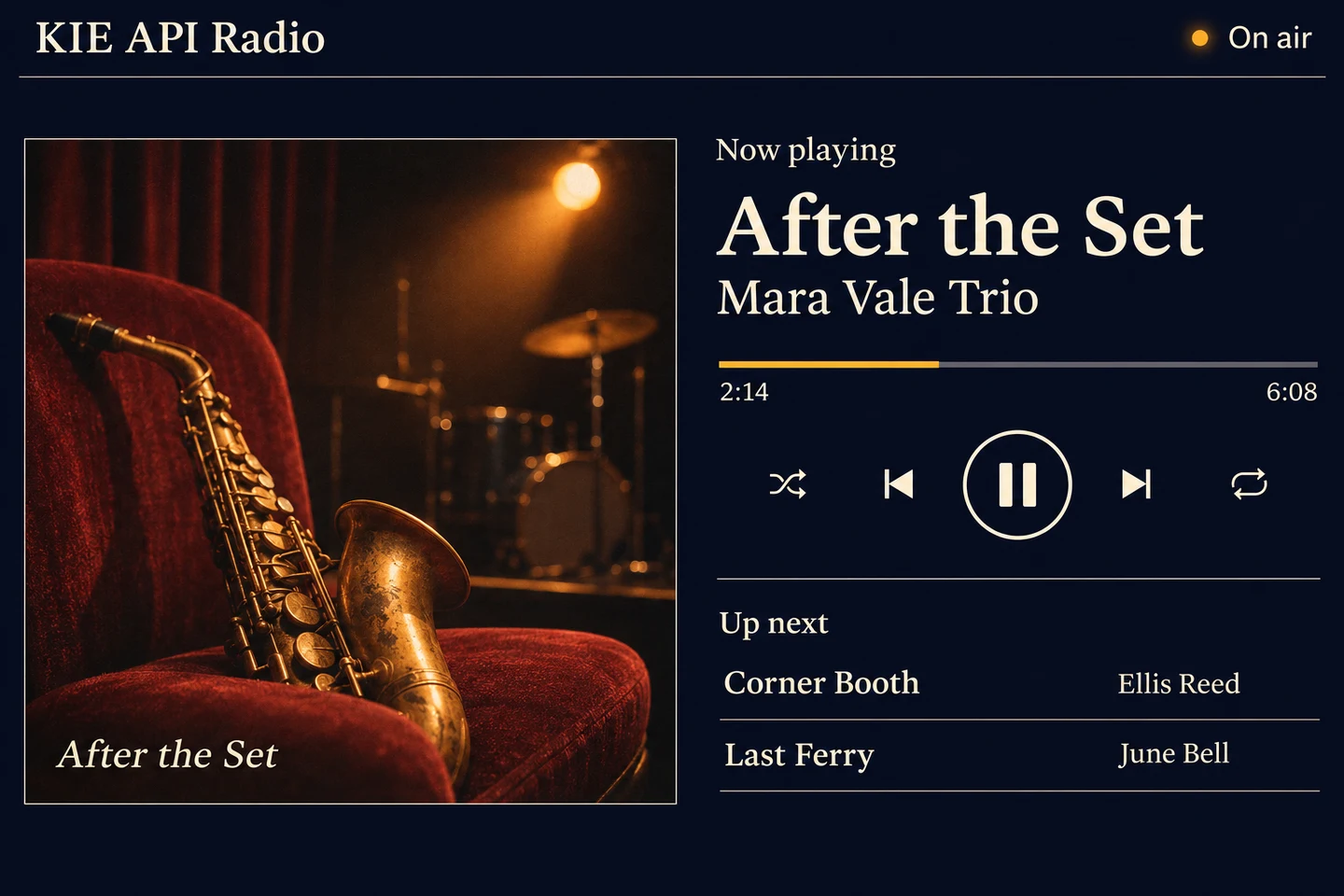
Typography & interface design
A midnight-blue radio player with album artwork, track details and a clear visual hierarchy.
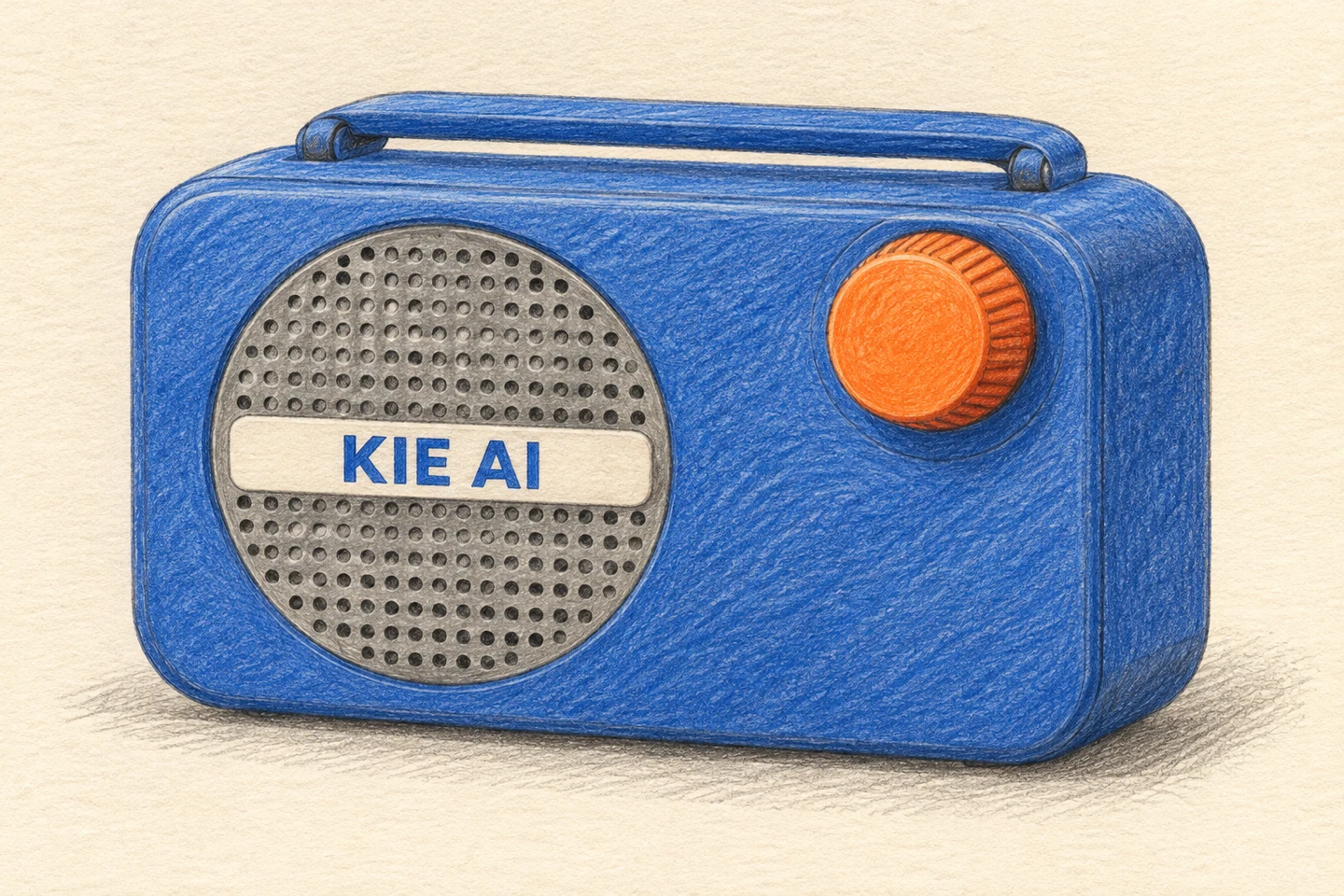
Reference editing
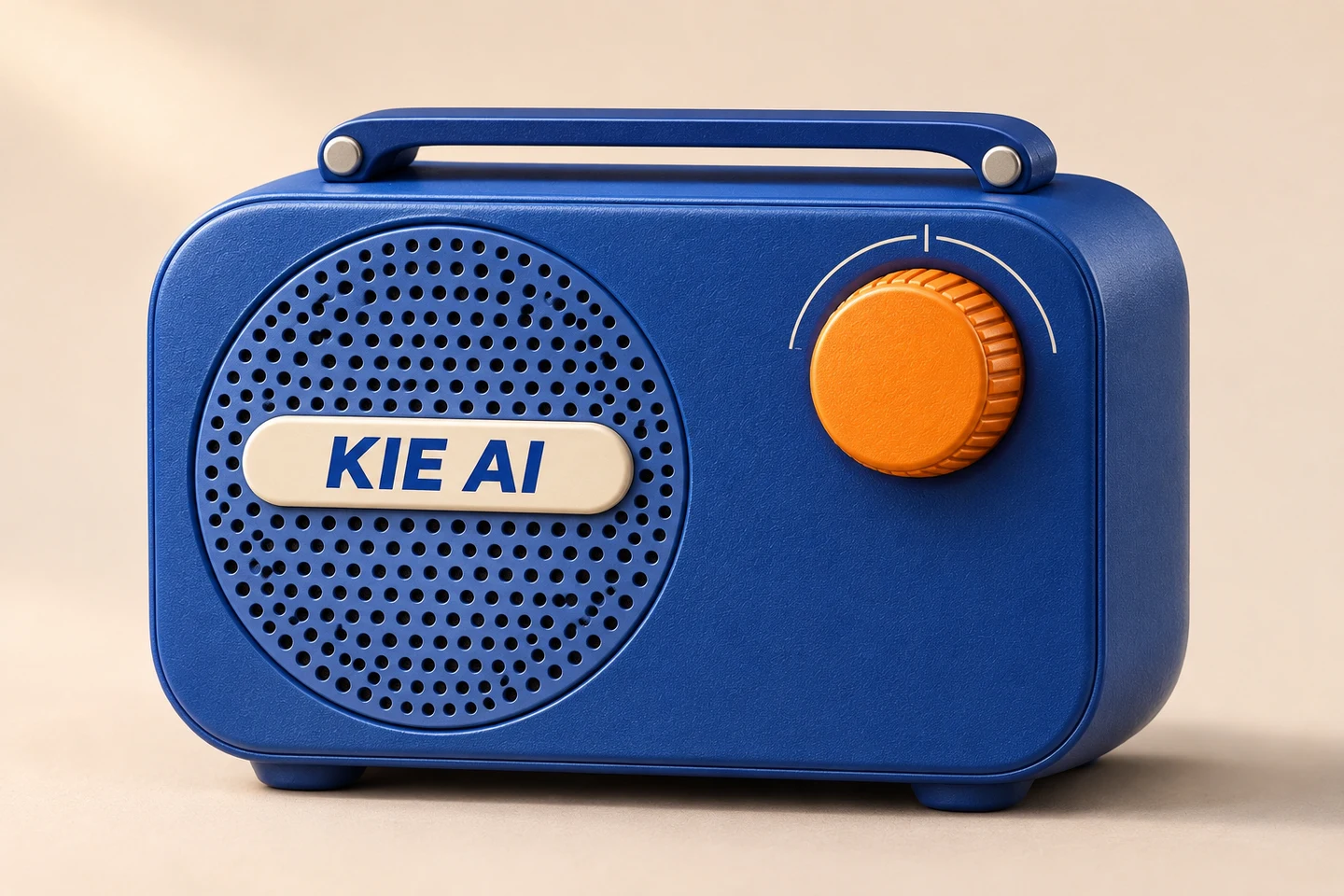
Turn a radio drawing into a textured product image while keeping its shape and lettering.
Slide to explore the edit
Stand beside the white-lion boss or turn yourself into Sheru. Choose a preset and upload your photo in the guide. Both Sheru looks use Nano Banana 2.
Write a prompt or use one of this model's examples as a starting point.
Add an optional reference, then choose the size, aspect ratio and output format.
Review your settings and quoted cost, generate, then preview and download your result.
Brief the subject, composition, lighting and exact words together. Flare uses medium quality for speed-focused exploration, from a product photograph to a detailed interface concept.
Add one reference image and describe the change. Turn a sketch into a product photo, explore a material or adjust the atmosphere while specifying what to retain.
Create a PNG or JPEG image, a static SVG illustration or a short looping GIF. Select the format before generating, then review the credit or image-pass cost and download the result from your private workspace.
Flare supports text-to-image generation and editing with one reference. Use it for product photos, posters, illustrations, interface concepts, static SVG and short GIFs. This workspace uses medium quality for Flare.
Upload one reference image and describe what to change and what to keep. The comparison examples include a downloadable reference in View prompt. Upload limits and supported file types appear in the workspace.
Yes. Select the 1K tier for static SVG or GIF output. GIFs support 2–16 frames at 512 × 512 pixels per frame, with frame count and duration controls in the editor.
Choose account credits or an eligible image pass, then check the cost before generating. The $2.99 pack includes 3 successful results, with no subscription required when paying with these passes. Credit-funded requests retain their account and subscription requirements. Each new generation or edit has its own quote.
Yes. Both new purchases and remaining uses from existing $2.99 packs cover GPT Image 2.6 Flare and Sunburst: PNG or JPEG at 1K, 2K or 4K, static SVG, and GIF with 2–16 frames. One successful result uses one pass, including a whole GIF regardless of its frame count. Choose Image pass as the payment source; buying a pack does not automatically switch your selection. Earlier packs sold for a different price keep their original terms.
Your reference images and results use the private EzImageAI workspace. They are not automatically published in a public gallery. Upload only material you have permission to use, and follow the content safety and usage rules shown in the editor.