/
Nano Banana · Create with EzImageAI
Nano BananaAI Image Generator
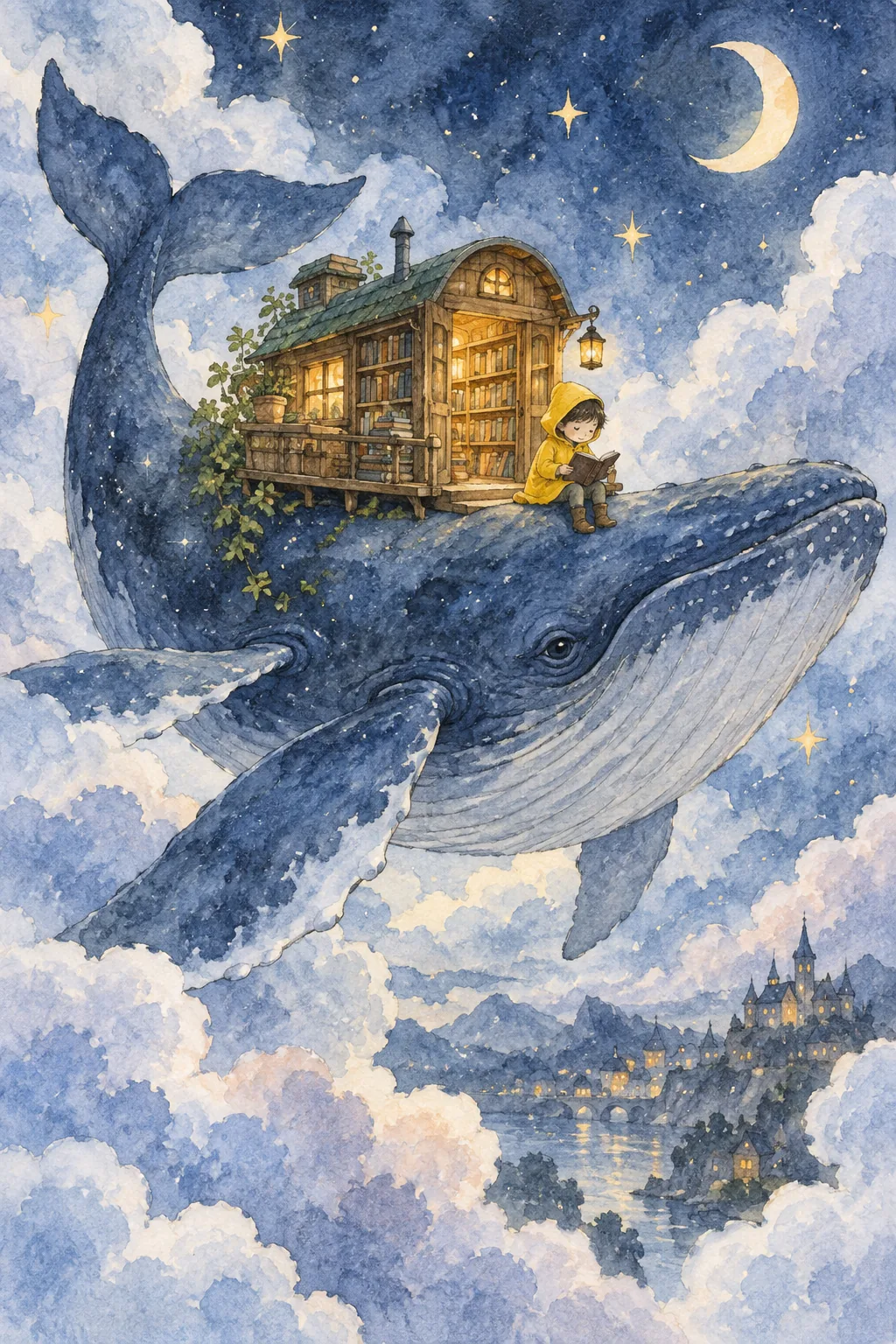
Explore watercolor storybooks and gentle illustrated worlds with natural-language prompts and optional reference images. Describe the characters, scene, and painted texture.
Explore the possibilities
One idea. Plenty of creative directions.
Move between visual styles
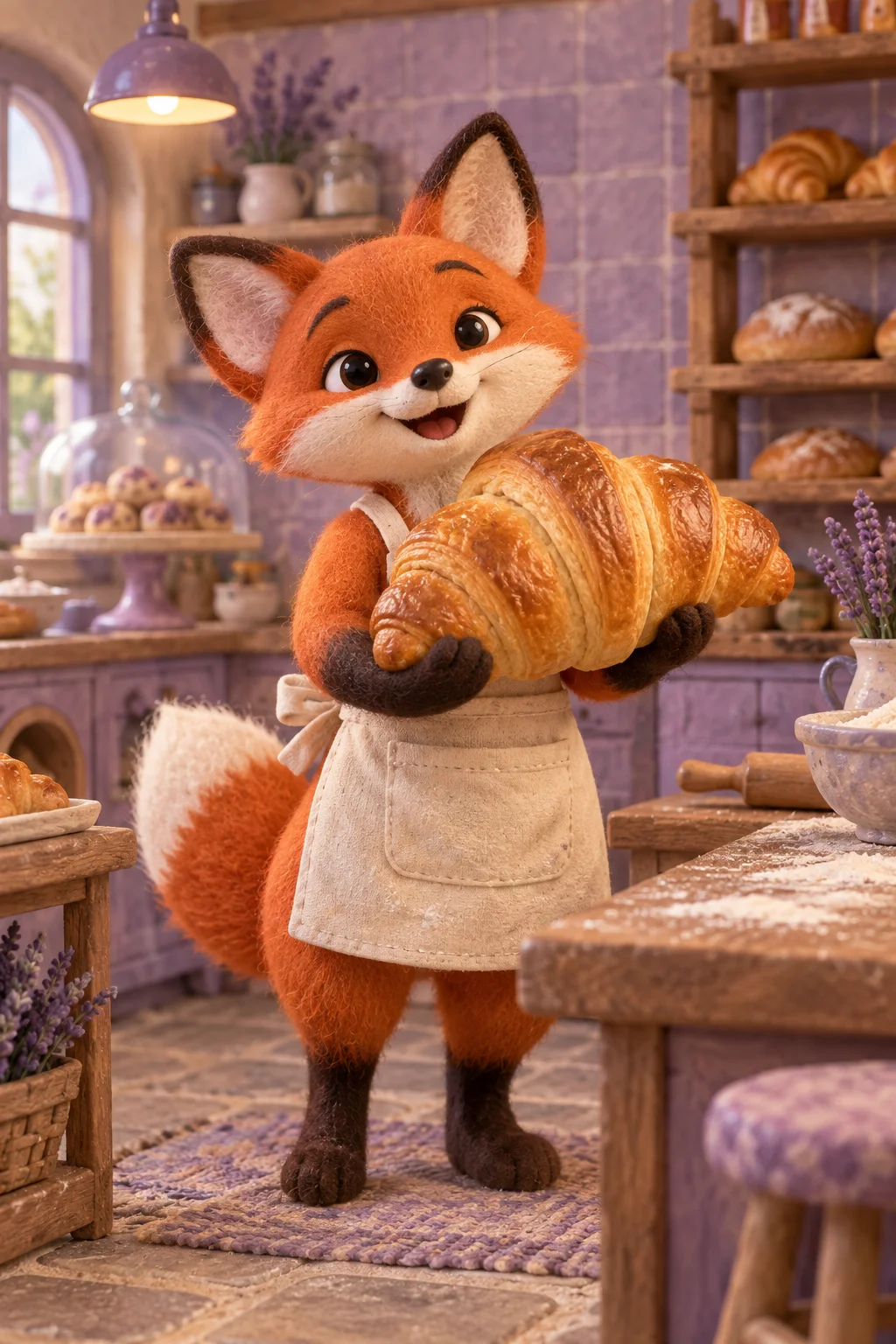
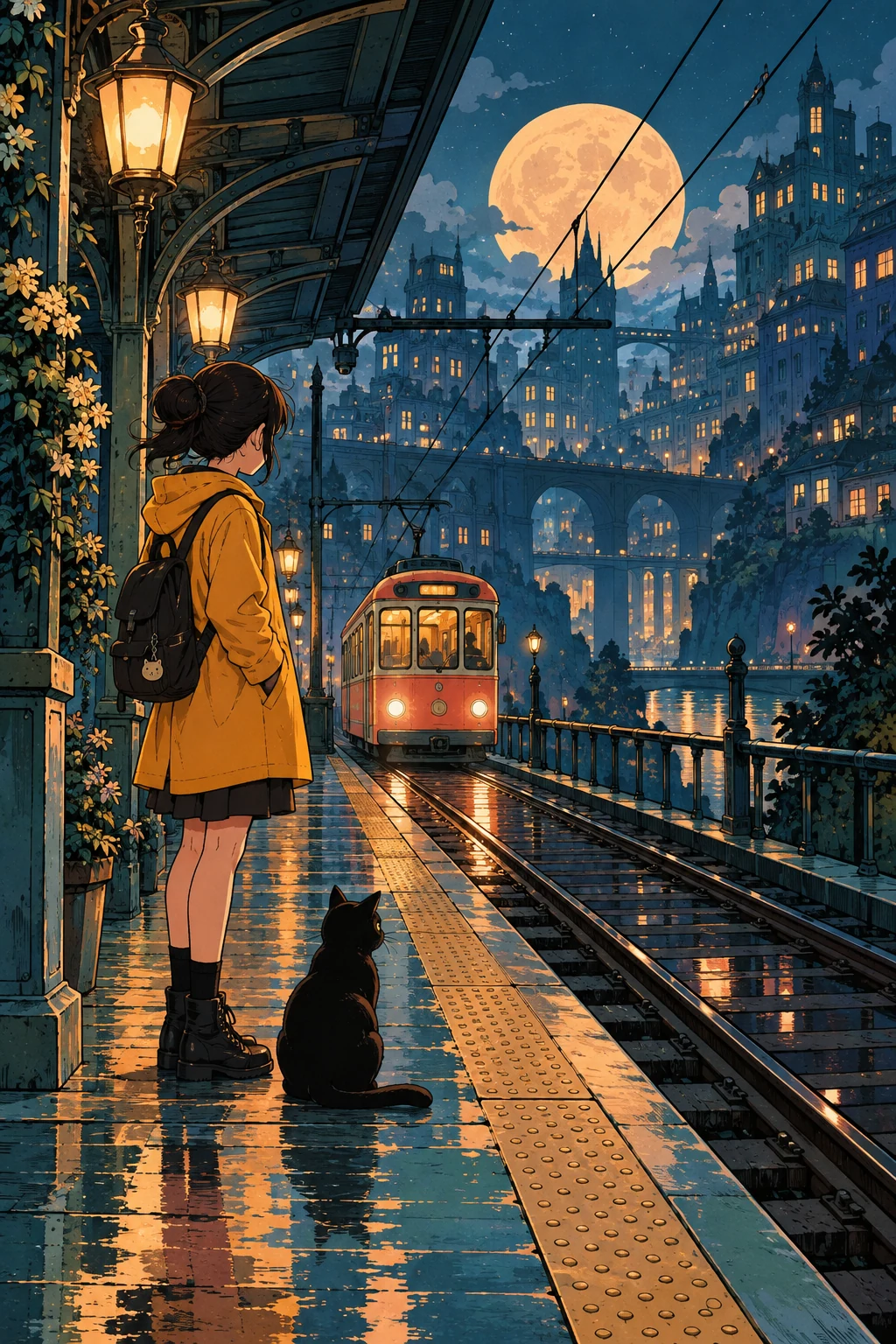
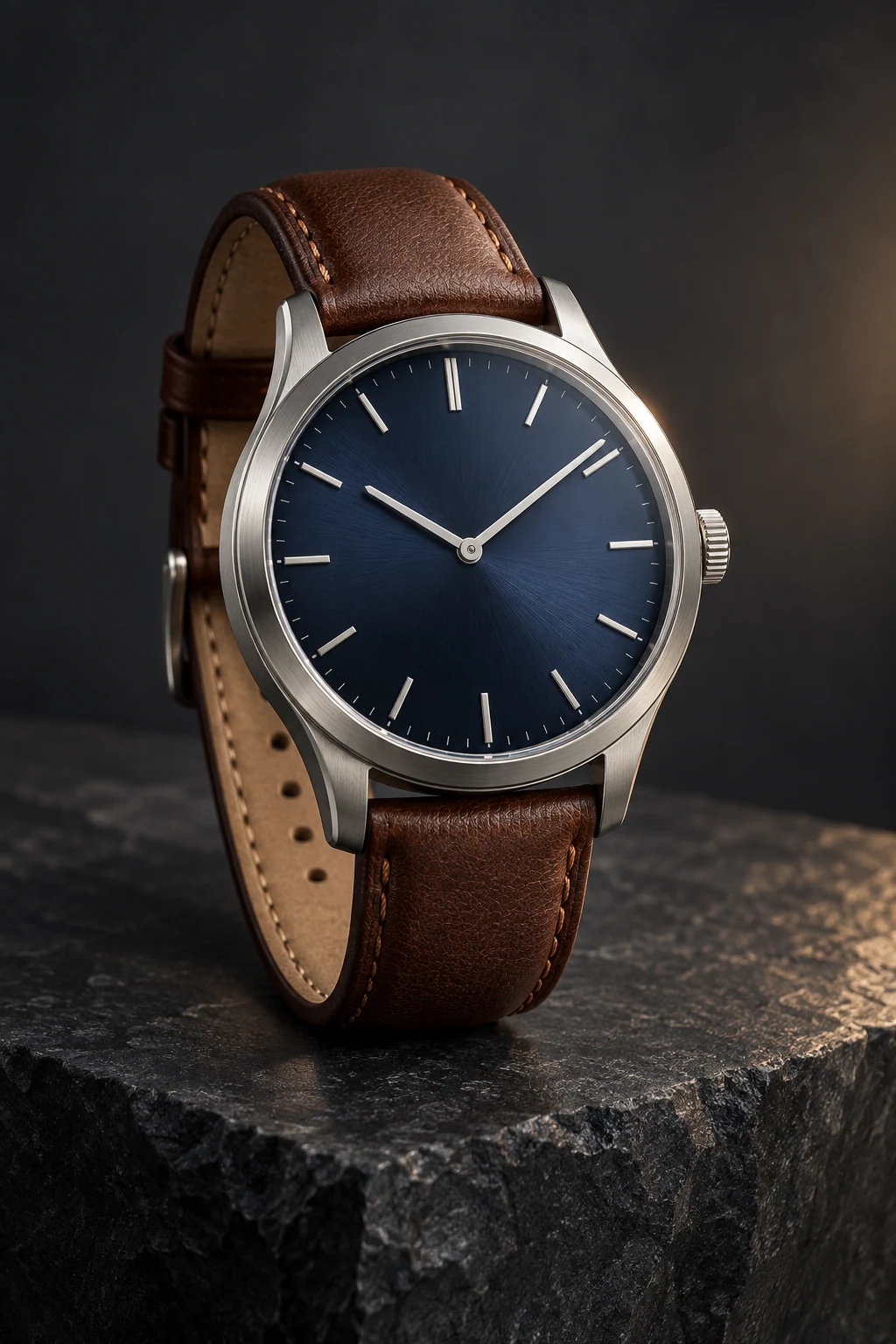
Give the same subject different treatments: an editorial photograph, a soft illustration, or a graphic composition. Describe the medium and texture explicitly.
Put a subject in context
Connect the person or object to a setting, action, and mood. Concrete scene details are more useful than a long list of abstract quality words.
Build on a reference
Use an existing image as a starting point, then name the background, color, or lighting change. Review the new image for the details you intended to preserve.
A starting point, in your own words
Name the medium as part of the story
Name a medium, a subject, and a lighting style. Refine the strongest direction with small prompt changes.
Reference prompt
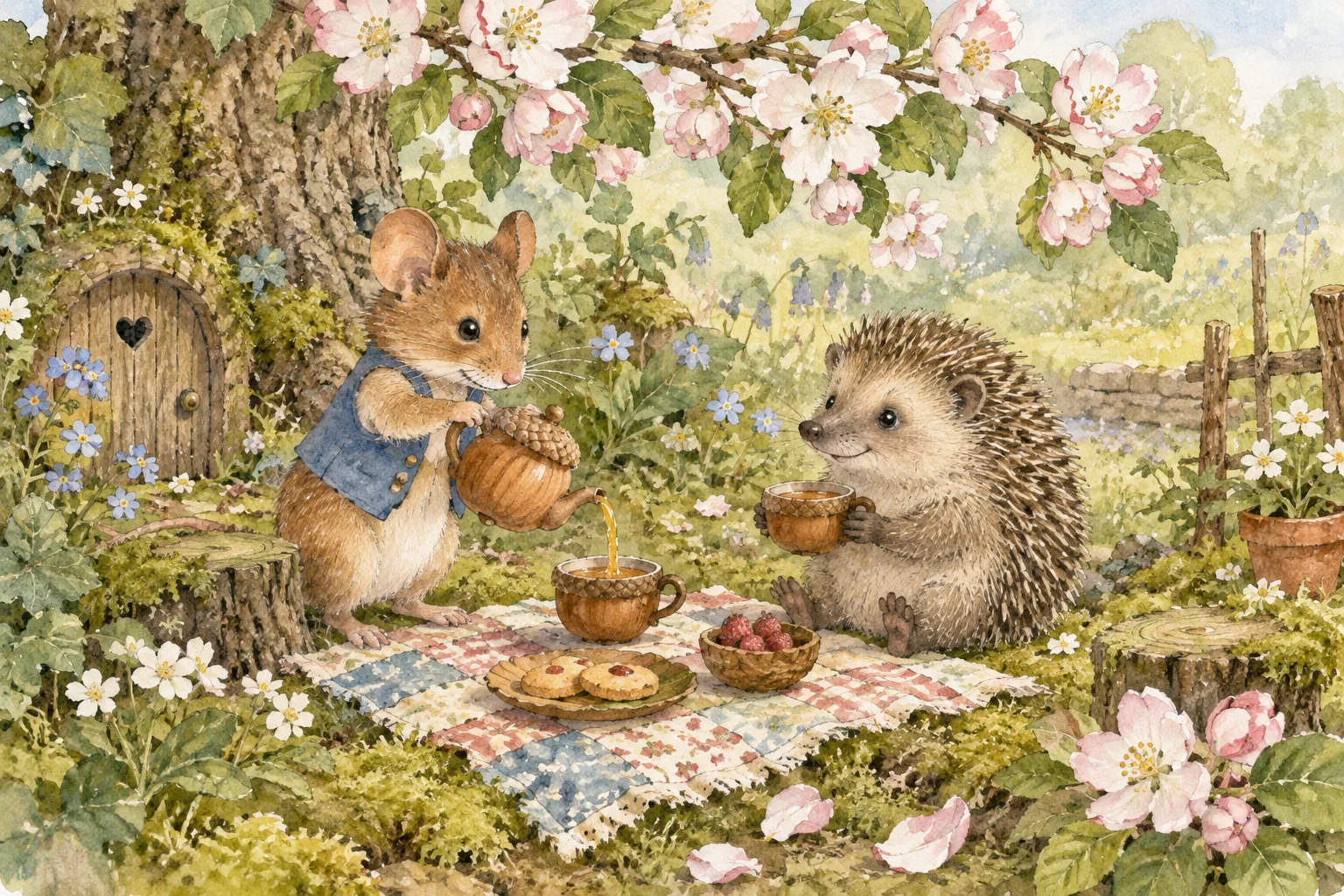
Original hand-painted watercolor picture-book scene of a little field mouse in a blue waistcoat pouring tea for a hedgehog in a tiny mossy garden under a flowering apple branch. Acorn cups, one patchwork picnic cloth, soft pink blossoms, translucent sage and rose washes, visible granulated watercolor pigment, delicate pencil contours and cream cold-press paper. Gentle character gestures, full scene, no text. No text or logos. No watermark.
These original AI-generated concepts illustrate creative directions. They are not benchmarks or verified outputs from the named model. Results vary with your prompt, reference, and settings.
Before you create
Nano Banana FAQ
Can I create an image without uploading a reference?
Yes. Describe the image you want and leave the reference empty to use text to image. Add a reference to switch to image to image. Sign in, check the credits shown on the button, and generate with one click.
How do I choose the output settings and credits?
The workspace shows the currently available choices for Nano Banana. Select your output settings and check the credits on the generation button. Availability can change; an unavailable model cannot be submitted.
What should I check in the result?
Inspect identity, object proportions, and style consistency across separate generations.
Can I continue working on a generated image?
Your results appear in your workspace and history. Use a generated image as a reference for a new edit, or reuse the prompt to explore another direction. Each new generation has its own credit quote.
Keep exploring