/
Nano Banana · Create with EzImageAI
Nano Banana 2AI Image Generator
Explore comic illustration and line-art color studies with reference guidance and a choice of 1K, 2K, or 4K output. Develop the drawing, palette, and story together.
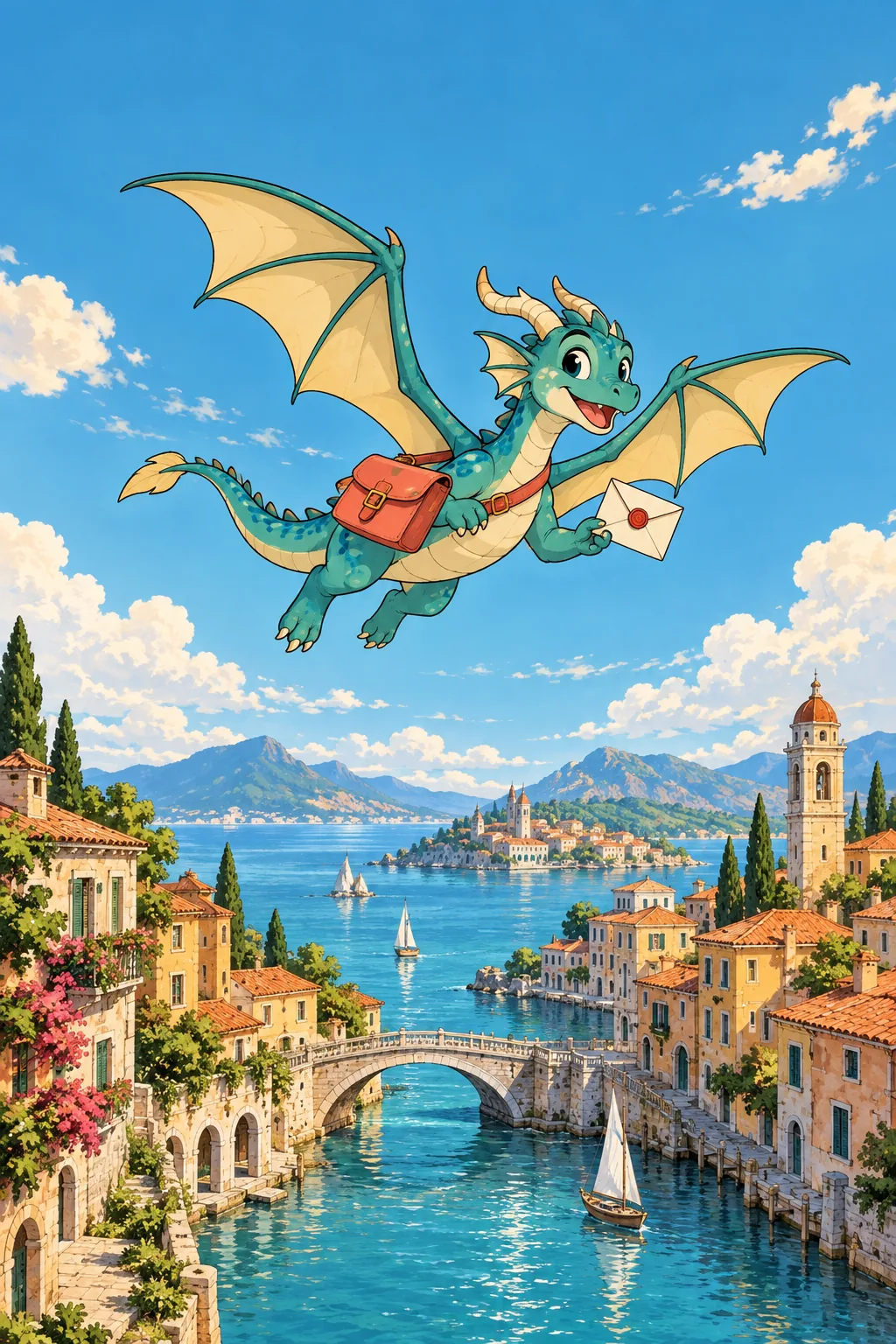
Explore the possibilities
Explore a look. Then develop the details.
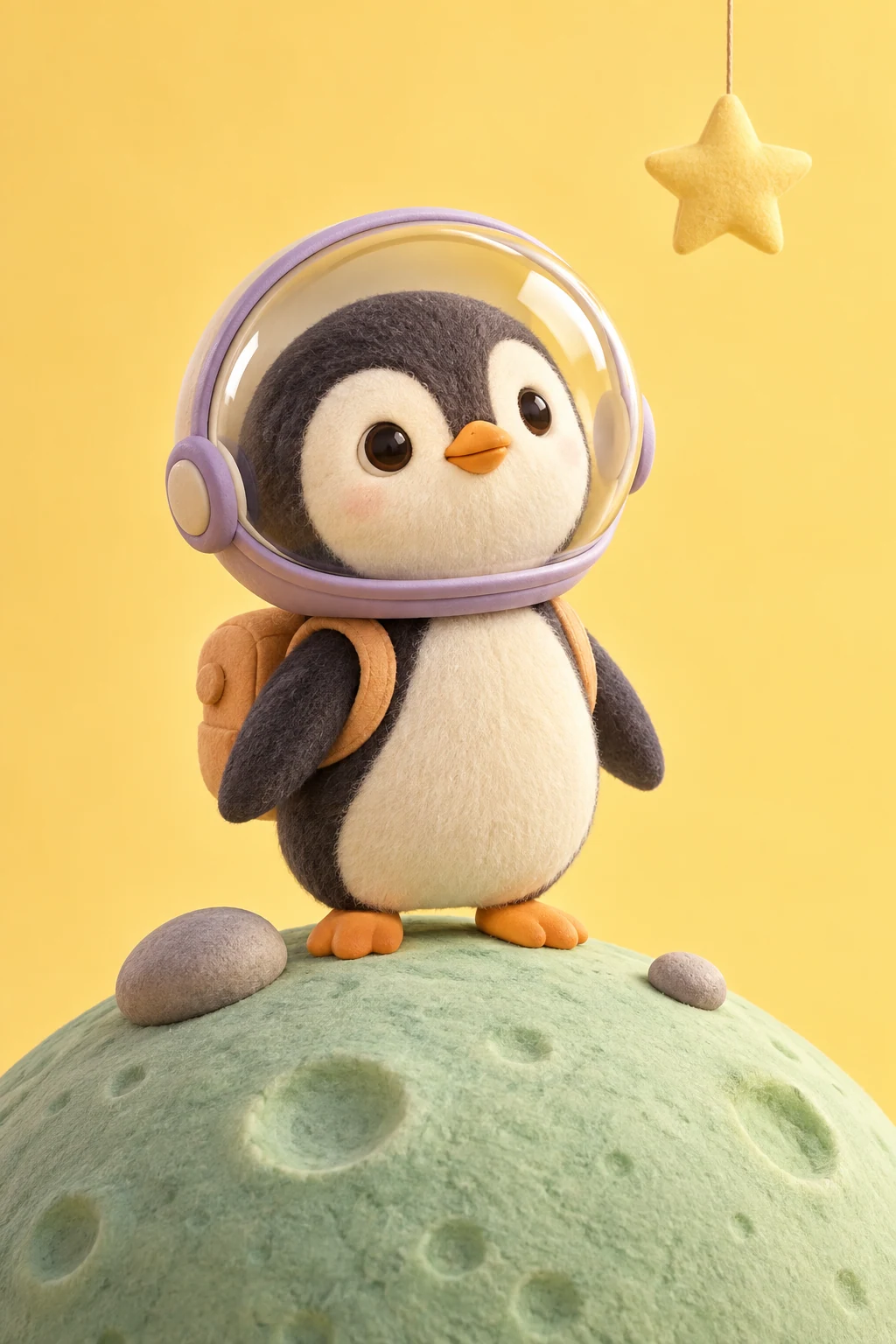
Set the story in a single frame
Define the main subject, the action, and the surrounding scene. Use framing and lighting to establish a mood before expanding the prompt.
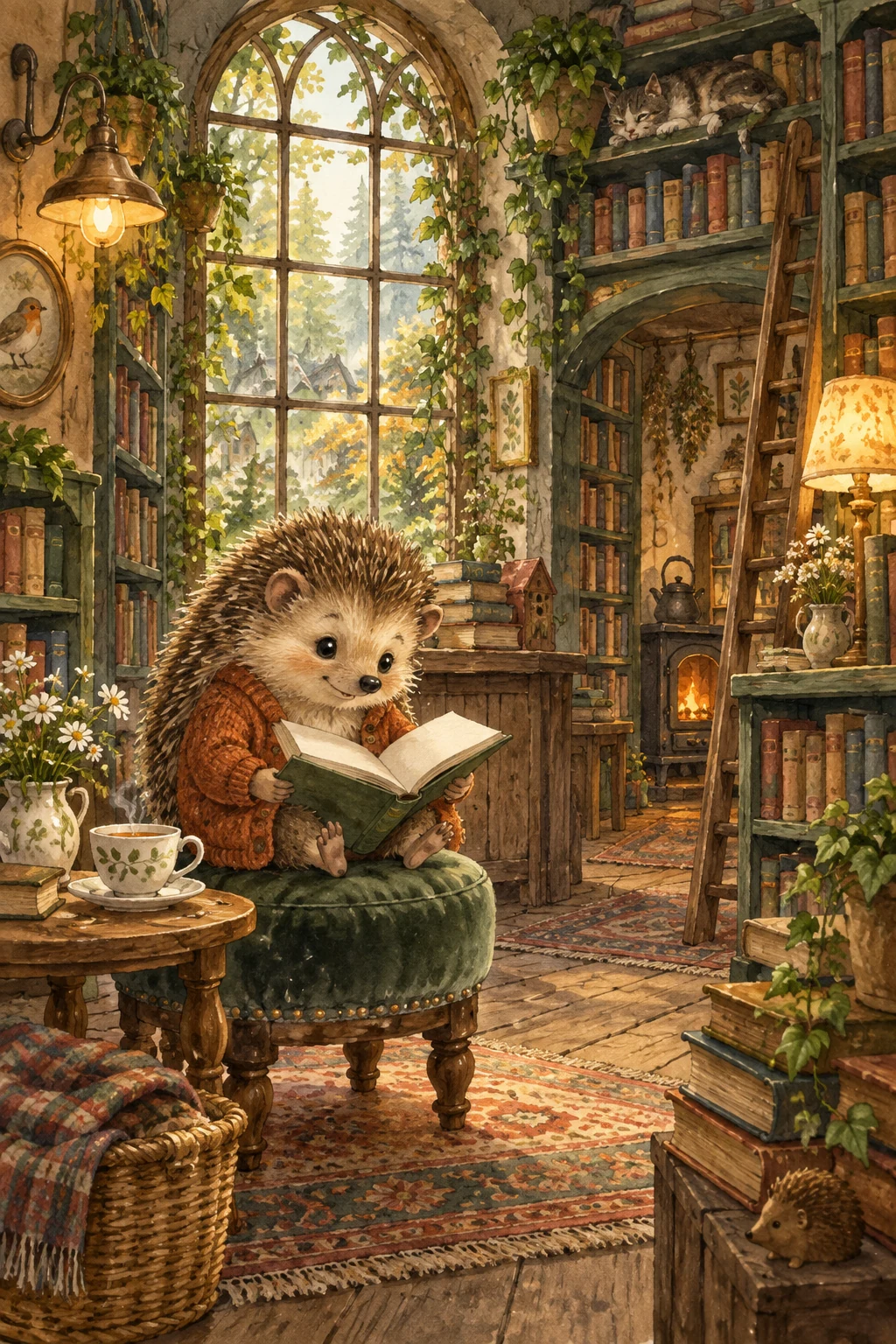
Develop a visual direction
Try an outfit, palette, or setting change with an optional reference. Keep the features that matter explicit in the brief instead of assuming they will carry over.
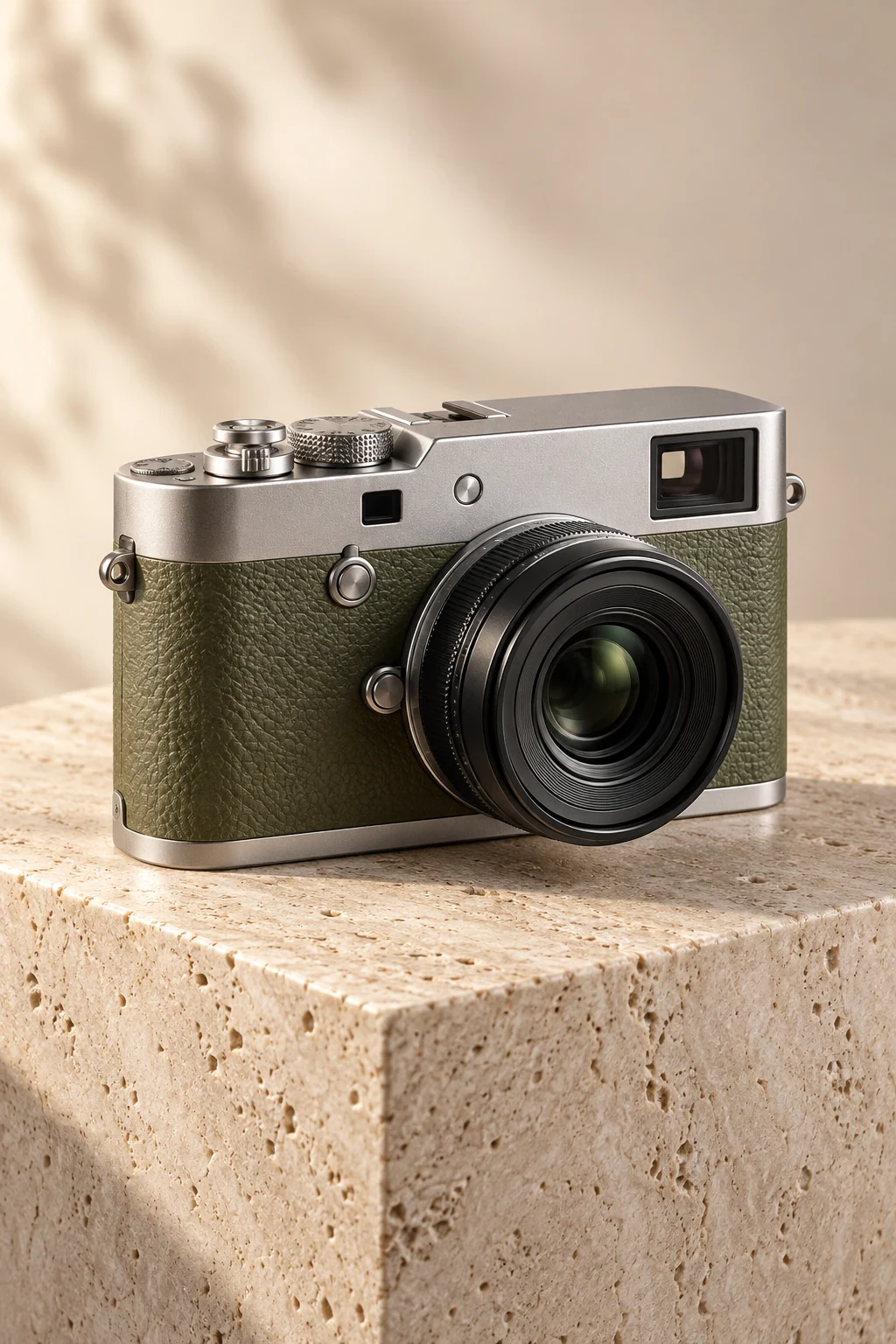
Match the output to the task
Choose among the output tiers offered in the editor. A social concept and a larger presentation visual may call for different settings and credit budgets.
A starting point, in your own words
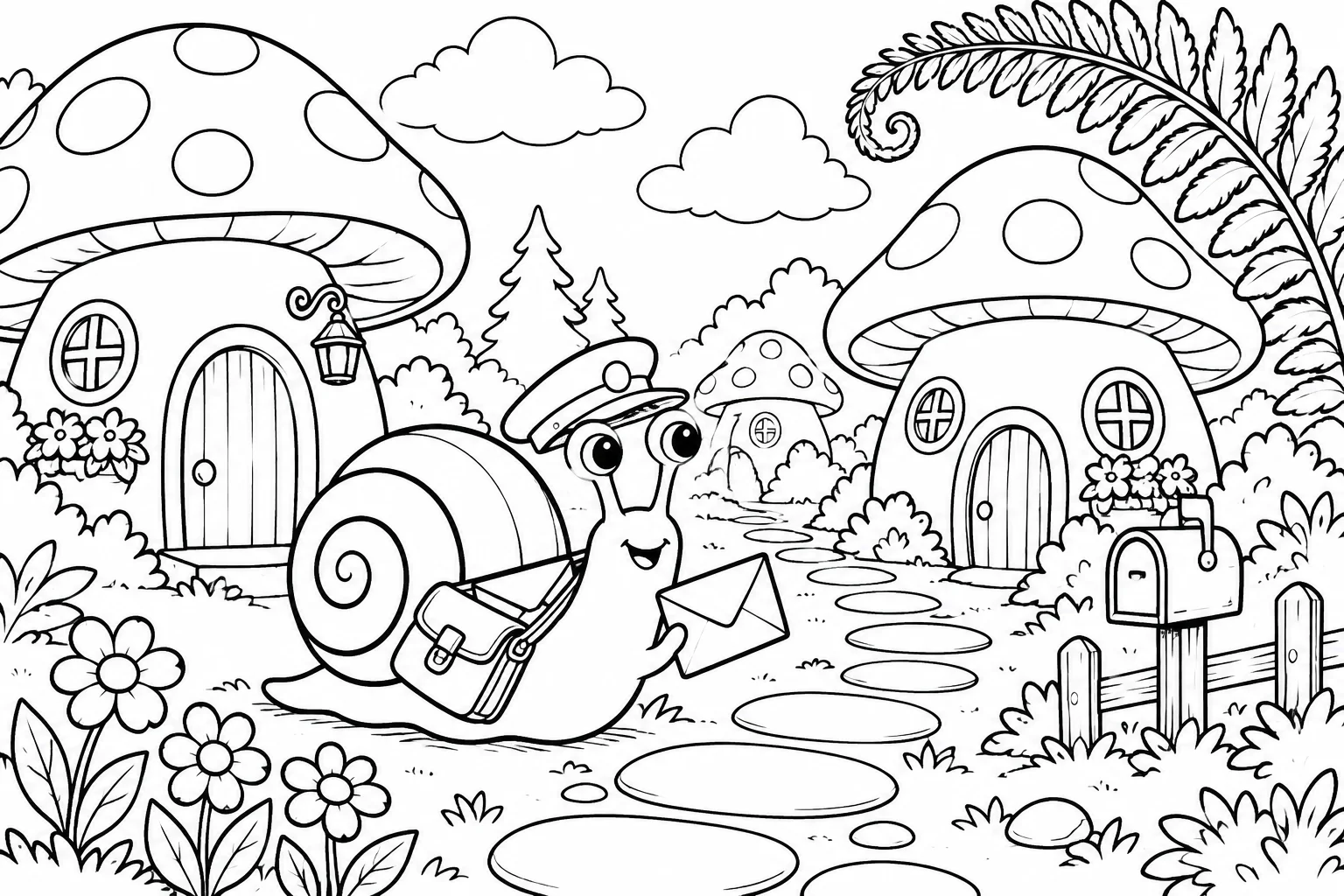
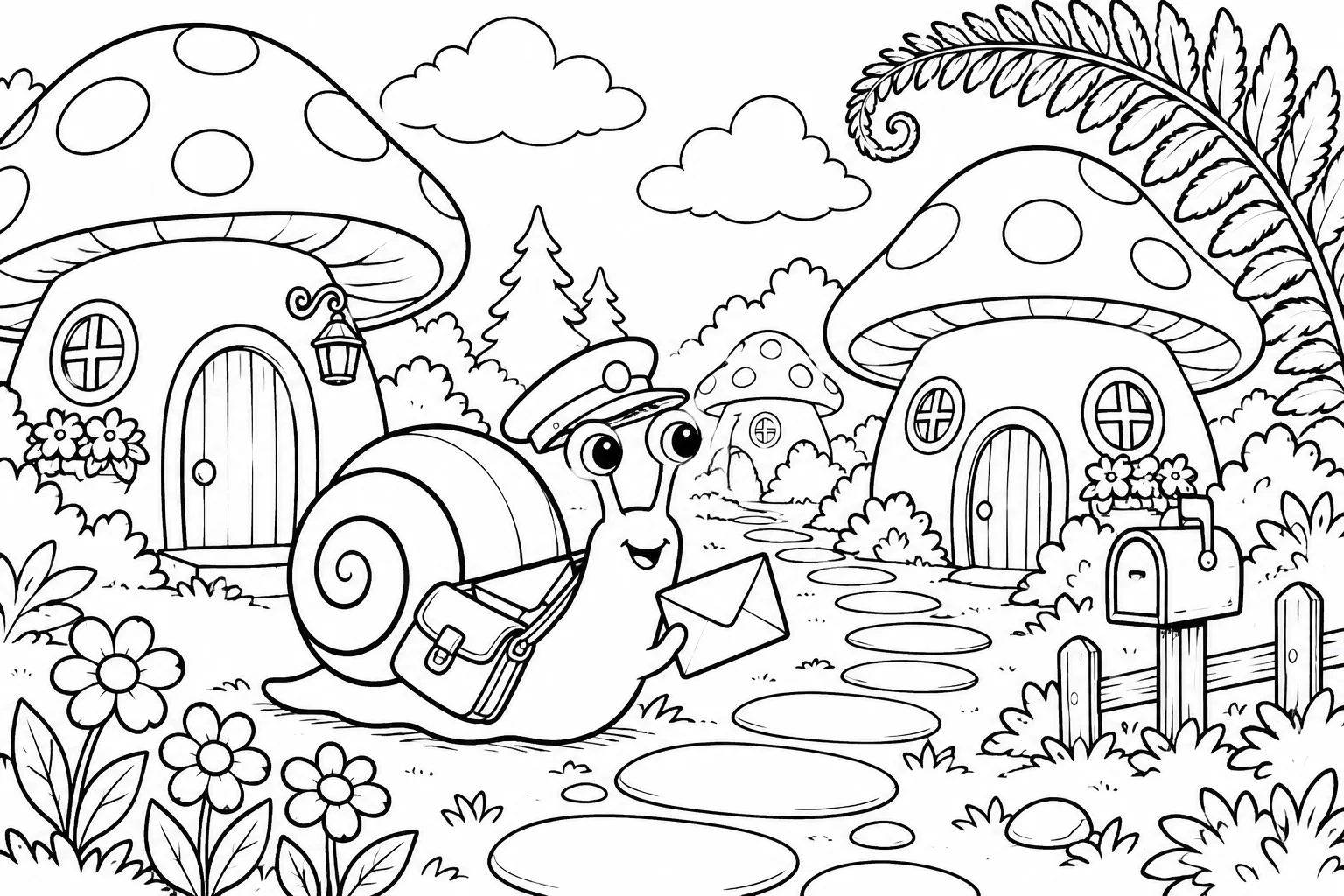
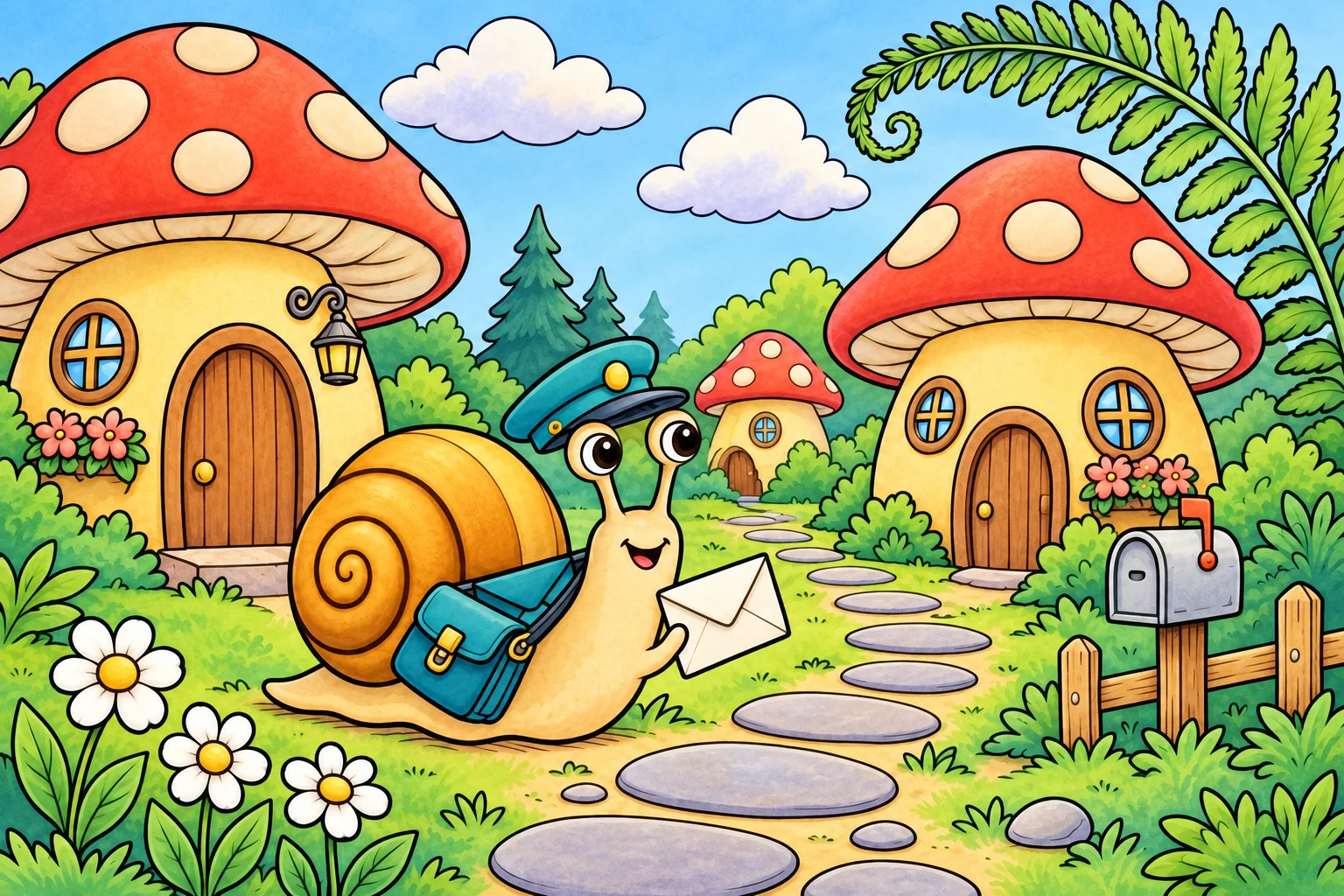
From a line drawing to a finished color study
Use the same creative brief when comparing settings so you can judge the output without changing several variables.
Download the line art and add it as a reference to try a color edit.
Reference prompt
Colorize the attached original black-and-white snail mail carrier drawing. Preserve EXACTLY the same characters, expression, envelope, cap, satchel, curving stone path, mushroom houses, every window, mailbox, flowers, clouds, fern, composition, black outlines and 3:2 image dimensions. Add rich but gentle storybook color: warm ochre snail shell, turquoise cap and satchel, coral-red mushroom caps with cream dots, honey-colored house stems, emerald foliage, soft lavender shadows and a pale sky-blue sky. Add restrained soft shading INSIDE the existing outlines only. Keep the drawing recognizable at a glance. No new objects, no lettering, no border, no watermark.
These original AI-generated concepts illustrate creative directions. They are not benchmarks or verified outputs from the named model. Results vary with your prompt, reference, and settings.
Before you create
Nano Banana 2 FAQ
Can I create an image without uploading a reference?
Yes. Describe the image you want and leave the reference empty to use text to image. Add a reference to switch to image to image. Sign in, check the credits shown on the button, and generate with one click.
How do I choose the output settings and credits?
The workspace shows the currently available choices for Nano Banana 2. Select your output settings and check the credits on the generation button. Availability can change; an unavailable model cannot be submitted.
What should I check in the result?
Review faces, fine textures, and continuity when building a sequence of related images.
Can I continue working on a generated image?
Your results appear in your workspace and history. Use a generated image as a reference for a new edit, or reuse the prompt to explore another direction. Each new generation has its own credit quote.
Keep exploring