/
GPT Image · Create with EzImageAI
GPT Image 2AI Image Generator
Explore typographic posters and graphic compositions. Bring exact lettering, a strong focal point, and a deliberate layout into one creative brief.
Explore the possibilities
Let words become the image.
Give every element a place
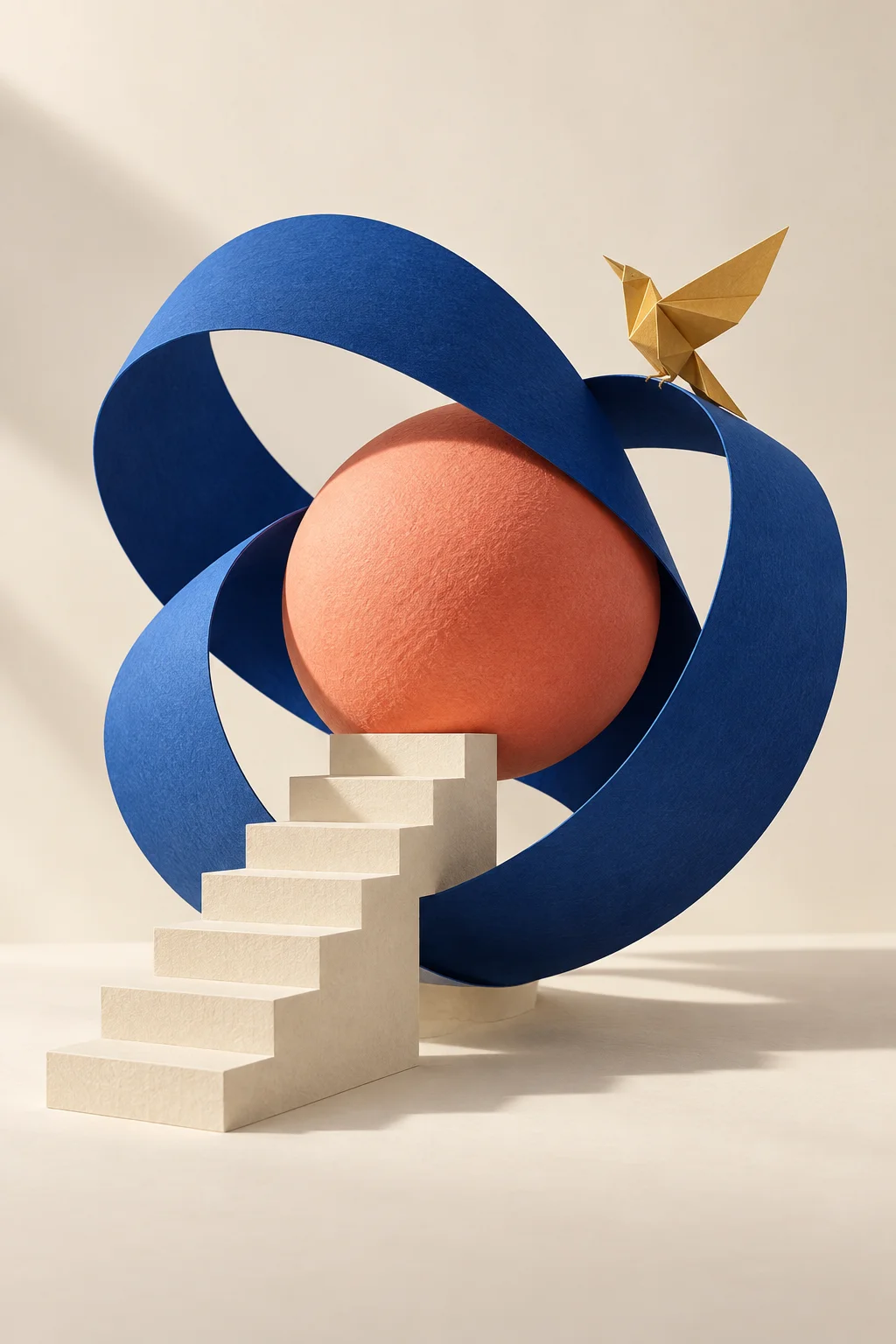
Describe the foreground, background, focal point, and negative space together. A clear hierarchy gives complex scenes a direction and makes each new iteration easier to judge.
Design with words and images
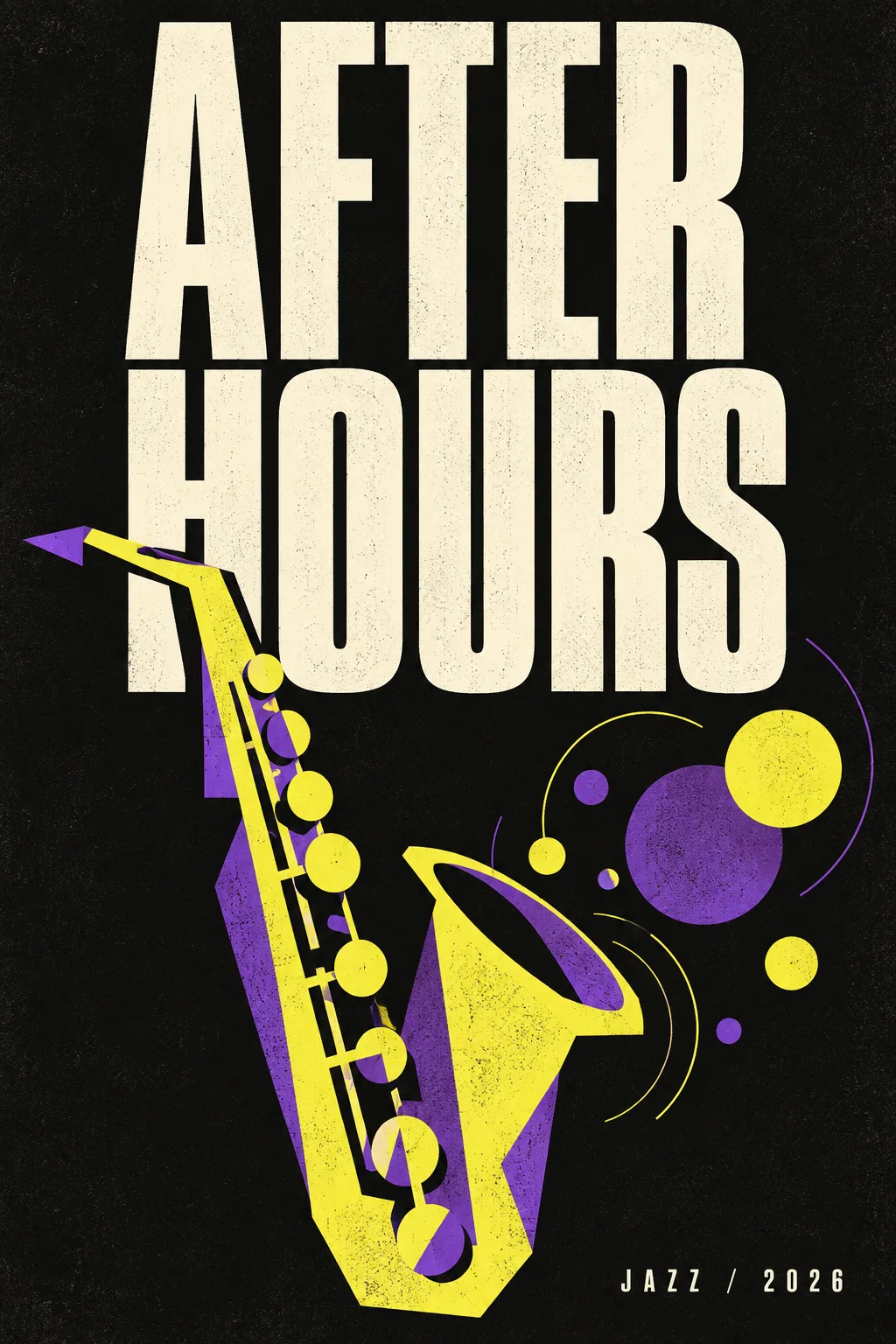
Put exact headlines in quotation marks and describe their placement, size, and relationship to the artwork. Start with a short headline for a poster, cover, or packaging concept.
Direct the material and the light
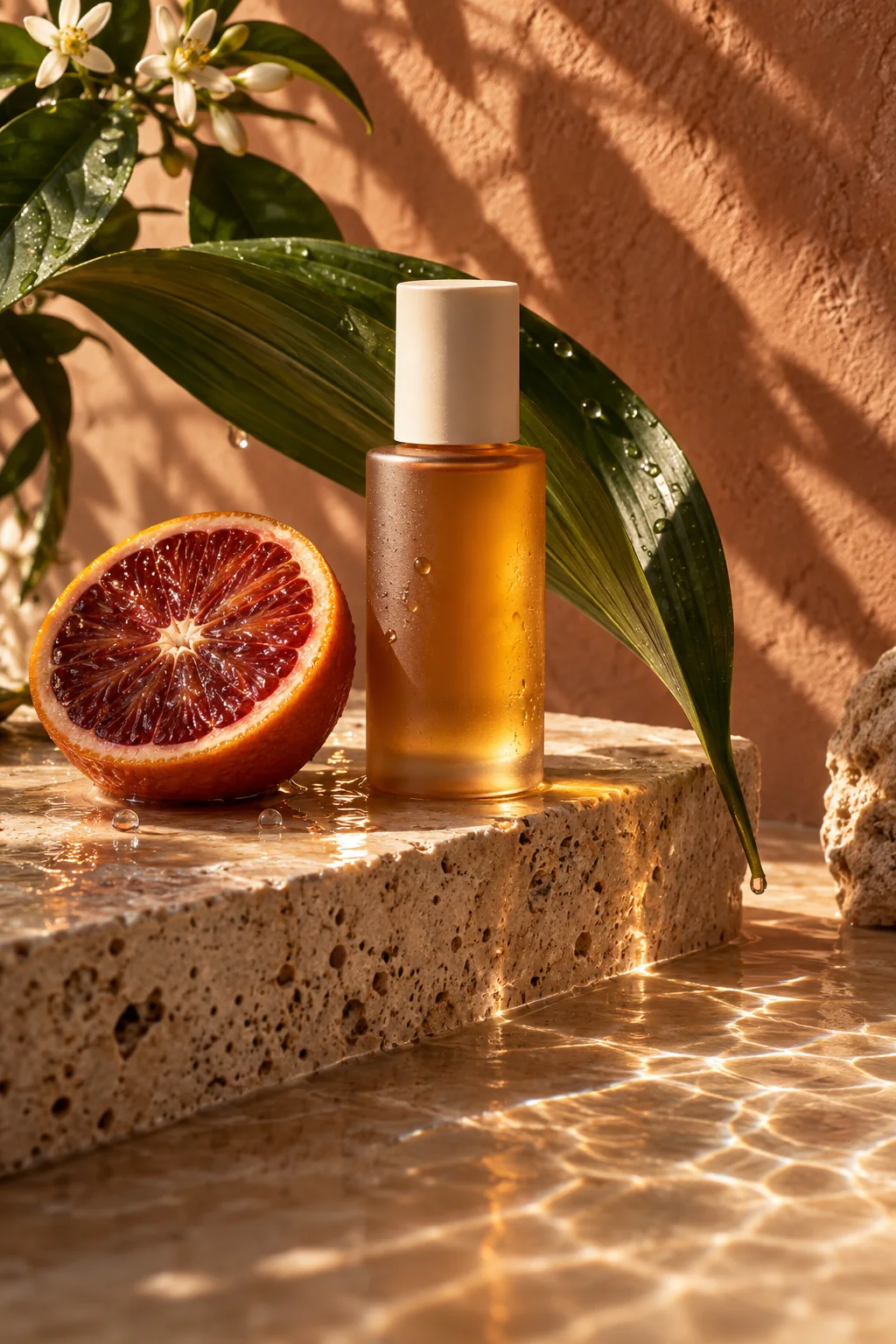
Name the surfaces you want to see: frosted glass, brushed metal, woven fabric. Pair them with a lighting brief to explore product photography and campaign ideas.
A starting point, in your own words
Compose an image around a short headline
Write the layout first, then the subject and style. Keep exact lettering separate from descriptive instructions.
Reference prompt
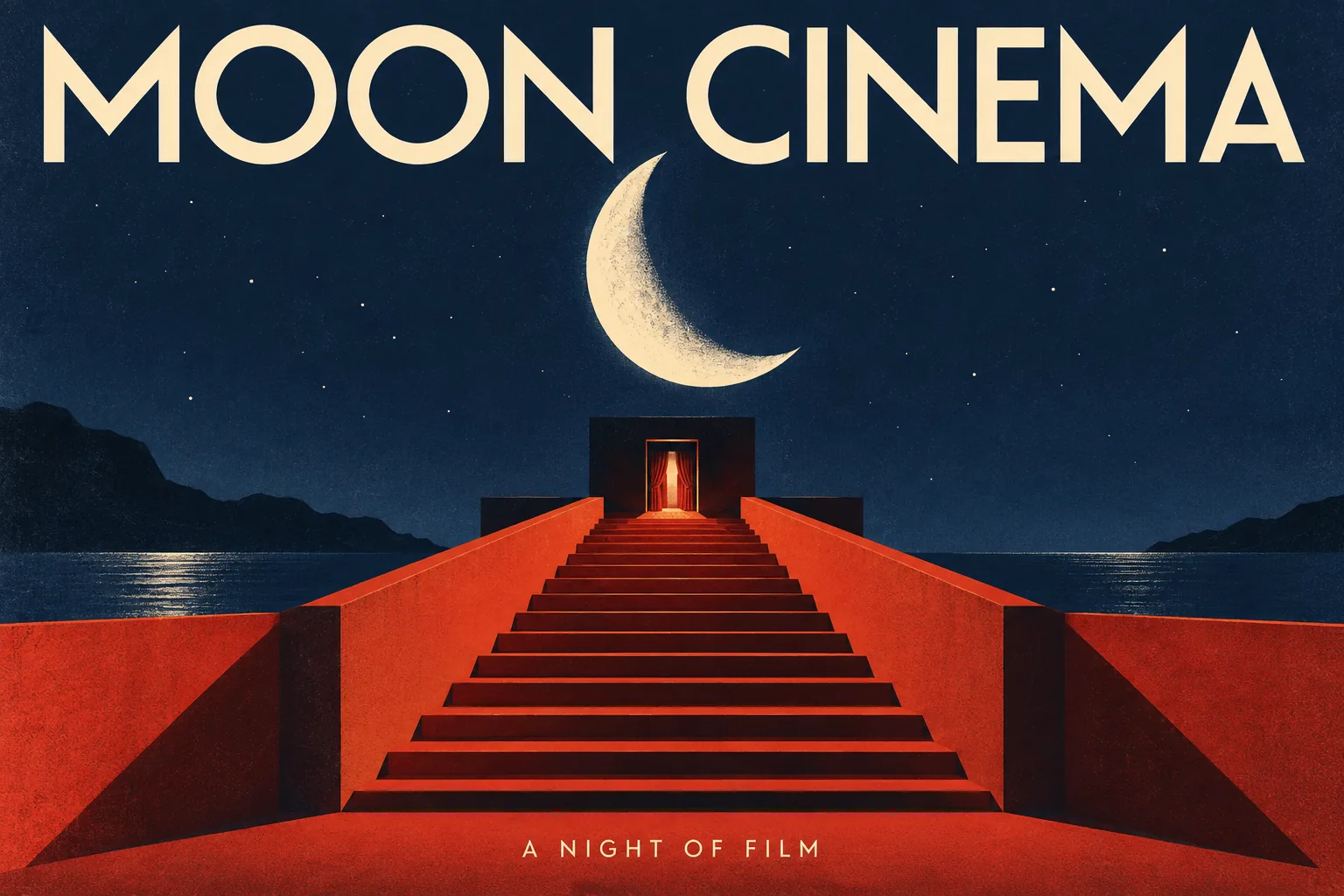
Design a landscape graphic cinema poster. Exact huge headline "MOON CINEMA" across the top in elegant cream sans-serif capitals. An ivory crescent moon floats above a vermilion staircase and a tiny dark cinema doorway, midnight blue sky, sharp geometric shadows, offset-print texture, bold negative space. Exact small footer "A NIGHT OF FILM". All lettering fully legible and inside the image. No additional lettering. No watermark.
These original AI-generated concepts illustrate creative directions. They are not benchmarks or verified outputs from the named model. Results vary with your prompt, reference, and settings.
Before you create
GPT Image 2 FAQ
Can I create an image without uploading a reference?
Yes. Describe the image you want and leave the reference empty to use text to image. Add a reference to switch to image to image. Sign in, check the credits shown on the button, and generate with one click.
How do I choose the output settings and credits?
The workspace shows the currently available choices for GPT Image 2. Select your output settings and check the credits on the generation button. Availability can change; an unavailable model cannot be submitted.
What should I check in the result?
Check spelling, small lettering, object counts, and the placement of important details before publishing.
Can I continue working on a generated image?
Your results appear in your workspace and history. Use a generated image as a reference for a new edit, or reuse the prompt to explore another direction. Each new generation has its own credit quote.
Keep exploring