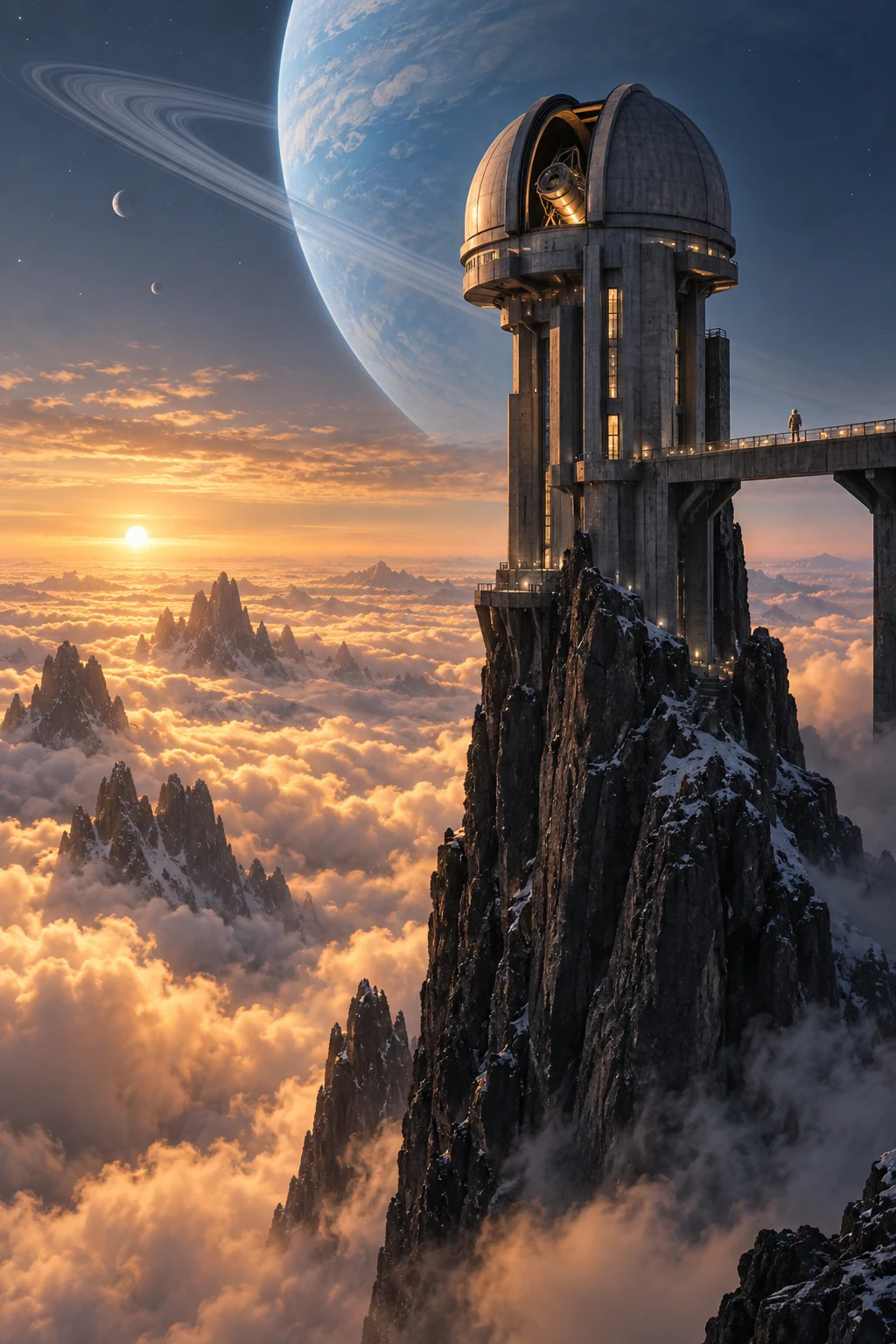
/
Seedream · Create with EzImageAI
Seedream 4.0AI Image Generator
Explore architectural interiors and spatial concepts with flexible output sizes. Describe the proportions, materials, daylight, and view beyond the room.
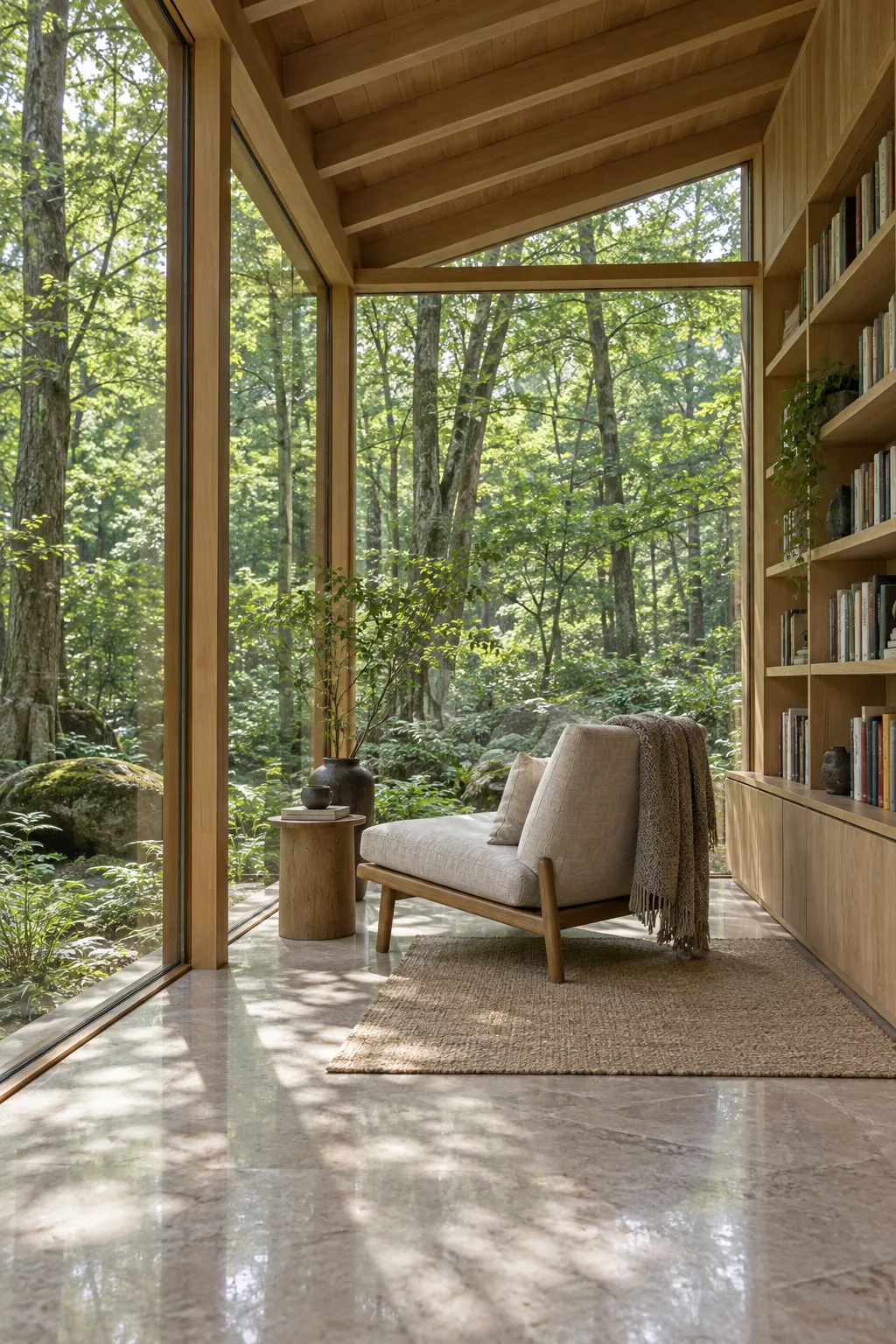
Explore the possibilities
Give a space its own atmosphere.
Build the frame from big shapes
Place the major forms first: an arch, a window, a landscape silhouette. Describe where the viewer should look and how the surrounding space supports it.
Choose a restrained palette
A small set of colors can give an interior, still life, or illustrated scene a strong identity. Add material texture after establishing the composition.
Explore different output sizes
Use the output settings to match the image to your next step, whether you are reviewing a concept or preparing a larger visual. Credits are shown before submission.
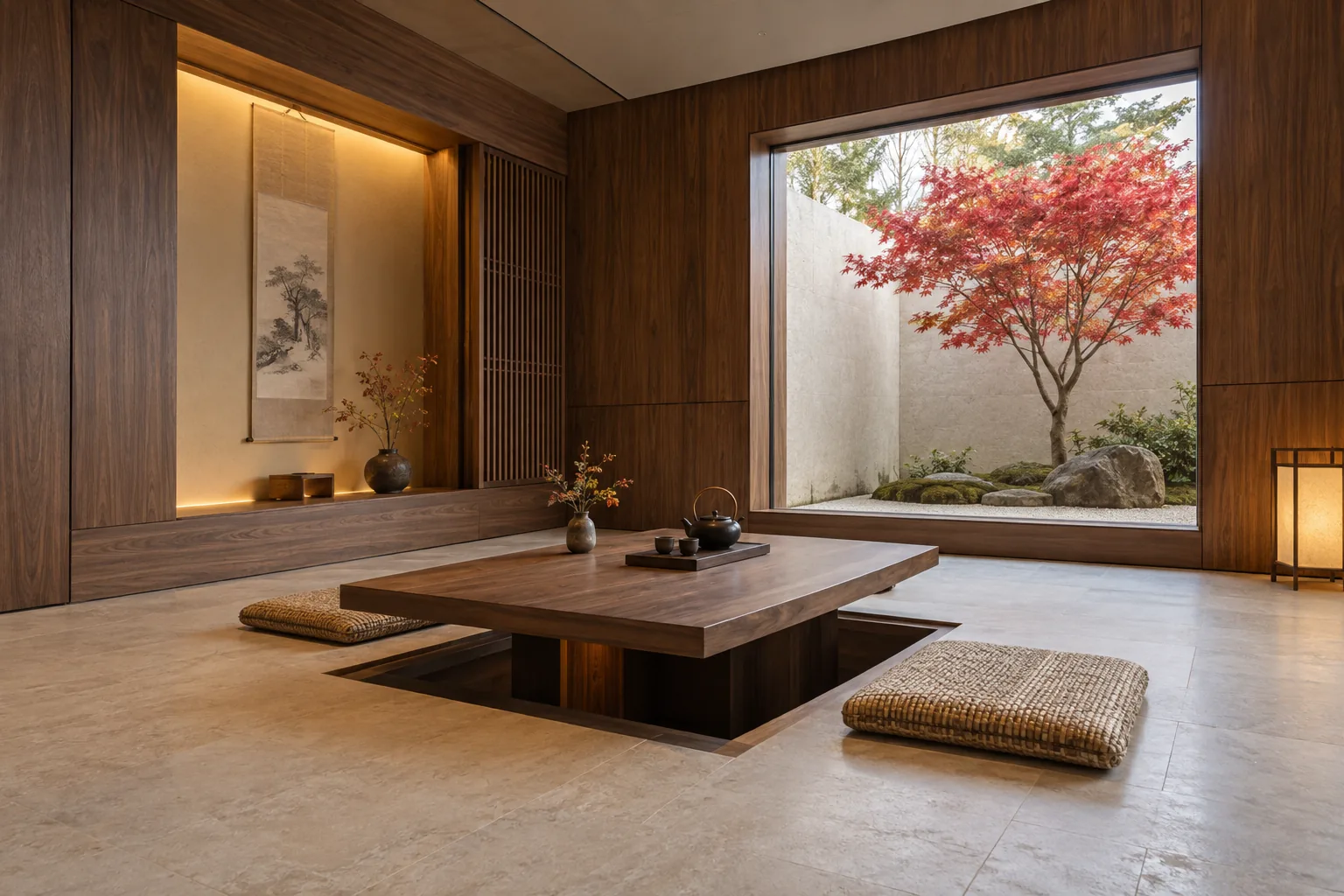
A starting point, in your own words
Give an interior a clear material palette
Start with composition and palette, then describe one or two tactile surfaces that give the scene character.
Reference prompt
Architectural interior photograph of a tranquil modern Japanese tea room: walnut wall panels, a low sunken rectangular table, two woven floor cushions, pale limestone floor and a large square window framing one red maple in a small courtyard. Gentle overcast daylight, precise joinery, believable room proportions, restrained warm neutrals with red foliage, wide corner perspective, no people or text. No text or logos. No watermark.
These original AI-generated concepts illustrate creative directions. They are not benchmarks or verified outputs from the named model. Results vary with your prompt, reference, and settings.
Before you create
Seedream 4.0 FAQ
Can I create an image without uploading a reference?
Yes. Describe the image you want and leave the reference empty to use text to image. Add a reference to switch to image to image. Sign in, check the credits shown on the button, and generate with one click.
How do I choose the output settings and credits?
The workspace shows the currently available choices for Seedream 4.0. Select your output settings and check the credits on the generation button. Availability can change; an unavailable model cannot be submitted.
What should I check in the result?
Check perspective, furniture proportions, and structural details in architecture or interiors.
Can I continue working on a generated image?
Your results appear in your workspace and history. Use a generated image as a reference for a new edit, or reuse the prompt to explore another direction. Each new generation has its own credit quote.
Keep exploring