/
Seedream · Create with EzImageAI
Seedream 4.5AI Image Generator
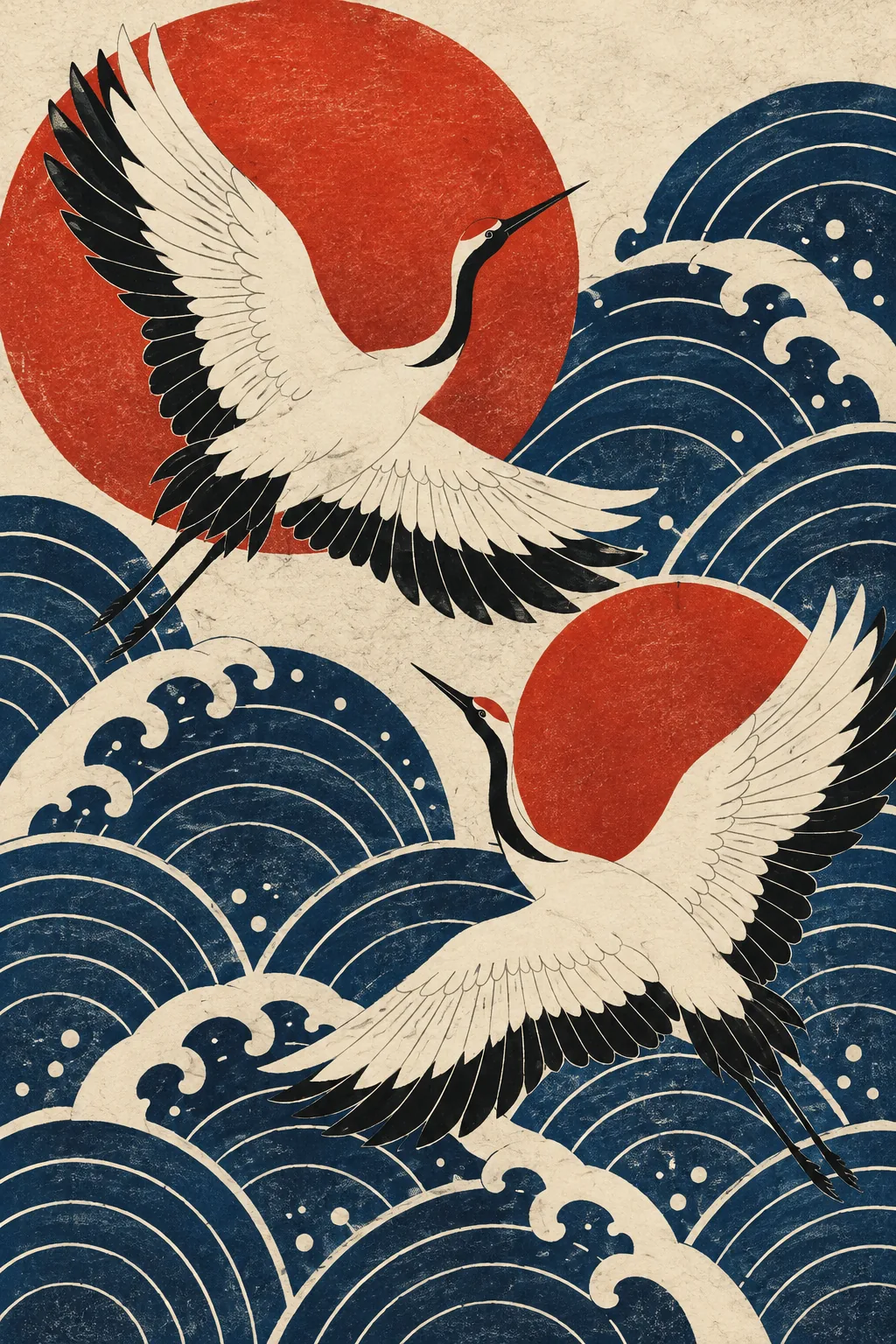
Explore printmaking, surface patterns, and coordinated graphic collections with Basic 2K and High 4K output choices. Build a visual rhythm from a small palette and recurring shapes.
Explore the possibilities
Find a rhythm in color and shape.
Start with a repeating visual rhythm
Choose a few recognizable motifs and describe their spacing, scale, and direction. Alternating large and small shapes gives a print or surface pattern a clear rhythm.
Carry a visual idea across a collection
Choose a small palette, a printing texture, and one recurring shape. Use that shared brief to explore fabric patterns, art prints, or stationery with a recognizable design language.
Choose between two output tiers
The editor pairs Basic with 2K and High with 4K for this model. Review the selected tier and its credits before generating.
A starting point, in your own words
Build a coordinated pattern from a small palette
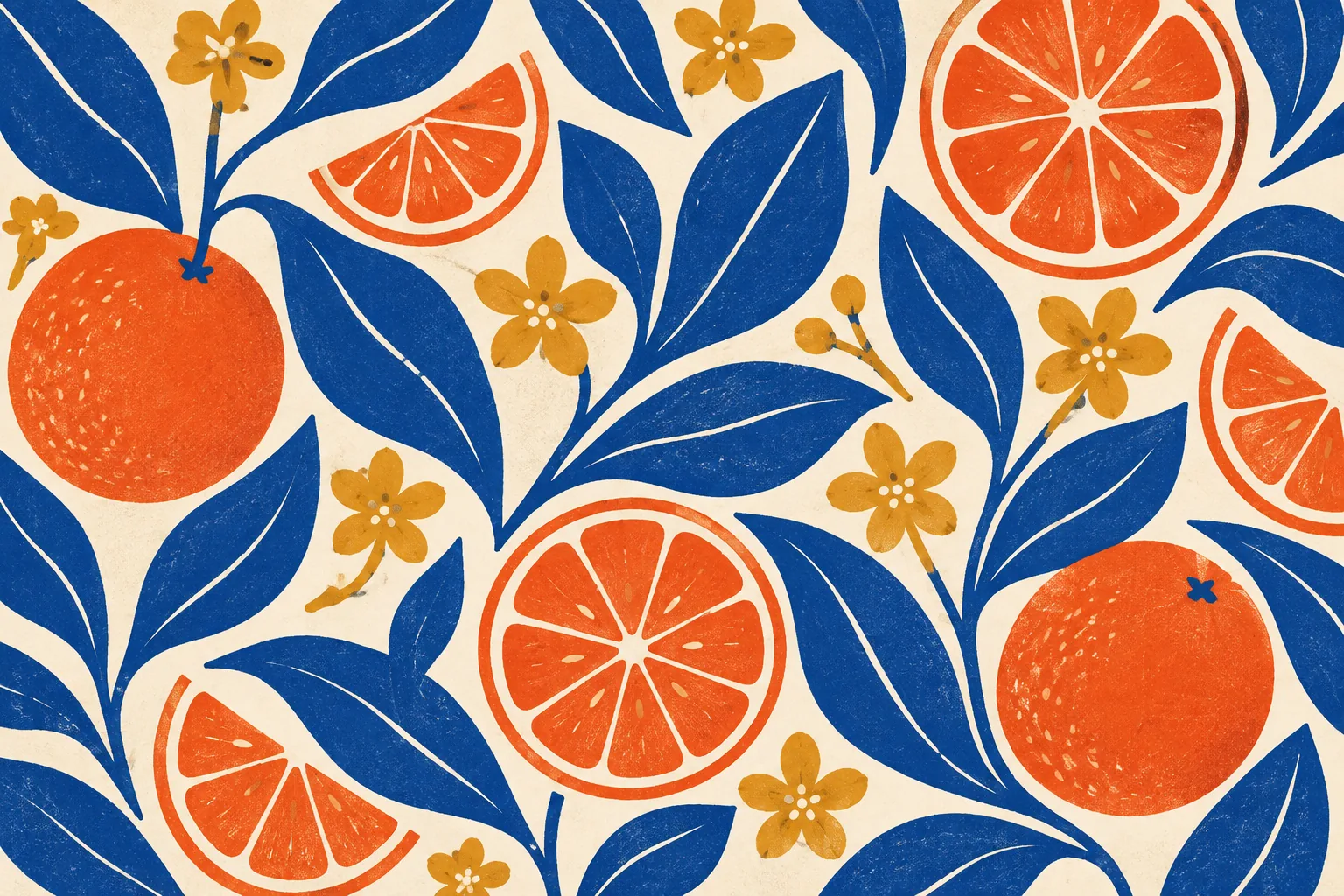
Describe the motifs, limited palette, spacing, and print texture. If you need a seamless repeat, check every edge before using the pattern.
Reference prompt
Original mid-century inspired surface-pattern design featuring large cobalt-blue citrus leaves, coral orange slices and small ochre blossom shapes on warm ivory paper. Flat hand-cut organic shapes, flowing balanced rhythm, sophisticated repeat-like composition with varied scale, subtle screenprint texture and imperfect edges, limited four-color palette. Full-bleed graphic artwork, no product mockup, no lettering. No text or logos. No watermark.
These original AI-generated concepts illustrate creative directions. They are not benchmarks or verified outputs from the named model. Results vary with your prompt, reference, and settings.
Before you create
Seedream 4.5 FAQ
Can I create an image without uploading a reference?
Yes. Describe the image you want and leave the reference empty to use text to image. Add a reference to switch to image to image. Sign in, check the credits shown on the button, and generate with one click.
How do I choose the output settings and credits?
The workspace shows the currently available choices for Seedream 4.5. Select your output settings and check the credits on the generation button. Availability can change; an unavailable model cannot be submitted.
What should I check in the result?
Review motif consistency, margins, and pattern edges. An attractive pattern is not automatically a seamless tile.
Can I continue working on a generated image?
Your results appear in your workspace and history. Use a generated image as a reference for a new edit, or reuse the prompt to explore another direction. Each new generation has its own credit quote.
Keep exploring