/
Seedream · Create with EzImageAI
Seedream 5 ProAI Image Generator
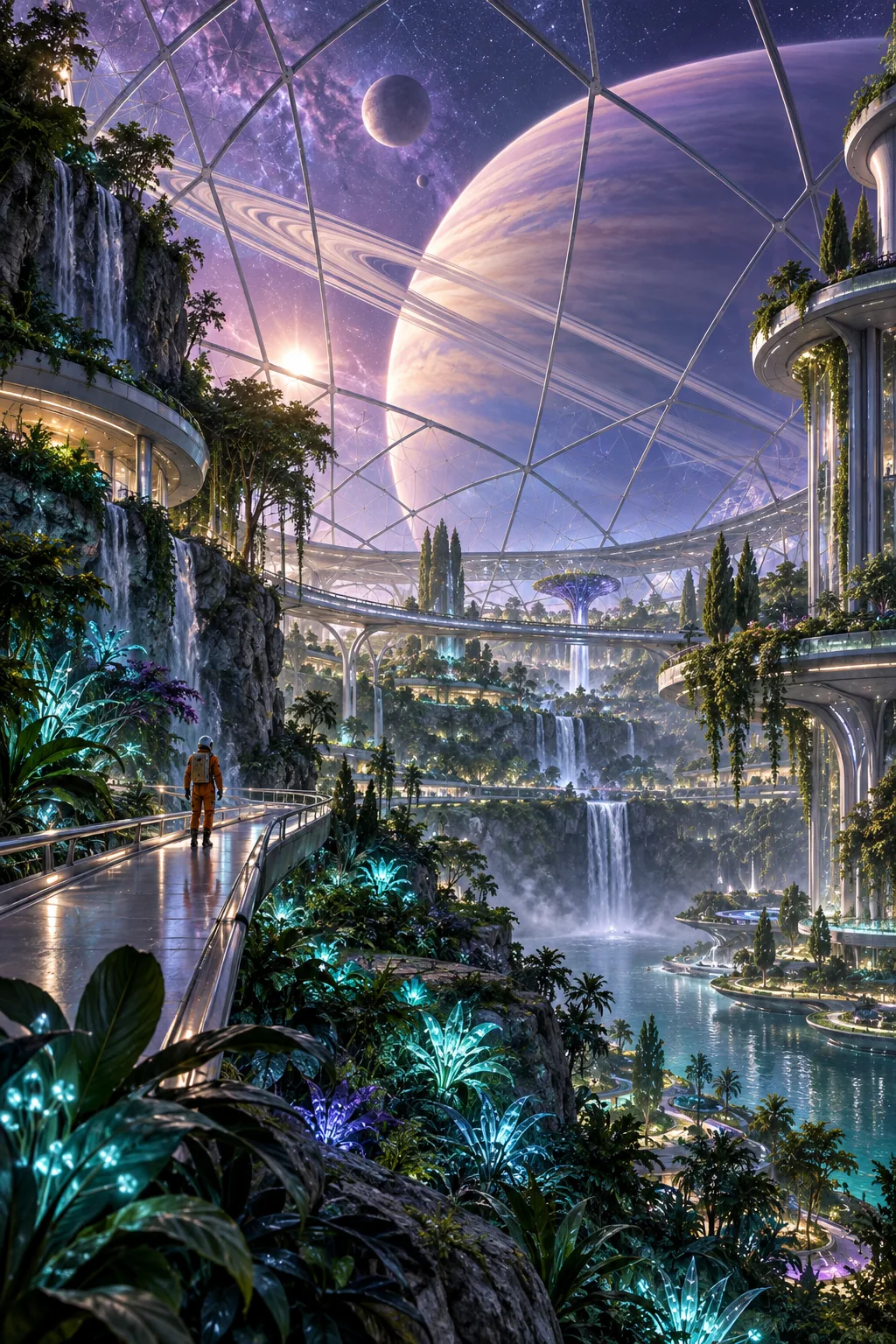
Explore cinematic science-fiction worlds and speculative environments with Basic 1K or High 2K output. Use scale, atmosphere, and a clear focal point to build the scene.
Explore the possibilities
Imagine a world beyond the everyday.
Direct the scene as a whole
Connect the main subject to the setting, scale, and light. Use the brief to explain how the elements relate instead of describing each object in isolation.
Give details a purpose
Select the materials and props that support the story. Keep the composition readable by removing instructions that compete with the central idea.
Choose a practical output tier
Basic 1K and High 2K are the current choices for this model. Check the credit cost on the generation button before starting an iteration.
A starting point, in your own words
Use scale, atmosphere, and a focal point together
Define the focal point and spatial relationships first. Use a reference to guide a scene you want to develop further.
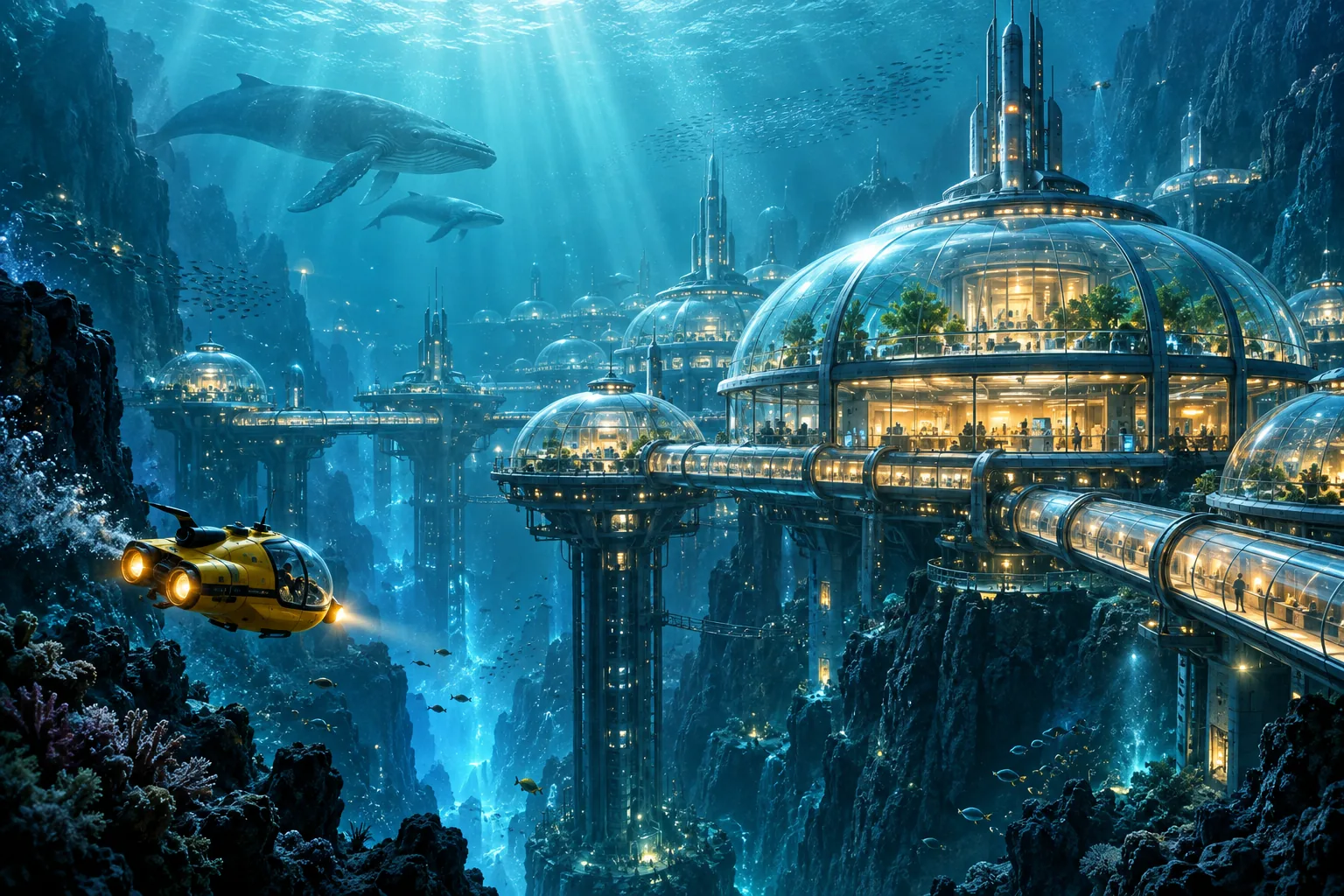
Reference prompt
Cinematic science-fiction environment concept art of an underwater research city nestled inside an enormous blue ocean trench. Luminous transparent domes, warm amber laboratories, sleek connecting bridges, a tiny yellow submersible crossing the foreground, distant whales establishing immense scale. Shafts of sunlight descend through teal water, suspended particles, rich atmospheric depth and coherent elegant engineering. Single wide establishing shot, no typography. No text or logos. No watermark.
These original AI-generated concepts illustrate creative directions. They are not benchmarks or verified outputs from the named model. Results vary with your prompt, reference, and settings.
Before you create
Seedream 5 Pro FAQ
Can I create an image without uploading a reference?
Yes. Describe the image you want and leave the reference empty to use text to image. Add a reference to switch to image to image. Sign in, check the credits shown on the button, and generate with one click.
How do I choose the output settings and credits?
The workspace shows the currently available choices for Seedream 5 Pro. Select your output settings and check the credits on the generation button. Availability can change; an unavailable model cannot be submitted.
What should I check in the result?
Inspect complex compositions, small objects, and consistency with any supplied reference.
Can I continue working on a generated image?
Your results appear in your workspace and history. Use a generated image as a reference for a new edit, or reuse the prompt to explore another direction. Each new generation has its own credit quote.
Keep exploring