/
GPT Image · Create with EzImageAI
GPT Image 1.5AI Image Generator
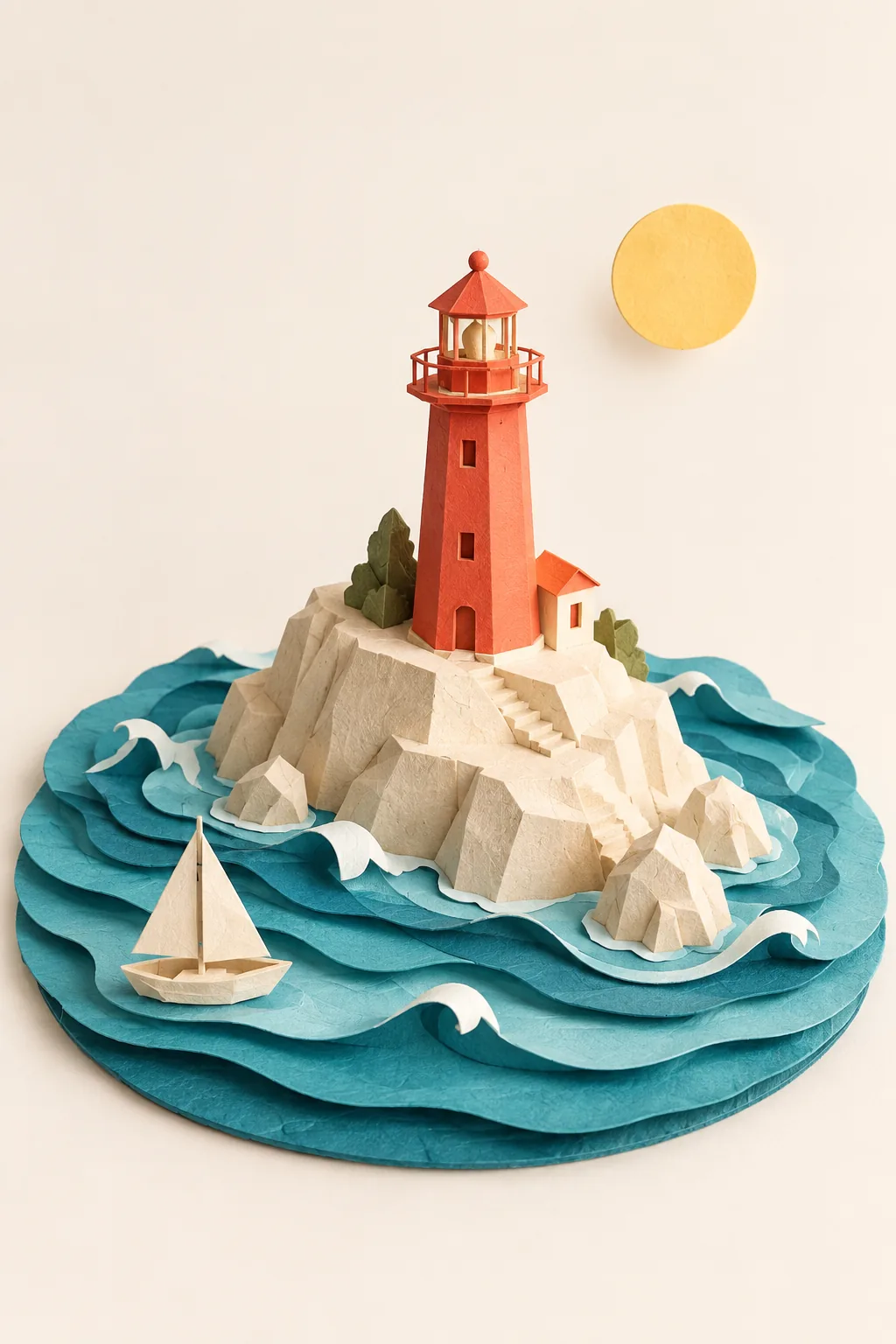
Explore paper sculptures, miniature worlds, and reference-based changes with explicit instructions and a choice of Medium or High quality.
Explore the possibilities
From a clear instruction to a considered image.
Start with a compact brief
Describe what belongs in the frame, what should stand out, and what should be left out. Use a focused concept to establish a baseline before refining it.
Choose a quality setting deliberately
The editor exposes Medium and High settings for this model. Review the quoted credits for your chosen setting before starting the generation.
Carry an existing image forward
Upload a reference and describe the change in ordinary language. Mention the subject, layout, or palette you want to keep alongside the new instruction.
A starting point, in your own words
Specify the material, shapes, and object count
For a reference edit, split the brief into what changes and what stays. For a new image, start with composition and subject.
Reference prompt
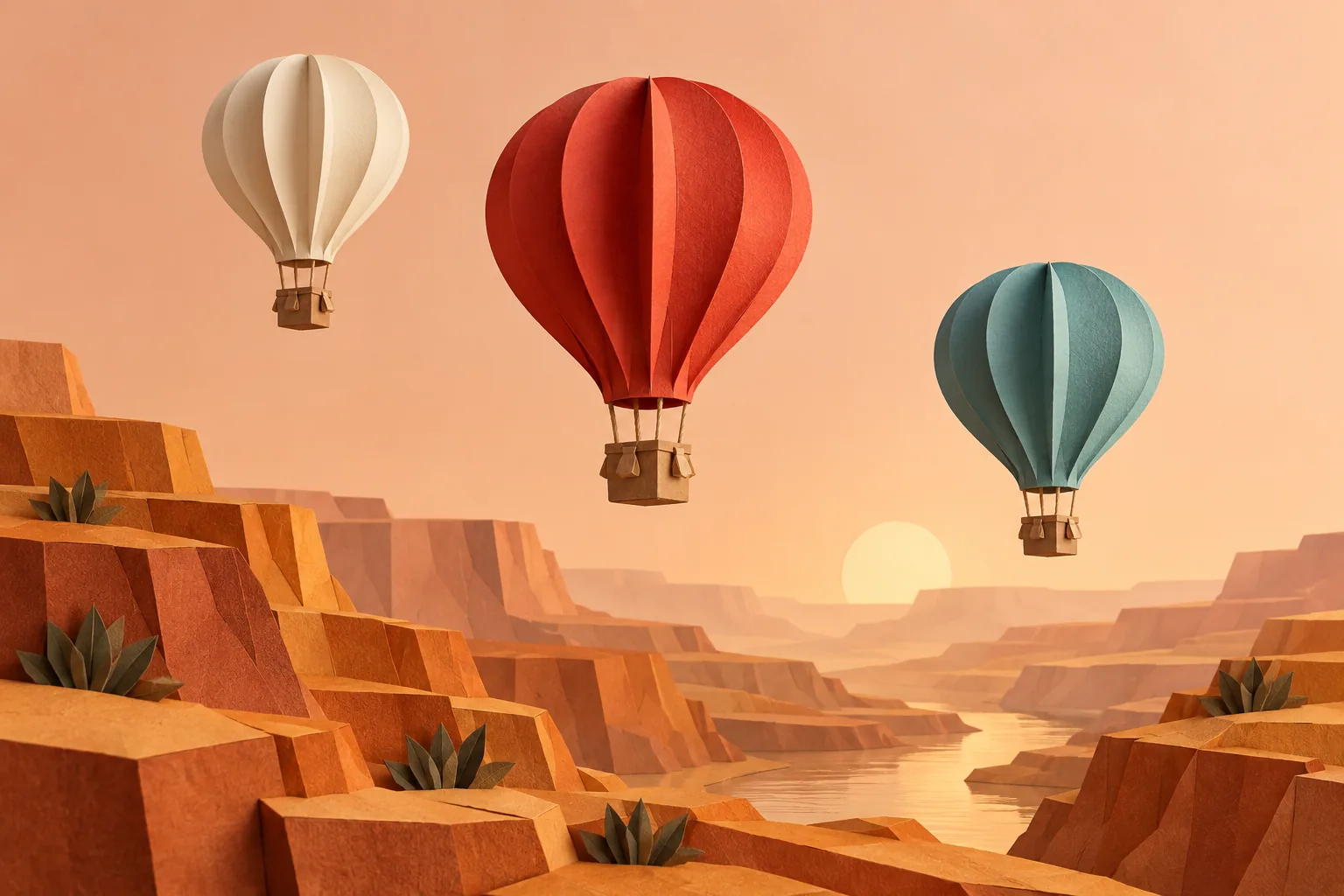
One handcrafted paper-art landscape photographed in a studio: exactly three folded hot-air balloons, cream, vermilion and muted teal, float at staggered heights over a terraced amber paper canyon. Thick matte paper edges and tiny folded basket details, elegant sculptural geometry, soft warm studio light, peach background, all three balloons completely inside frame, refined restrained design-magazine still life. No text or logos. No watermark.
These original AI-generated concepts illustrate creative directions. They are not benchmarks or verified outputs from the named model. Results vary with your prompt, reference, and settings.
Before you create
GPT Image 1.5 FAQ
Can I create an image without uploading a reference?
Yes. Describe the image you want and leave the reference empty to use text to image. Add a reference to switch to image to image. Sign in, check the credits shown on the button, and generate with one click.
How do I choose the output settings and credits?
The workspace shows the currently available choices for GPT Image 1.5. Select your output settings and check the credits on the generation button. Availability can change; an unavailable model cannot be submitted.
What should I check in the result?
Check text, fine lines, and repeated objects. A higher setting does not guarantee every detail will be correct.
Can I continue working on a generated image?
Your results appear in your workspace and history. Use a generated image as a reference for a new edit, or reuse the prompt to explore another direction. Each new generation has its own credit quote.
Keep exploring