/
GPT Image · Create with EzImageAI
GPT Image 2.5 FlareAI Image Generator
Explore portraits, lifestyle imagery, and everyday creative concepts with a focus on natural detail and a clear visual brief.
Explore the possibilities
Everyday ideas, with a little more atmosphere.
Find the scene in an everyday moment
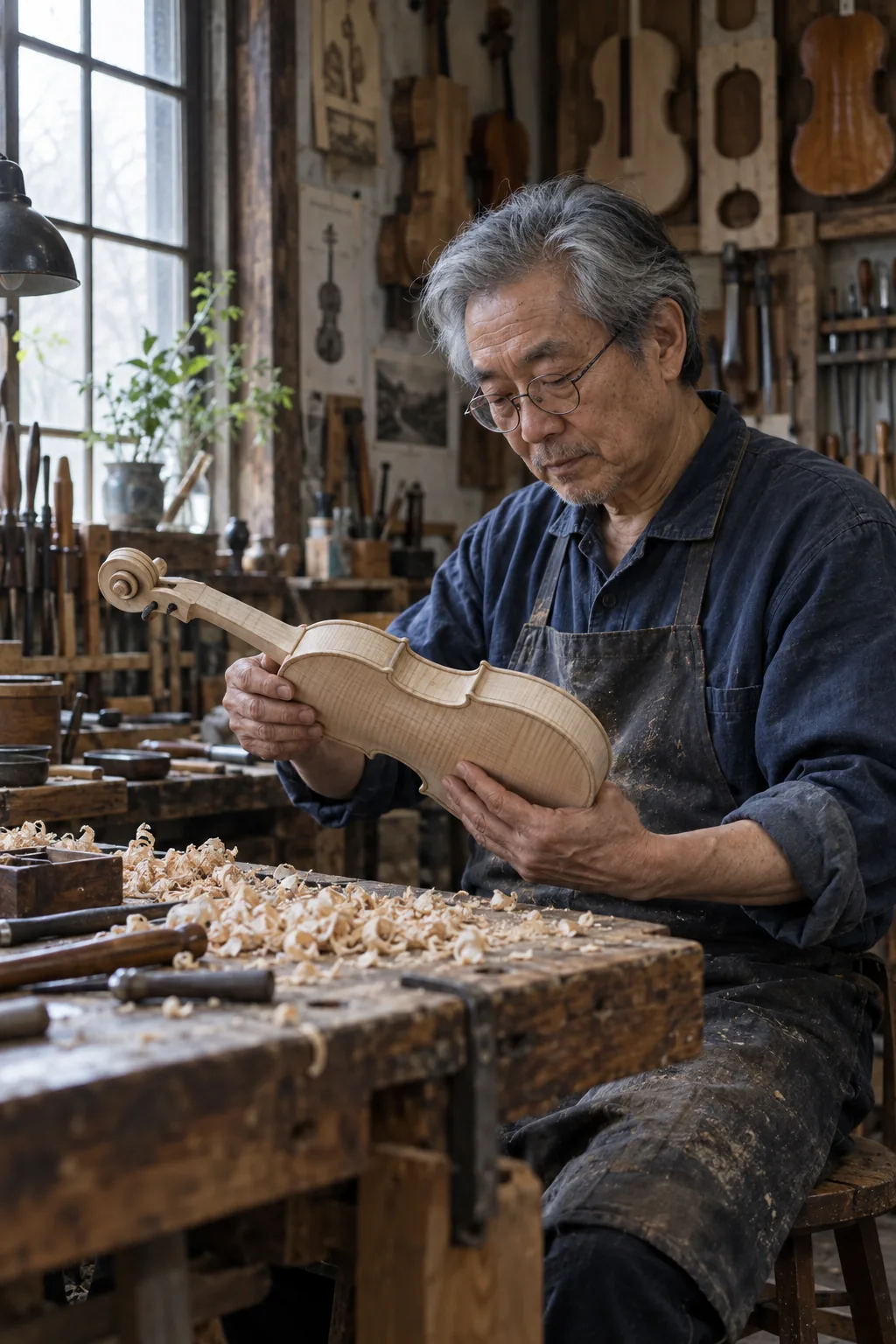
Begin with a specific action and setting: a glance across a street, a quiet kitchen, a walk after rain. Small observable details make a portrait brief more expressive.
Give light a direction
Describe the time of day, the source of light, and the mood. Window light, overcast daylight, and warm cafe lamps lead to very different creative directions.
Iterate with a reference
Add a reference when an existing subject or composition matters. State which features to retain and choose one change at a time so you can evaluate the result.
A starting point, in your own words
Describe an everyday action with specific details
Use a short scene description, one lighting direction, and a few material details before adding more instructions.
Reference prompt
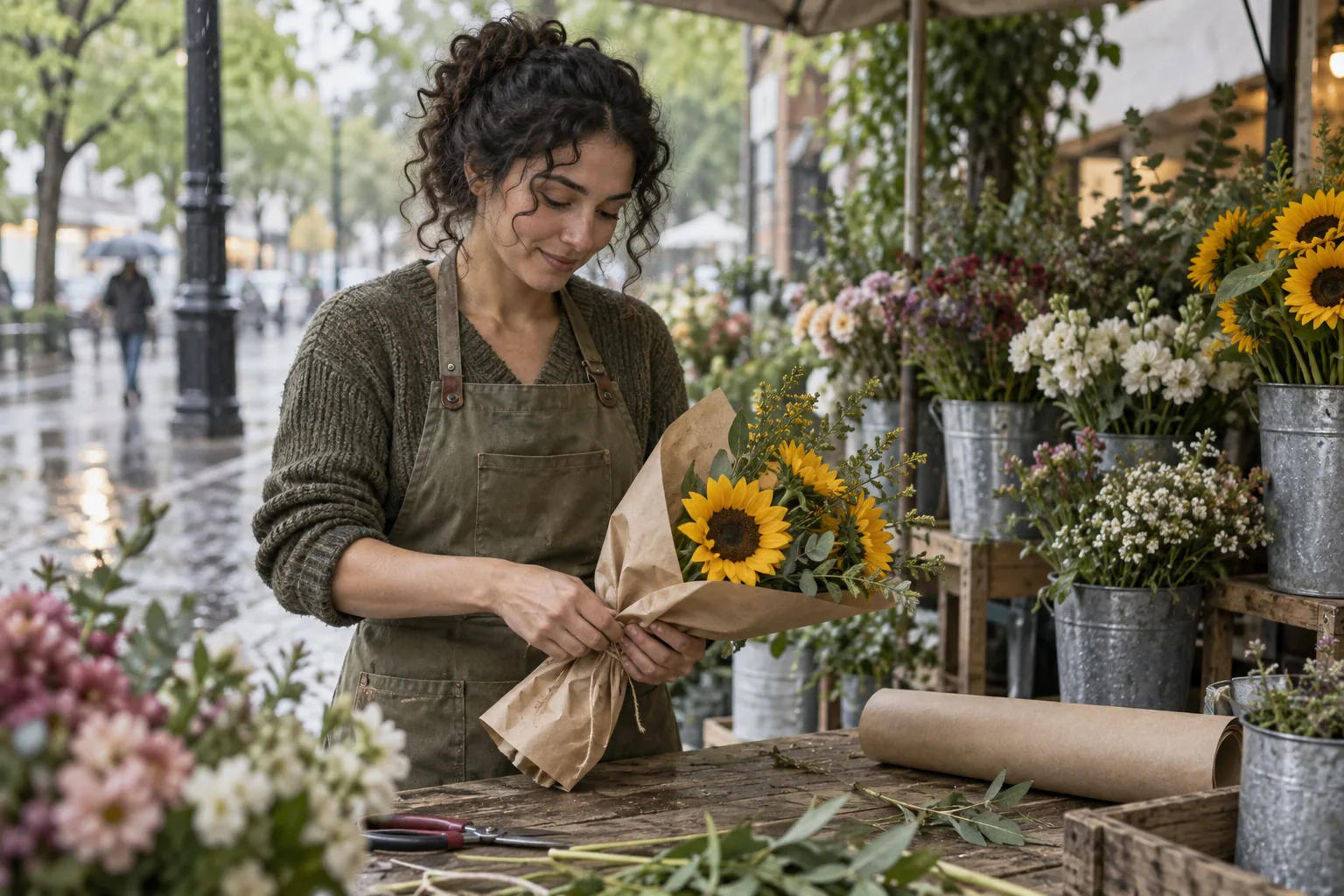
Candid documentary photograph of a fictional adult female florist with dark curls, wearing an olive canvas apron, wrapping a small bunch of sunflowers in brown paper at a small outdoor flower stall. Soft overcast morning light, raindrops on buckets, a relaxed unposed expression, plausible hands, imperfect real-life details, gentle fine grain, muted greens and warm yellows. No readable shop signs. No text or logos. No watermark.
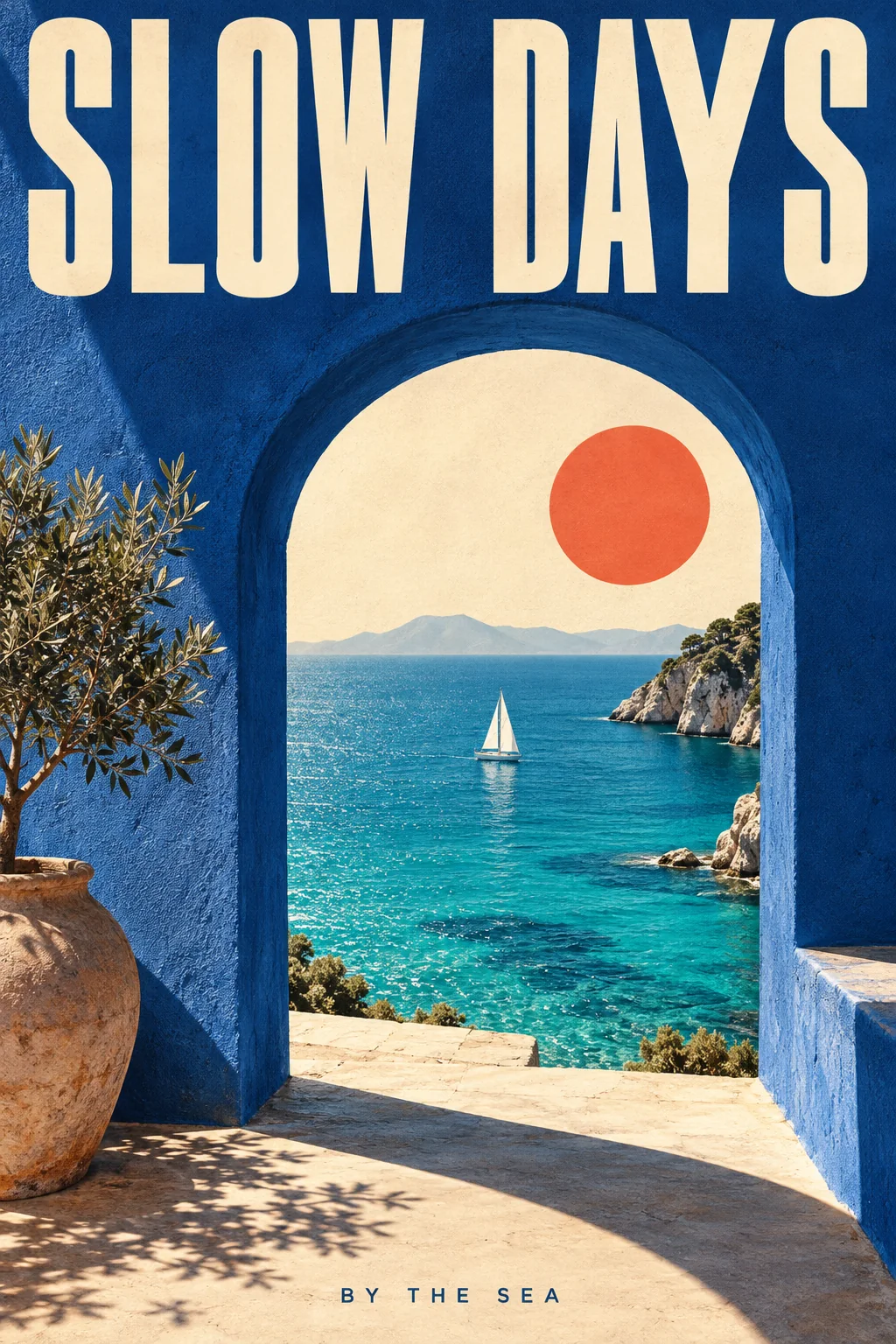
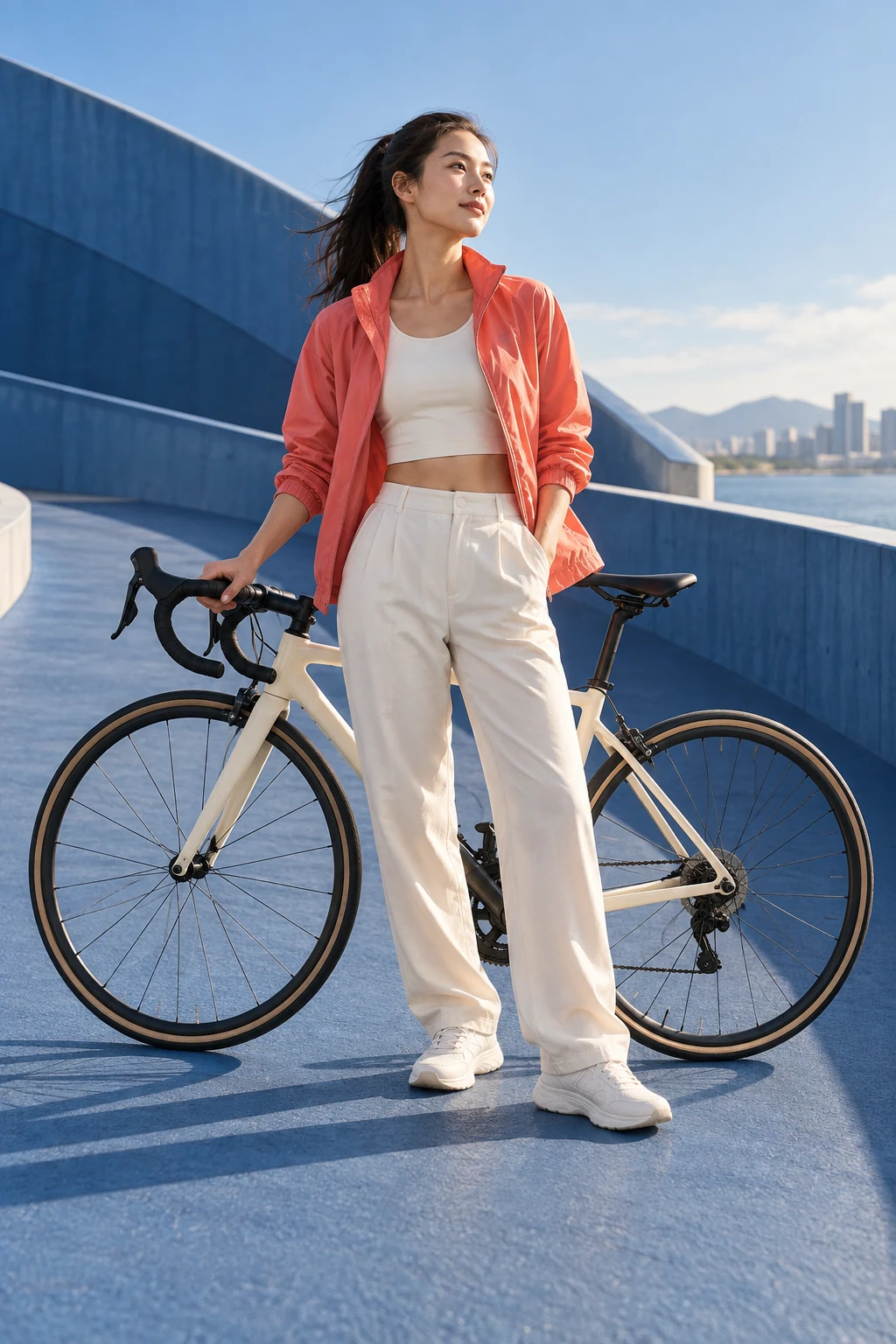
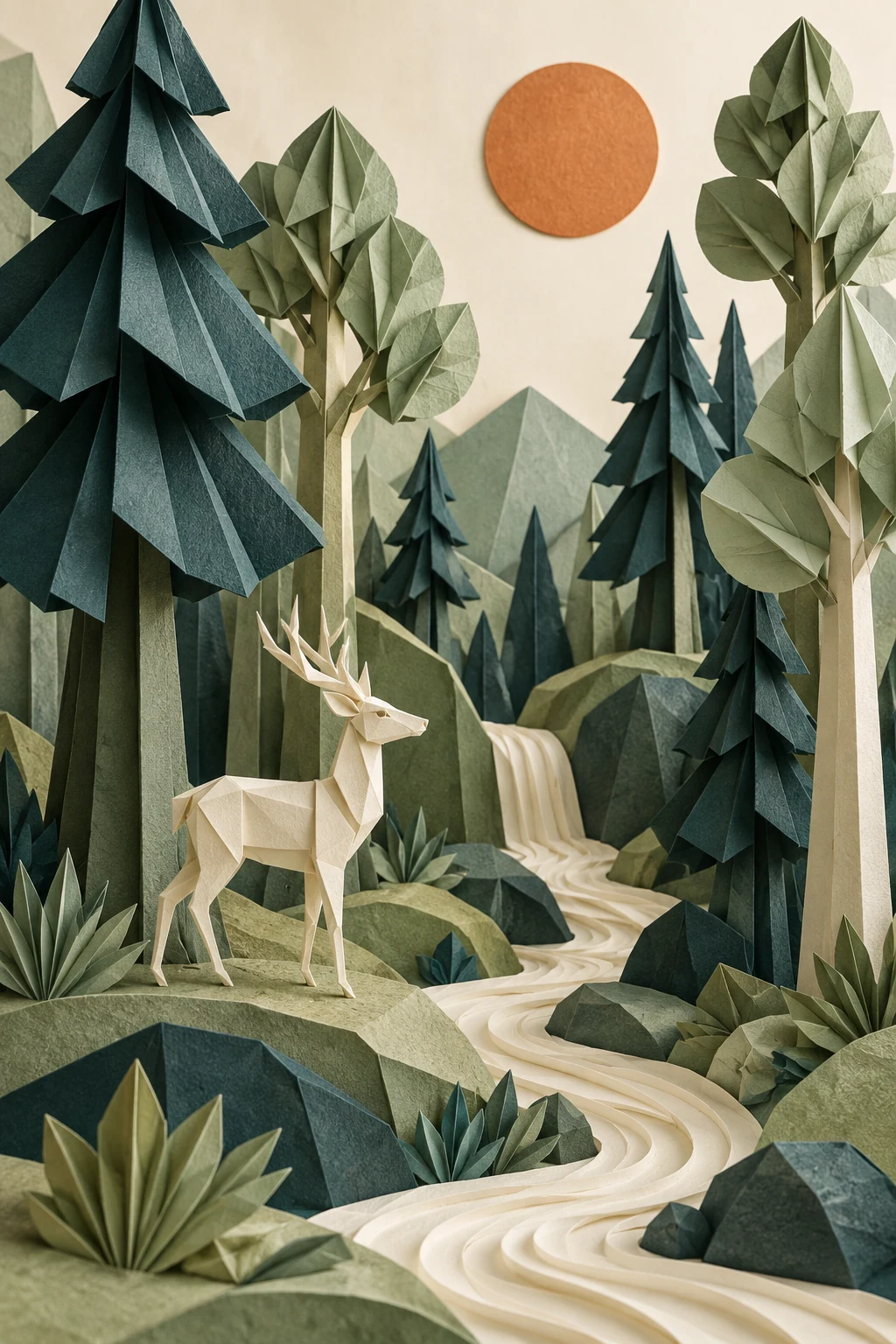
These original AI-generated concepts illustrate creative directions. They are not benchmarks or verified outputs from the named model. Results vary with your prompt, reference, and settings.
Before you create
GPT Image 2.5 Flare FAQ
Can I create an image without uploading a reference?
Yes. Describe the image you want and leave the reference empty to use text to image. Add a reference to switch to image to image. Sign in, check the credits shown on the button, and generate with one click.
How do I choose the output settings and credits?
The workspace shows the currently available choices for GPT Image 2.5 Flare. Select your output settings and check the credits on the generation button. Availability can change; an unavailable model cannot be submitted.
What should I check in the result?
Review faces, hands, and any reference details that must remain recognizable.
Can I continue working on a generated image?
Your results appear in your workspace and history. Use a generated image as a reference for a new edit, or reuse the prompt to explore another direction. Each new generation has its own credit quote.
Keep exploring