/
GPT Image · Create with EzImageAI
GPT Image 2.5 SunburstAI Image Generator
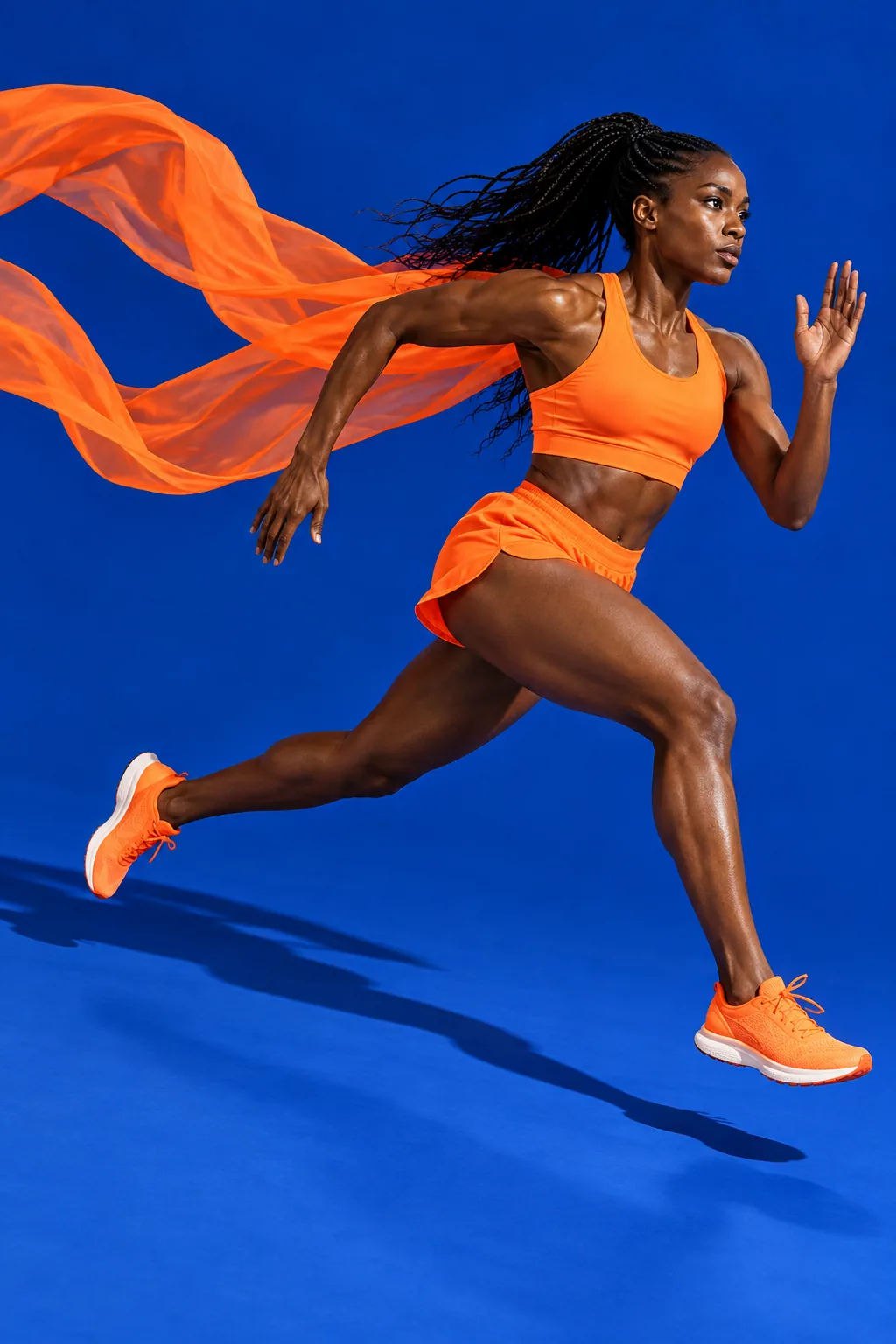
Explore sports and fashion campaigns with expressive movement, bold color, and deliberate lighting. Build a visual brief around the person, fabric, and setting.
Explore the possibilities
Give your next campaign a clear direction.
Build a visual system
Choose a small palette, a lighting treatment, and a set of materials. Carry that brief across individual campaign concepts to explore a coherent visual direction.
Make the product the focal point
Specify the camera angle and the space around your subject. Use supporting props to explain a mood or ingredient without competing with the main object.
Refine a creative decision
Try a different backdrop, surface, or light direction while keeping the rest of the brief stable. Use a reference to guide the next iteration when you have a composition worth keeping.
A starting point, in your own words
Direct a campaign with color and motion
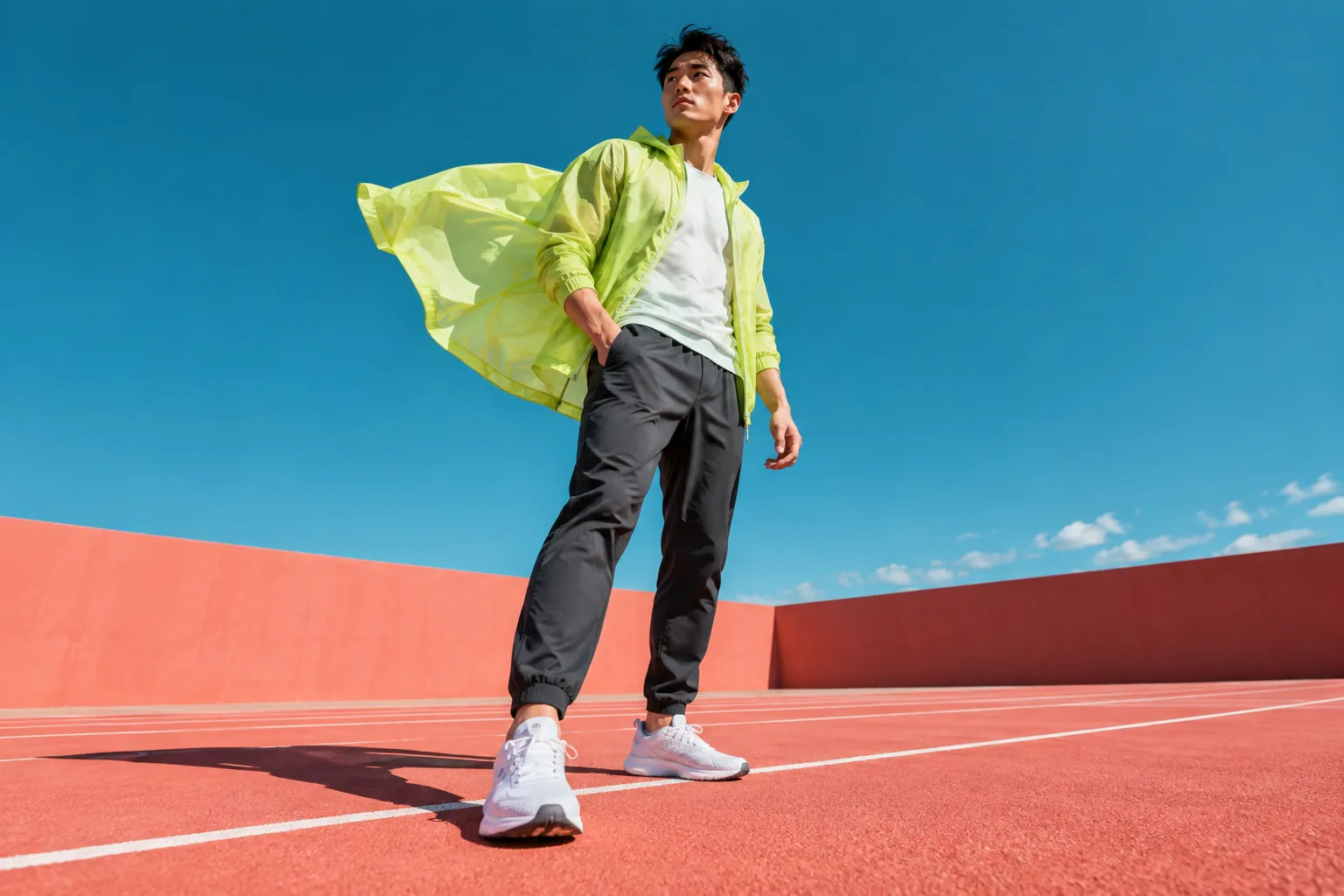
Describe the campaign mood, product material, camera angle, and background as separate parts of one brief.
Reference prompt
Editorial sportswear campaign photograph, fictional adult East Asian male athlete wearing an unbranded translucent lime windbreaker and charcoal trousers on an empty coral-colored running court. A gust lifts the jacket into a crisp sculptural silhouette, deep turquoise sky, strong noon shadows, low wide camera angle, whole person visible, authentic fabric and natural anatomy. Bold flat color planes and confident art direction. No text or logos. No watermark.
These original AI-generated concepts illustrate creative directions. They are not benchmarks or verified outputs from the named model. Results vary with your prompt, reference, and settings.
Before you create
GPT Image 2.5 Sunburst FAQ
Can I create an image without uploading a reference?
Yes. Describe the image you want and leave the reference empty to use text to image. Add a reference to switch to image to image. Sign in, check the credits shown on the button, and generate with one click.
How do I choose the output settings and credits?
The workspace shows the currently available choices for GPT Image 2.5 Sunburst. Select your output settings and check the credits on the generation button. Availability can change; an unavailable model cannot be submitted.
What should I check in the result?
Verify packaging geometry, product details, and any marketing text; concept imagery still needs a publishing review.
Can I continue working on a generated image?
Your results appear in your workspace and history. Use a generated image as a reference for a new edit, or reuse the prompt to explore another direction. Each new generation has its own credit quote.
Keep exploring